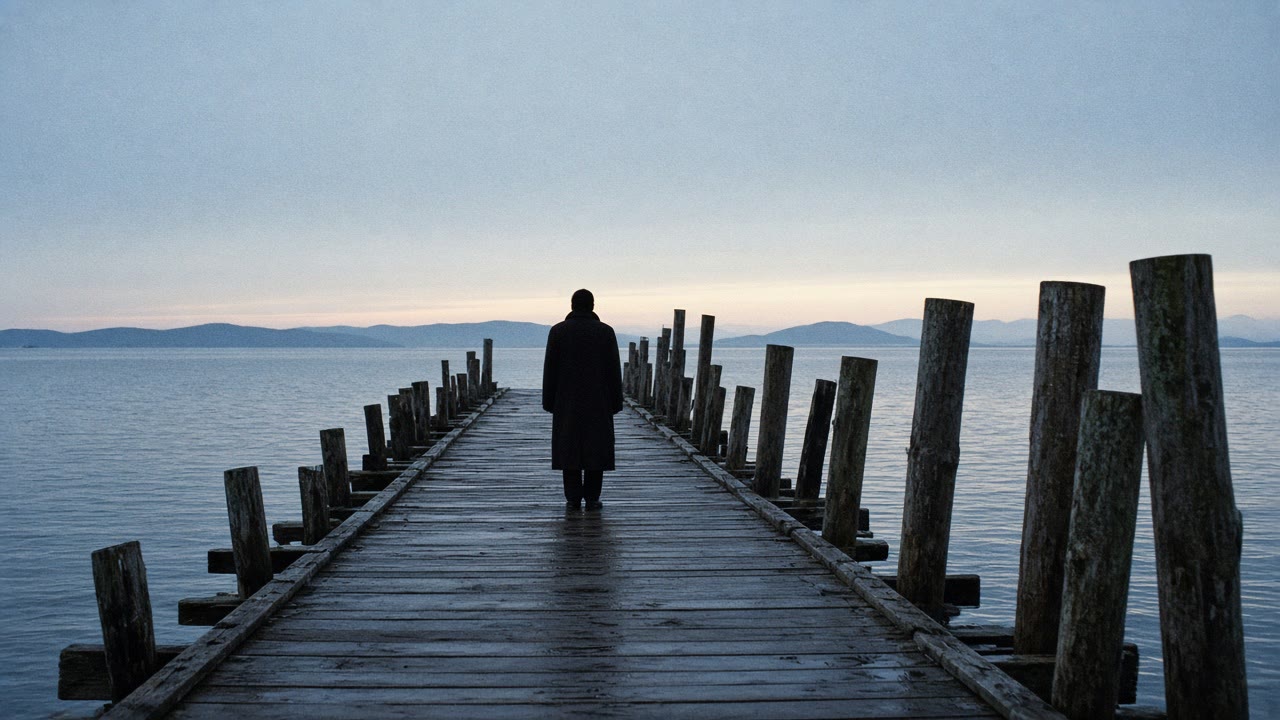
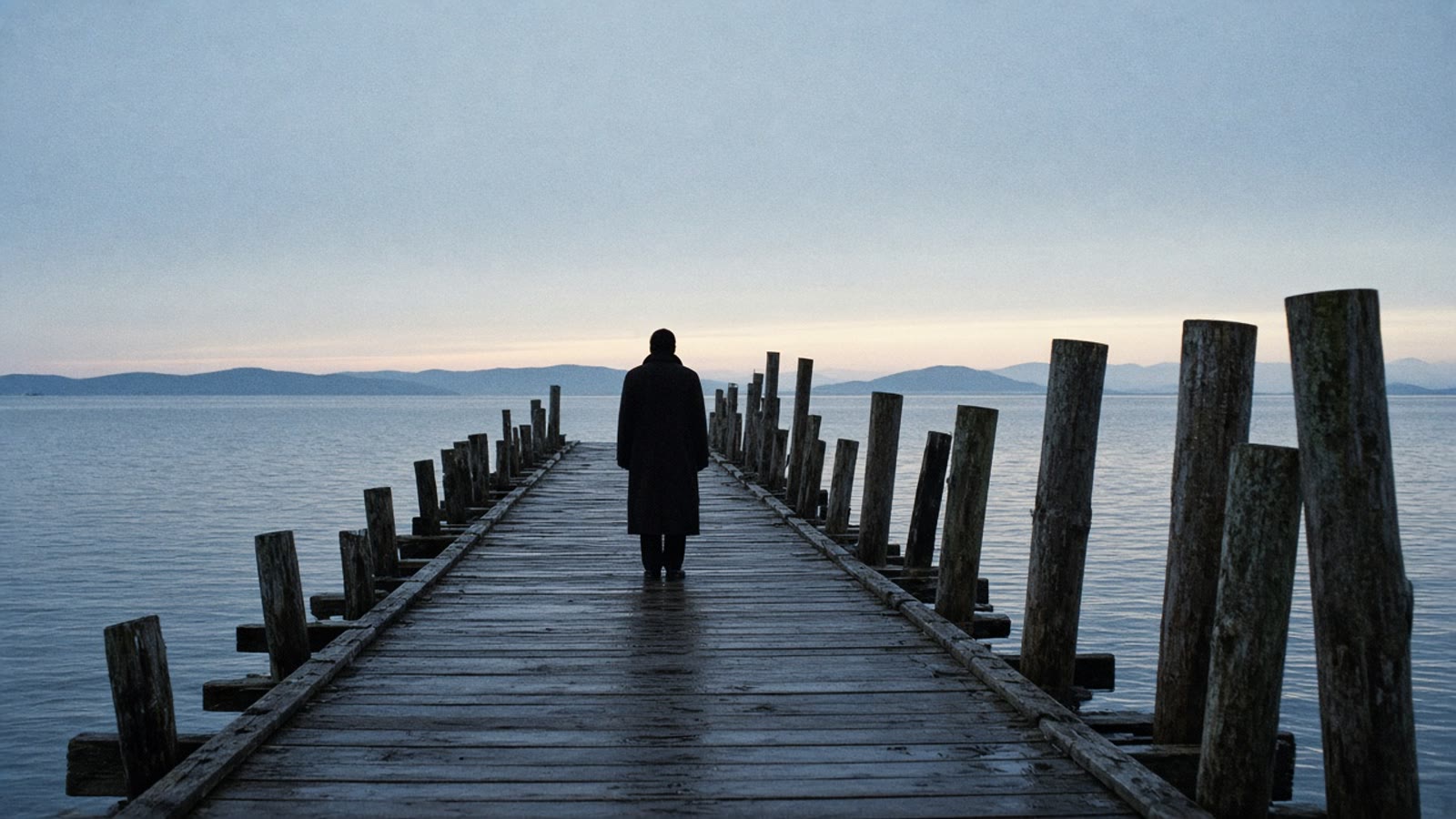
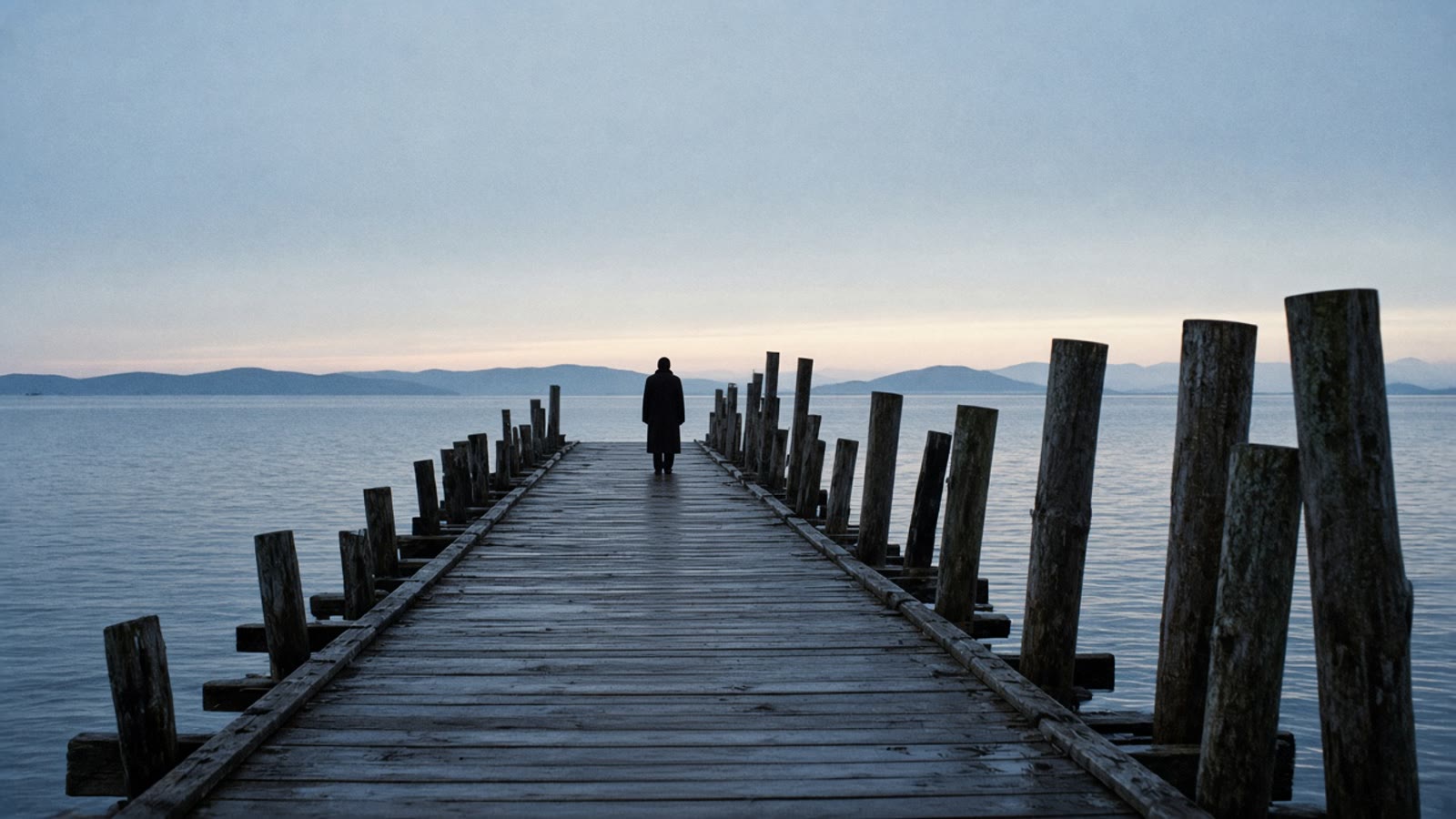
VibePaper does not offer Pika H3 Flex. This is not a lock screen, a phone background, or a desk setup. It is a keyframe workflow: draw the first and last frame in Paper Gen, compare them on the canvas, then let Seedance 2.5 cross the gap with Sound on.
Opening
Seedream 5.0 still
Landing
A second still
Motion
Seedance 2.5
Sound
On, one mix
29 OctH3 Flex announced
6 stepsPicture and stereo sound
5–15 sPublished clip length
1,288DesignArena Elo, 1 Nov
Pika announced H3 Flex on 29 October 2026. Coverage on 1 November describes an open-weight post-train of MiniMax H3 that generates picture and synchronized stereo audio in one six-step pass, down from the base model’s 50 steps. Two LoRA adapters ship with it. One is for text-to-video and first-and-last-frame conditioning. The other takes multimodal references: up to 12 files, counted as 9 images, 3 videos and 3 audio clips. Native output is 480p or 768p, 5 to 15 seconds. 1080p, 2K, 4K and a split into five audio stems stay on Pika’s hosted API. You can read that release. You can run the keyframe half of it here, with Seedream 5.0 and Seedance 2.5.
Write the frame you start on and the frame you land on. The model only has to walk between them.
Cue
Five moves, in order
The links set the model and the prompt. They do not set the ratio, the duration, the input mode, or Sound. Paper Gen reads the prompt once, then removes it from the address bar, so a reload will not wipe the next edit.
01
Draw the two stills in Paper Gen.
Seedream 5.0 is the default image model. Set the aspect ratio before Generate. The opening and the landing should share the place, the coat, and the light. “4 more like this” keeps that prompt and makes four variations. Paper Gen has no style chip.
02
Put both frames on the canvas.
Continue in Canvas opens a board with the prompt wired to the stored file. Park the opening still beside the landing still. If they disagree about the room, fix a sentence and regenerate. Do not ask the video model to invent the missing agreement.
03
Grade only if both frames should wear it.
Select an image card. The style chip is on the canvas generate row. A preset appends a fragment. It does not replace the pier or the door. One grade for both frames, or none. A grade on only one frame makes the bookend flicker.
04
Cross the gap with Seedance 2.5.
Switch the video node, or Paper Gen’s video composer, to First / last frame. Attach the opening still as First frame and the landing still as Last frame. That mode locks aspect ratio to adaptive. Set Duration to a fixed length from 4 to 30 seconds. Auto is the default. Sound defaults to on. Write only what changes.
05
Use Reference when two frames are not enough.
Make it a video on a single still switches to video and attaches that still as a reference. It does not place a last frame. Reference mode takes up to 30 images, 10 videos and 10 audio clips. First / last frame takes two images and no audio clip. Swap frames if the slots land backwards.
Published / here
What H3 Flex published, and where it lives here
The left column is the 29 October announcement as reported on 1 November, in our words. The right column is the VibePaper control that does that job, or the honest gap.
What H3 Flex published, and where it lives here
Published
On VibePaper
An open-weight post-train of MiniMax H3. Adapter weights on Hugging Face under the MiniMax H3 community license. Inference code under Apache 2.0, with ComfyUI and Diffusers named as integrations.
There is no Pika H3 Flex model in the picker, and you do not download those weights here. Stills are Seedream 5.0. Motion is Seedance 2.5, the default video model.
Picture and synchronized stereo audio in a six-step pass, instead of the base model’s 50. Native 480p or 768p, 5 to 15 seconds in whole seconds, 24 fps, H.264 with 32 kHz stereo AAC. Lapaas Voice lists 11 aspect ratios.
Seedance 2.5 generates 4–30 seconds at 480p or 720p in Paper Gen. Sound is a toggle and defaults to on. There is no 768p option and no frame-rate control. First / last frame locks the ratio to adaptive.
Two adapters. One does text-to-video plus first-and-last-frame conditioning. The other takes up to 12 references: 9 images, 3 videos, 3 audio clips.
Seedance 2.5 has two input modes. First / last frame takes one opening image and one landing image. Reference takes up to 30 images, 10 videos and 10 audio clips. The caps are not the same product. Do not put a third picture into First / last frame.
1080p, 2K and 4K upscaling, plus five audio stems, run only on Pika’s hosted API. The downloadable model is the draft.
Paper Gen’s resolution control is 480p or 720p. Draft preview forces 480p. On the canvas, the button is Generate 1080p final, built from that preview. There is no 2K or 4K pass, and no stem export.
As of 1 November 2026, Silicon Noon placed H3 Flex eighth on the DesignArena video board, Elo 1,288 across 817 battles, the highest open-weight model there. Pika had reported seventh at launch, Elo 1,293. Wan 3.0 sat fourth without open weights. MiniMax H3 sat eleventh.
That rank is not a VibePaper benchmark, and the board moves. Pick Seedance 2.5 because it is the model here that takes a first frame and a last frame and can keep Sound on. The price shows on Generate when the quote is ready.
A quoted “about seven seconds” for a 15-second 768p clip is transformer compute, not the full wait. Silicon Noon also reports a separate internal timing on eight NVIDIA B300 GPUs: a 5-second 768p clip with audio, from 3.409 seconds to 2.129 seconds of total inference, schedule held fixed. The two numbers are not one speedup.
Ignore both timings when you plan a shot here. Seedance 2.5 does not publish a six-step schedule. Set a duration, generate, and read the frame. Change one sentence if the landing still was not the one you attached.
Three looks
Bookends first, references when the job is not a bookend
Generate both stills before you ask for motion. The first two looks are First / last frame. The third is Reference, because the person and the rain are ingredients, not a start and an end.
01Pier, near to far
Mode: First / last frame.
Grade: off.
Camera chip: off.
First frameLast frame
Showa Retro appends warm old film and a quiet nostalgic mood. This hour is blue. Leave the style off, or the landing frame will not match the opening. Push In is a dolly toward a subject. This walk moves away. The two stills already define the path.
Opening still. Paper Gen, Seedream 5.0. Set 16:9 yourself. The link does not. Face stays hidden.
Landing still. Same pier, same coat, person small at the far end. Continue in Canvas and set the two cards side by side before you grade anything.
The walk. Seedance 2.5, First / last frame. Duration 8 seconds, not Auto. Sound on. No camera chip.
First frame
Blue hour on a weathered wooden pier over calm water, 16:9. One original adult in a dark wool coat, seen from behind, standing near the camera at the near end of the pier, face hidden. Wet planks, pale sky, low hills. Natural light, fine grain. No text. No logos.
The same pier, the same camera height, the same blue hour and the same coat. The person is now small at the far end of the pier, still facing away. The near planks are empty. No new objects. No text. No logos.
If the hills or the posts drift, regenerate this still. Do not ask the video pass to repair the place.
The same pier and the same coat. The person walks away from camera along the planks until they are small at the far end. One continuous shot. No cut. They do not turn. Water and footsteps only. No music. No dialogue. No text.
First frame is the near still. Last frame is the far still. Swap frames if they land backwards. Ratio locks to adaptive.
Grade: Cinematic → Suspense, only if both stills can go cold.
Camera chip: off.
First frameLast frame
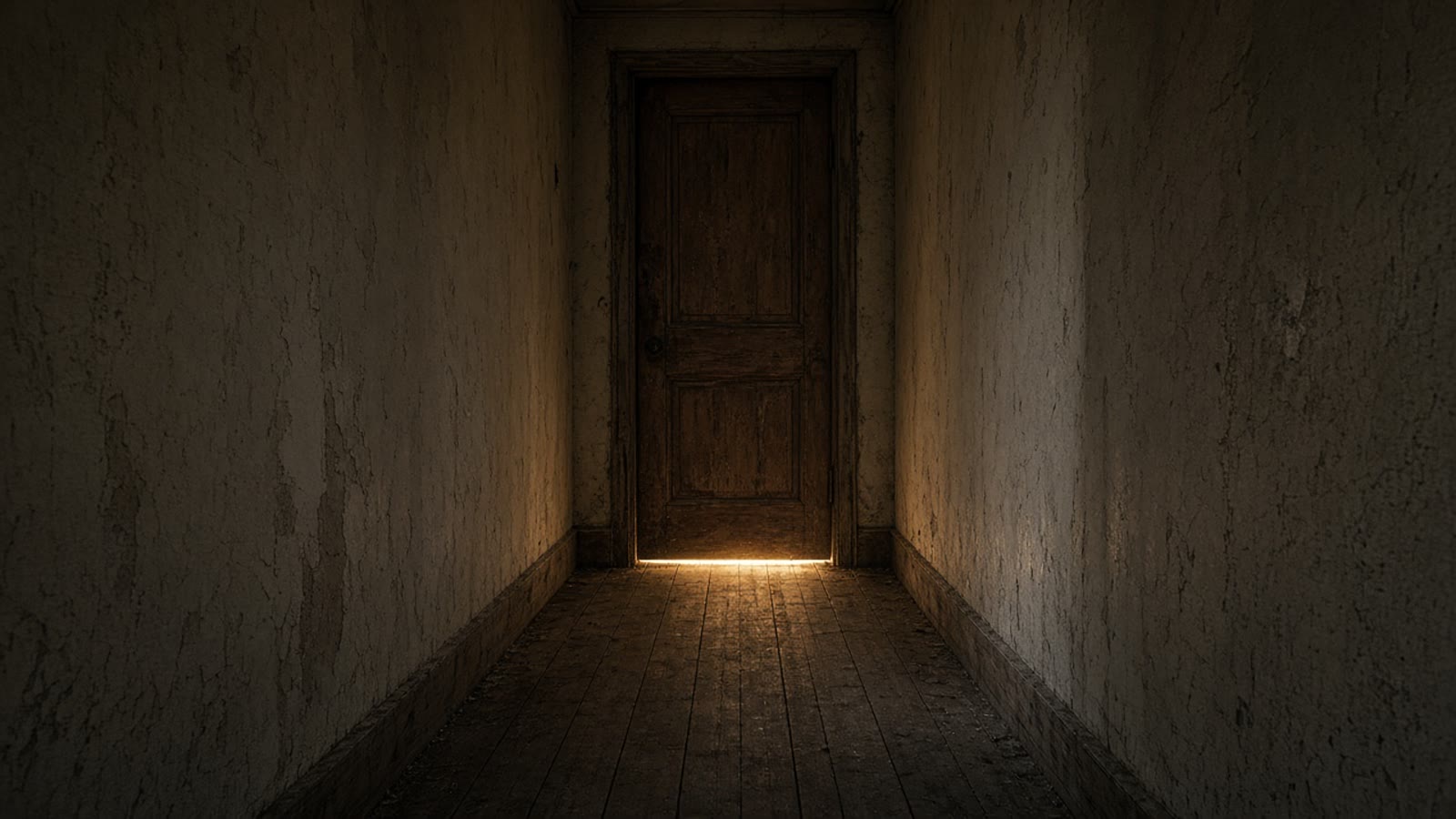
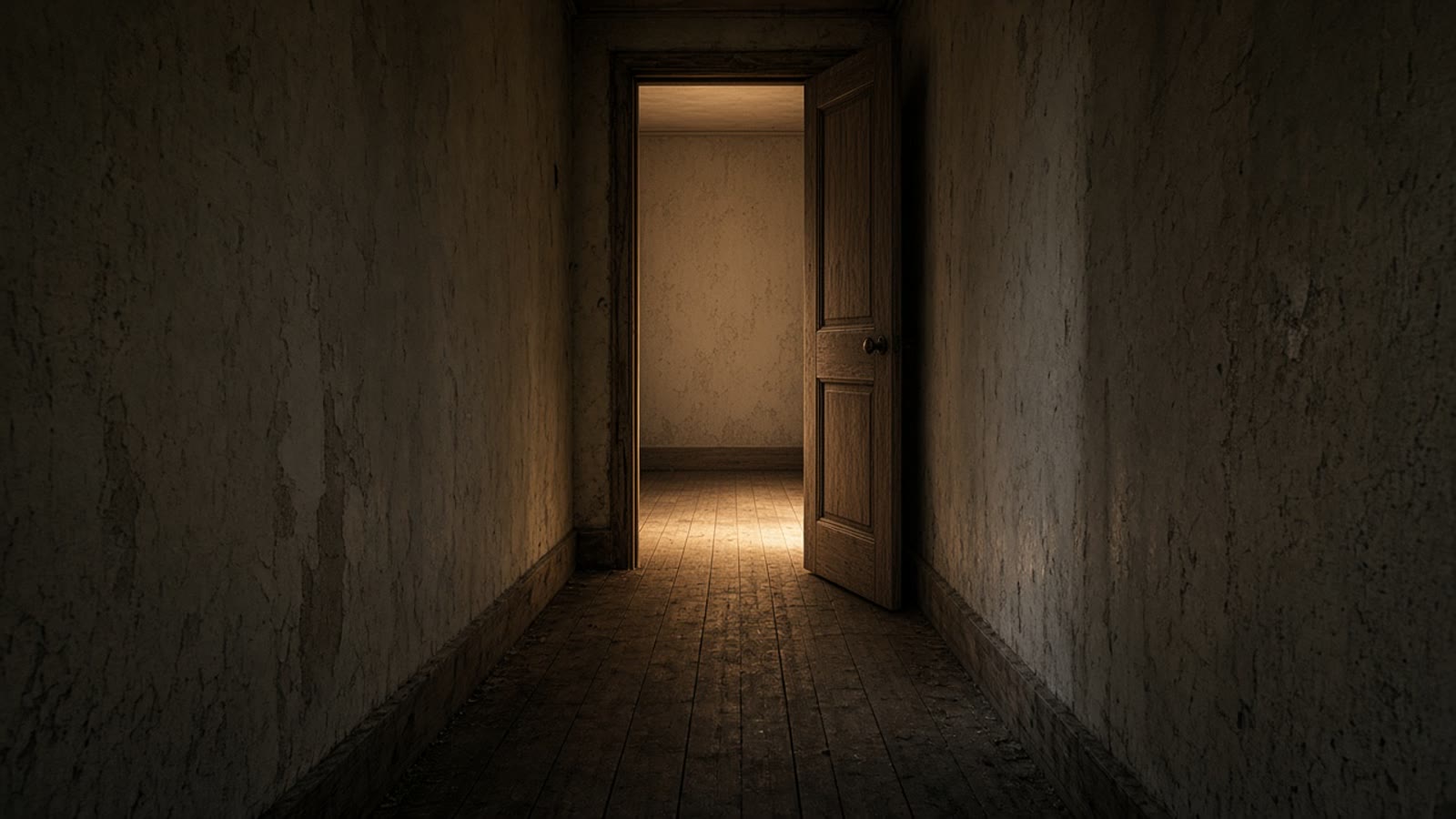
Suspense appends a cold, low-exposure, high-contrast grade. It can pull the warm leak under the door toward blue. Clear the style if that lamp has to stay warm. Apply it to both stills or to neither. Nobody walks through.
Shut. One door, one leak of light, no people. Seedream 5.0, 16:9.
Open. Same hallway, door open, empty room. On the canvas, check the plaster and the boards still belong to the first still.
The latch. First / last frame. Duration 6 seconds. Sound on, and the prompt asks for a latch then room tone. You will not get separate stems.
First frame
A narrow hallway, documentary light. A closed worn wooden door at the end. Warm light only under the door, on scuffed boards. Empty. No people. No text. No logos.
Empty hallway. Do not add a figure in the motion prompt later.
The same hallway and the same door, now open inward. The warm light falls across the floor of an empty room beyond. Nobody is there. No furniture. No text. No logos.
Same camera height as the shut door. A new angle becomes a different shot.
The same hallway. The door opens inward. Nobody enters. The warm light spreads onto the floor. One continuous shot. No cut. A latch, then room tone. No music. No dialogue. No text.
One action: the door opens. Fixed duration, not Auto. Leave the camera chip off.
First / last frame would treat the person and the empty window as a start and an end, and the person would walk out of the shot. They are two ingredients. Reference mode can also take an audio clip, up to ten, between 2 and 30 seconds. First / last frame cannot. AI Realistic appends pore-level skin and a 35mm close-up note. This is a wide back-view. Leave it off.
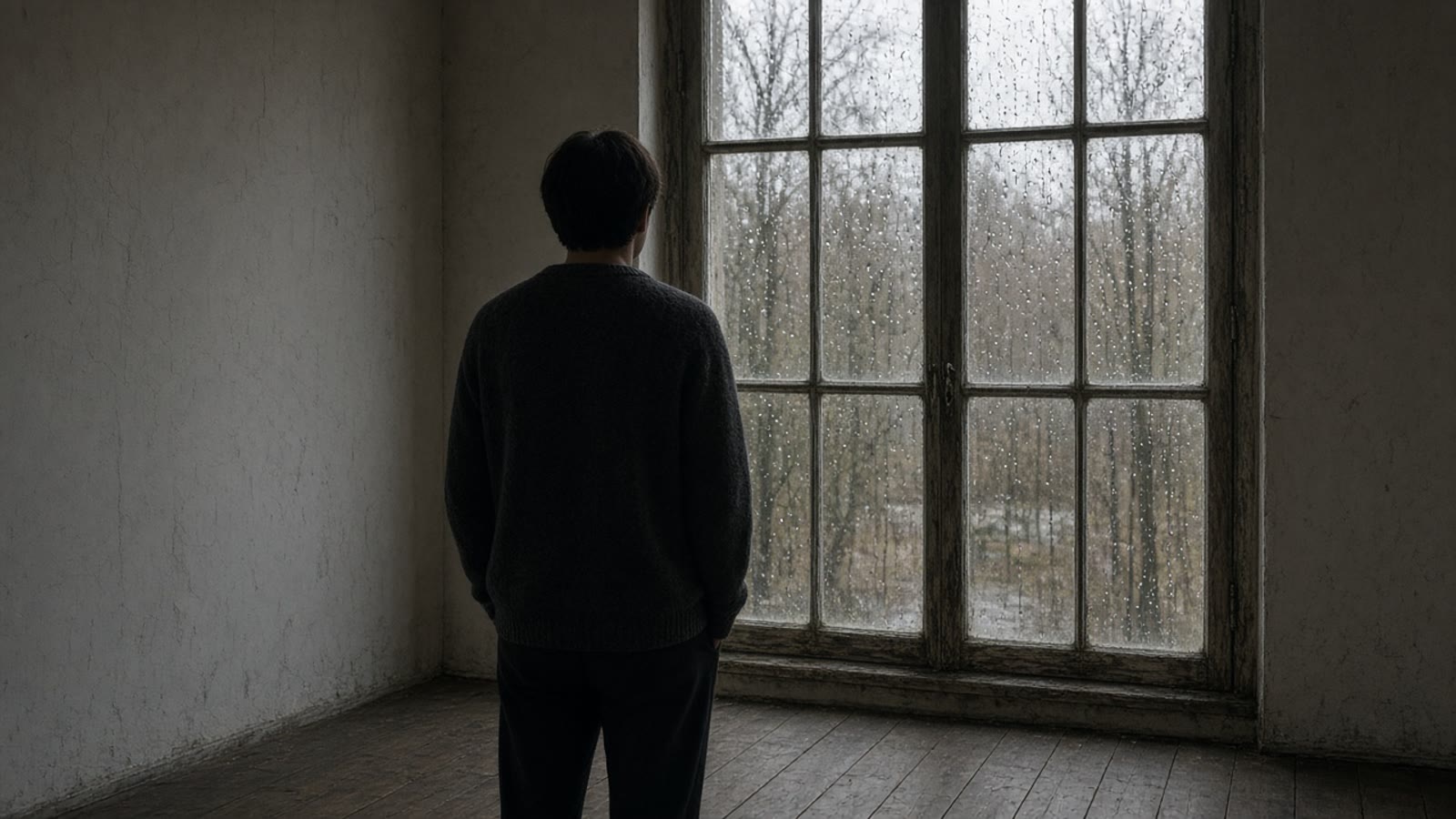
The person. One still, face hidden, standing at the window. Seedream 5.0.
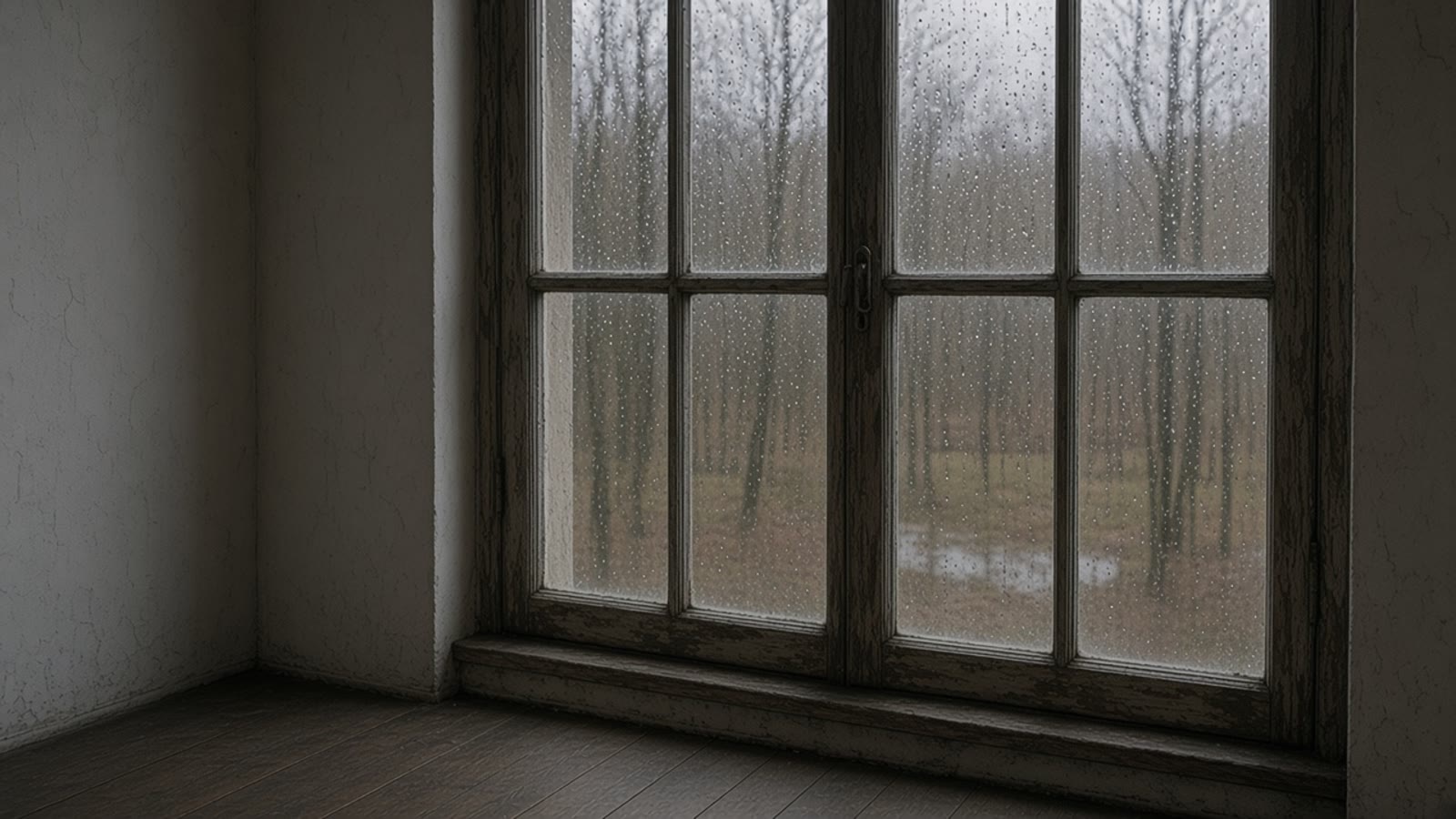
The weather. A second still of the same window with nobody in it. These are references, not bookends.
Hold. In the video composer, choose Reference, not First / last frame. Attach both stills. Duration 8 seconds. Sound on. Write the rain. Do not attach the stills as first and last.
Reference, person
A plain room, grey daylight. An original adult seen from behind in a dark sweater, standing still at a tall old window. Rain on the glass, bare trees outside. Face hidden. Hands at their sides. No text. No logos.
Original adult. Do not upload a real person’s photo.
The same old multi-pane window, with no person in frame. Raindrops on the glass, bare trees and wet ground outside. Grey daylight, worn wood. No text. No logos.
No person in this still. It is the rain, not a last frame.
Hold the person at the window. They do not turn and they do not walk. Rain moves on the glass and the trees shift slightly. One continuous shot. No cut. Rain and room tone only. No music. No dialogue. No text.
Reference mode. If you leave the composer on First / last frame, the person becomes the start and the empty window becomes the end.
H3 Flex writes synchronized stereo into the same pass. Pika’s hosted API can then split that mix into five stems. The local weights do not. Seedance 2.5 has a Sound toggle, on by default, and it returns one mix. Name the sounds in the motion prompt so the mix has a job.
Pika’s five hosted stems
01
Dialogue
Spoken words. These three looks have none. Say so in the prompt.
02
Score
Music. Leave it out unless the shot needs a cue.
03
Sound effects
Designed hits. The latch is this, if you ask for it.
04
Foley
Footsteps, cloth, the cup you did not put in frame.
05
Ambience
Water, rain, room tone.
You will not export those five files from VibePaper. In Reference mode you can attach up to ten audio clips as references, each 2 to 30 seconds. First / last frame does not take audio. For the pier and the door, write the sound and leave Sound on. Draft preview forces 480p and is the cheap pass. On the canvas, Generate 1080p final builds the full shot from that preview.
The landing frame is a decision, not a hope.
Open the pier, set 16:9, and do not generate the walk until the far figure is the same coat on the same boards.
H3 Flex figures come from Silicon Noon (1 November 2026) and Lapaas Voice (announcement date 29 October 2026, published 1 November 2026). Seedance limits are the current seedance2-5 definition in this product: 4–30 seconds, 480p or 720p, First / last frame or Reference, Sound on by default. Draft preview forces 480p.
No. H3 Flex is Pika’s open-weight post-train of MiniMax H3, announced 29 October 2026. This guide uses Paper Gen, the infinite canvas, Seedream 5.0 and Seedance 2.5.
How do I set a first and last frame?
On Seedance 2.5, switch Reference mode to First / last frame. Attach one image as First frame and one as Last frame. The aspect ratio locks to adaptive. The link from this page sets the model and the prompt only.
Does Make it a video attach both frames?
No. Make it a video switches to the video composer and attaches that one still as a reference. Add the last frame yourself, and switch the mode if you are still on Reference.
Can I export five audio stems?
No. Those five stems are Pika’s hosted API. Seedance 2.5 returns one mix when Sound is on, which is the default. Reference mode can also take up to ten audio clips. First / last frame cannot.
Can I finish at 4K?
Not here. H3 Flex’s 1080p, 2K and 4K passes are Pika’s hosted upscale. Paper Gen offers 480p or 720p. Draft preview forces 480p. On the canvas the button is Generate 1080p final.