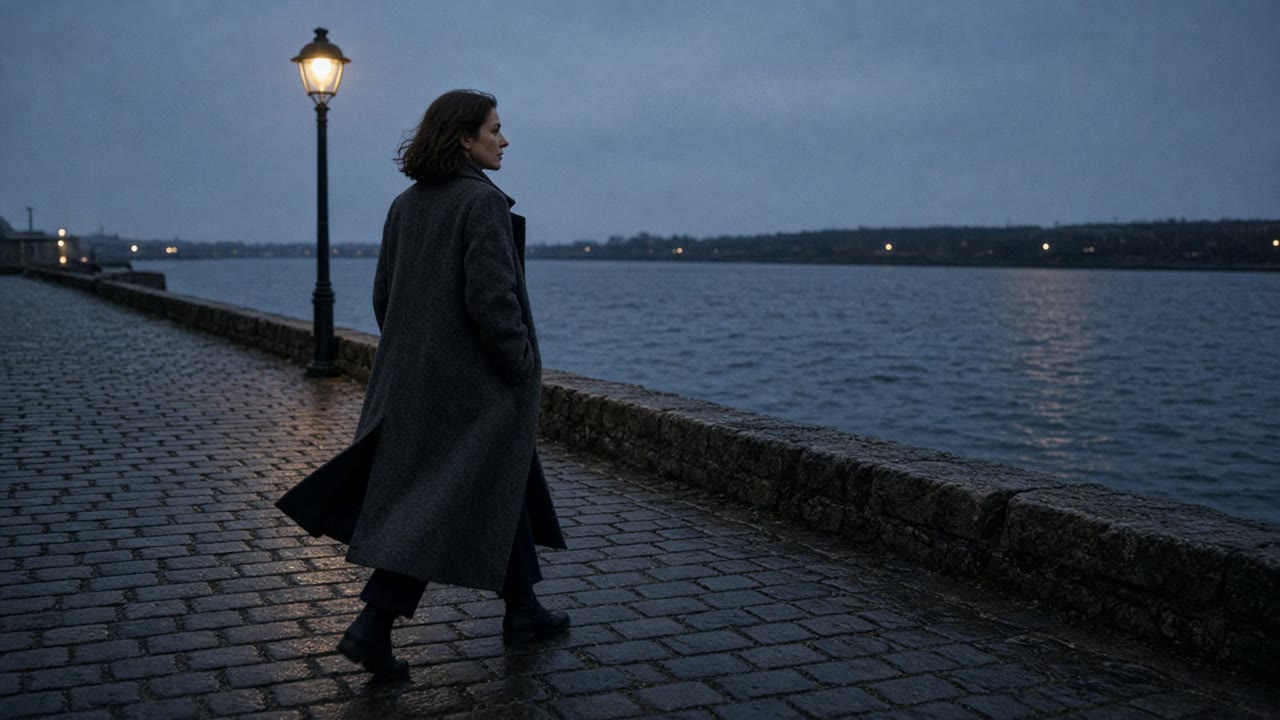
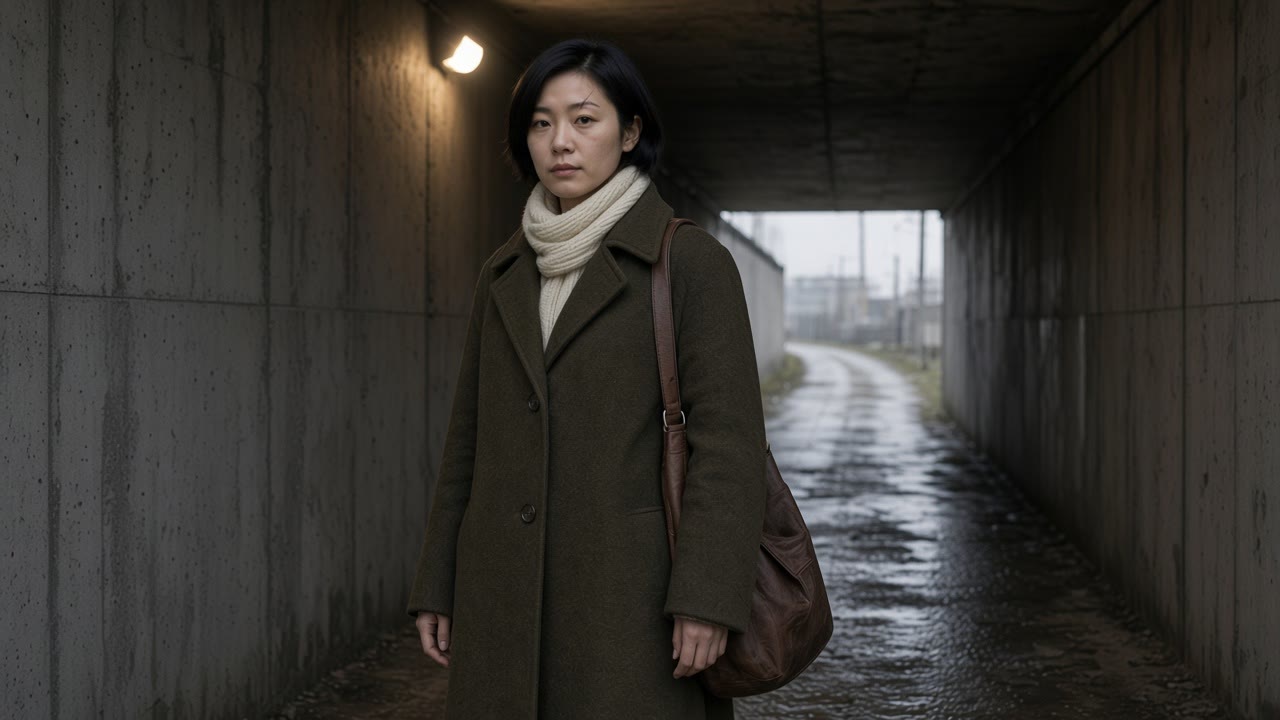
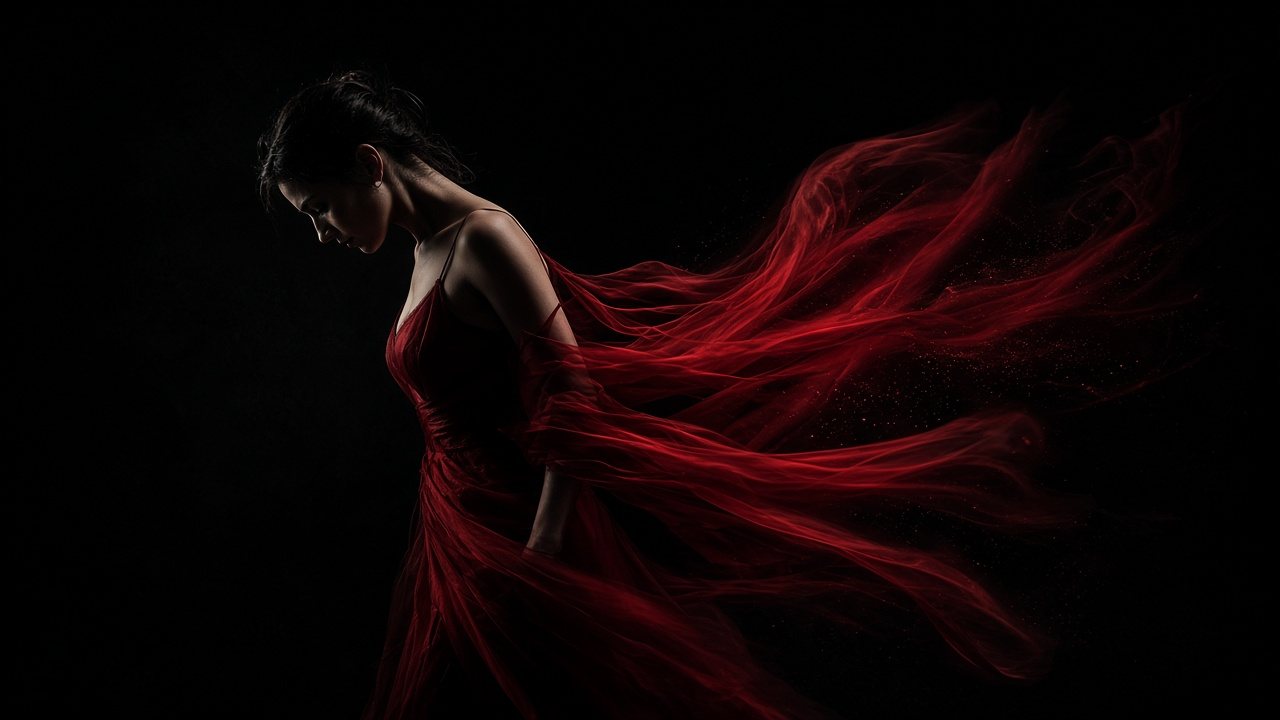
Seedance 2.0AI video generator with sound
Up to 15 seconds in one take, with speech, effects and music made in the same pass. Start from a prompt, two frames or up to 15 reference files.
No watermark. You see the price before you generate.
What it does
Seedance 2.0 features: picture and sound in one pass

Speech that matches the lips, sound that lands on the action
A couple at a seaside table, lemon water between them, talking and laughing. Seedance 2.0 generates the voices, the clink of glasses and the waves together with the picture, so the lips match the words and the sounds land on the moves instead of being laid on afterwards.

Several angles, one cast
Write a close-up, a wide shot and a rooftop view into one prompt and Seedance 2.0 cuts between them. The same boy, the same yellow shorts and the same bag of lemons carry through a 15 second chase.

Multimodal references: cast it, dress it, then roll
Give Seedance 2.0 a face, a linen set, a pair of sandals and a lane, and it builds the shot around them. One generation takes up to 9 images, 3 videos and 3 audio clips: stills to lock a person or a product, a video to copy a camera move, audio to set a beat. Say in the prompt what each file is for.
Start generating



Built for
Seedance 2.0 for ads, stories and social video

Product ads. The glass bottle, the splash and the slice of lemon in one take, with the pour and the clink already on the track.

Keep going
Extend a take instead of starting over
Hand Seedance 2.0 a finished clip as a video reference and ask it to carry on. The six seconds that follow pick up the same lane, the same light and the same sound, and stitch onto the end of the original.
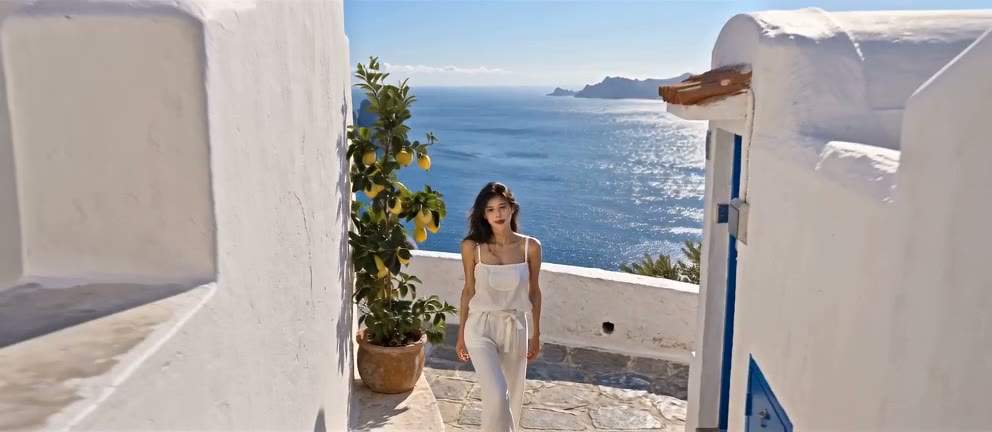 1Extend
What you type
@Video1 is the previous clip. Extend it by 6 seconds, continuing strictly from its last frame: the camera keeps moving forward out of the lane and over the bay. Same light, same sound, no new characters.

Three ways to start
Start from words, frames or references
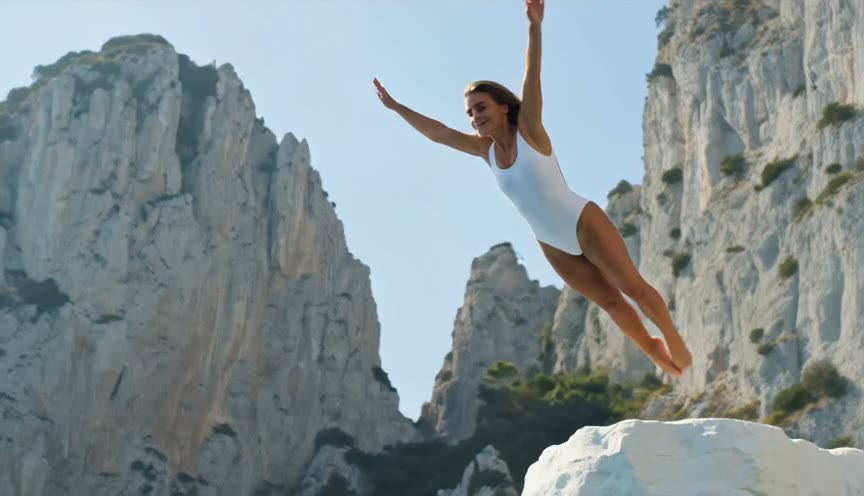
A prompt
Describe the cliff, the leap and the sound of the water. No files needed.
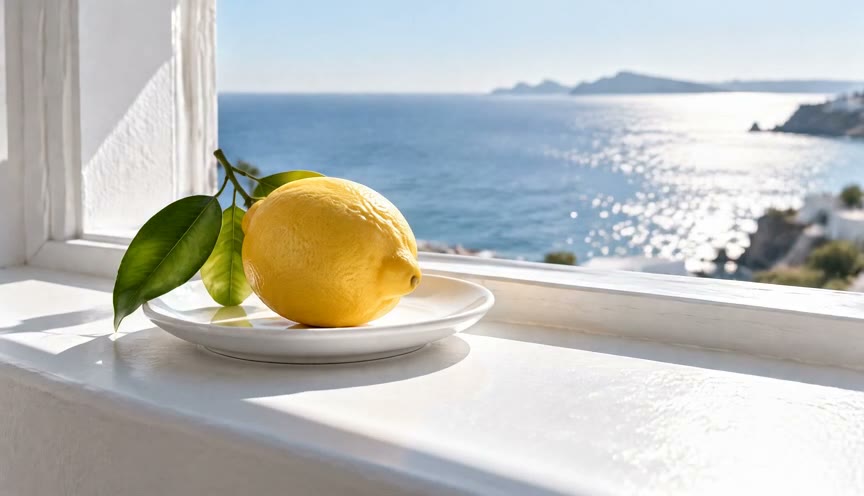
First and last frame
Give it a whole lemon and a cut one, and it films the knife that gets from one to the other.

First frame 
Last frame 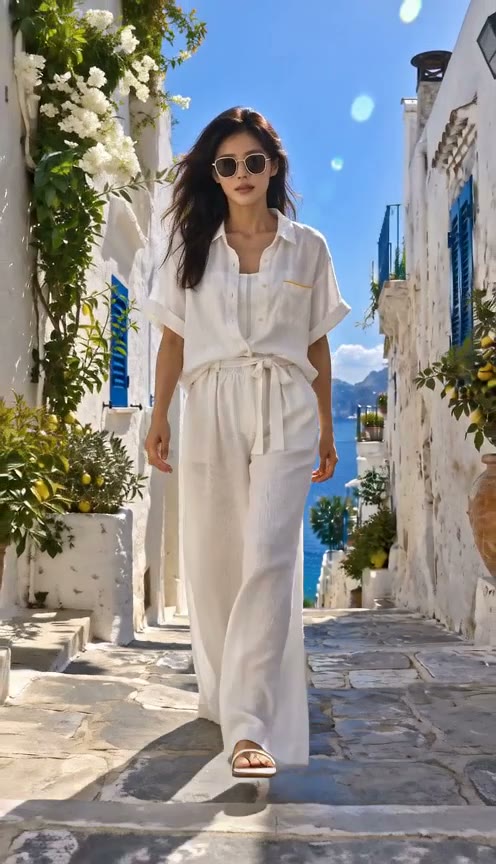
References
Upload the person, the product or the place and let the prompt say what each file is for.


- Developer
- ByteDance Seed
- Length
- 4 to 15 seconds per generation
- Resolution
- 480p, 720p, 1080p or 4K
- Start from
- A text prompt, a first and last frame, or references
- References
- Up to 9 images, 3 videos and 3 audio clips. Audio clips run 2 to 15 seconds each
- Sound
- Speech, effects and music generated with the picture. Can be turned off
- Aspect ratio
- 1:1, 3:4, 4:3, 9:16, 16:9 or 21:9
- Where to use it
- Paper Gen and the canvas in VibePaper
Made with Seedance 2.0
Start generating
Seedance 2.0 questions: length, sound, references and resolution
What is Seedance 2.0?
Seedance 2.0 is a video model from ByteDance Seed. It generates 4 to 15 seconds of video with synchronized sound in one pass, from a text prompt, a first and last frame, or image, video and audio references. In VibePaper it runs in Paper Gen and on the canvas.
How long can a video be, and at what resolution?
Each generation runs 4 to 15 seconds at 480p, 720p, 1080p or 4K. Test a take at 480p to save credits, then generate the one you like at a higher resolution. For anything longer than 15 seconds, extend the clip or try Seedance 2.5, which runs up to 30 seconds.
Does Seedance 2.0 generate sound?
Yes. Speech, ambient sound, effects and music are generated with the picture, so lips and actions line up with what you hear. The sound switch is on by default and can be turned off.
How many references can I use?
Up to 9 images, 3 videos and 3 audio clips in one generation. Audio clips run 2 to 15 seconds each. Tell the prompt what each file is for, such as the face, the outfit or the street.
Can it keep the same character across shots?
Yes, in one generation. Describe the character the same way in every shot, or add a reference image for the face and outfit. Keep the cast small when several faces have to stay consistent.
Can I extend a video?
Yes. Add the finished clip as a video reference and ask Seedance 2.0 to continue it from the last frame. Each generation adds up to 15 seconds.
Which aspect ratios does it support?
1:1, 3:4, 4:3, 9:16, 16:9 and 21:9, so one model covers vertical social video, square posts and widescreen.
Why was my prompt refused?
Prompts that name a known film, song, artwork or real person can be refused. Describe original characters and places in your own words instead.
Can I use the videos commercially?
Yes. Videos download without a watermark, and you can use them in ads, client work and social channels. You are responsible for the images, footage and audio you upload as references.
Guides and Model Briefs from Our Blog
Practical guides and plain-language briefs on the models you can use here: what each one is good at, how to prompt it, and how to get a better result on the canvas.