VibePaper finds the product and the person in your video. Replace either one and the clone follows the original motion, framing and timing.
ProductPerson
AI Video CloneAIVideoClone
Clone a video with your own cast and products. Upload a clip or paste a YouTube link, swap the people, items, outfits or scene, and follow the original shot.
Upload your own video (MP4, MOV or WebM, up to 100 MB). It becomes the reference for your clone.
Sign in to start. Review the cost before generation.
BeforeAfter
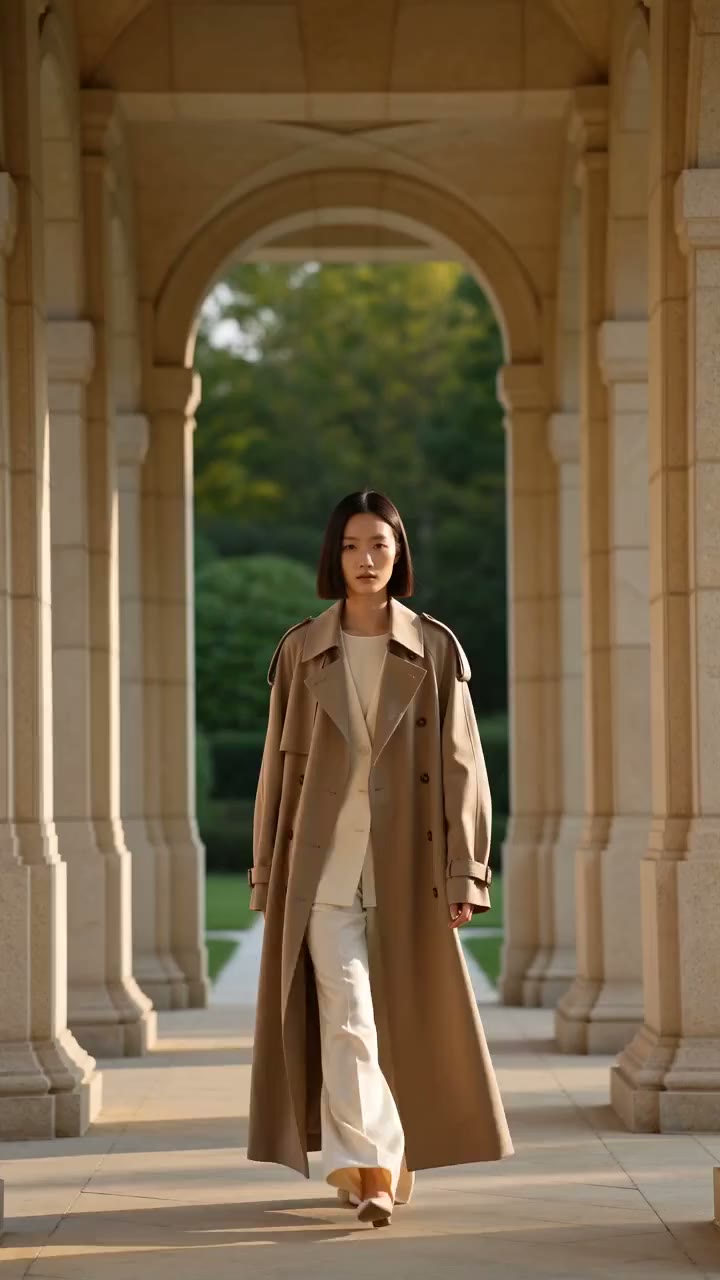
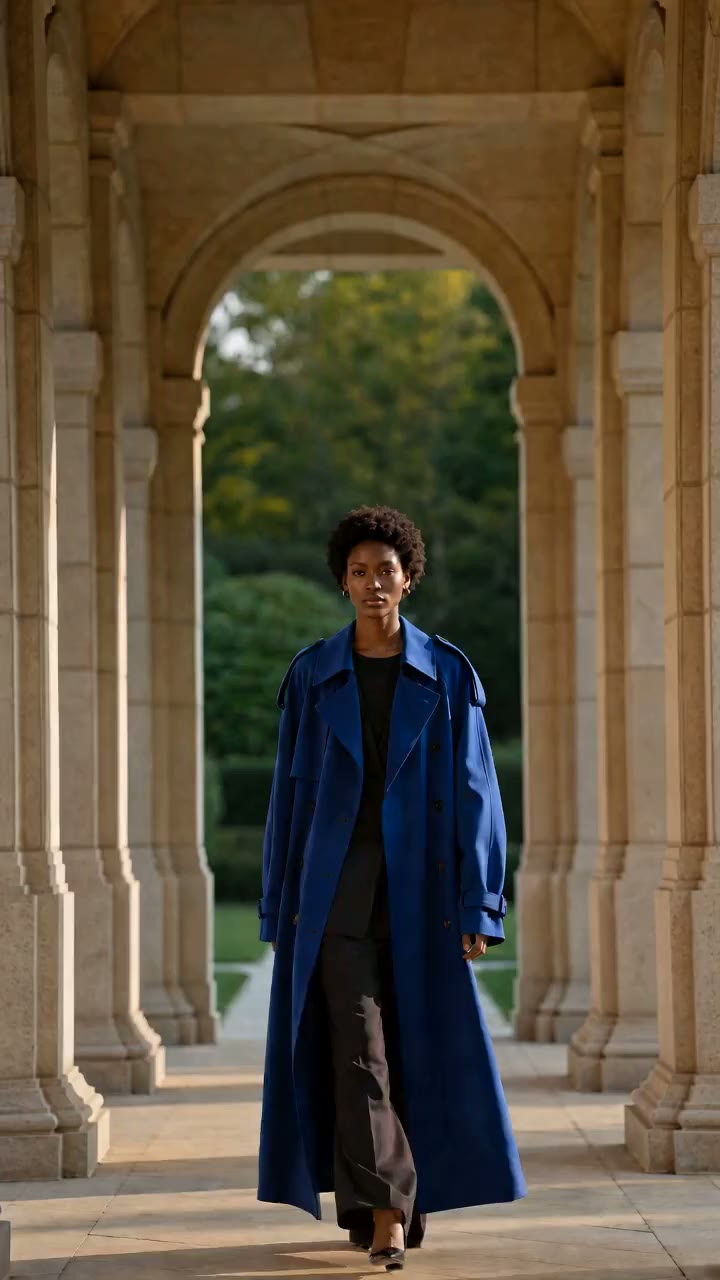
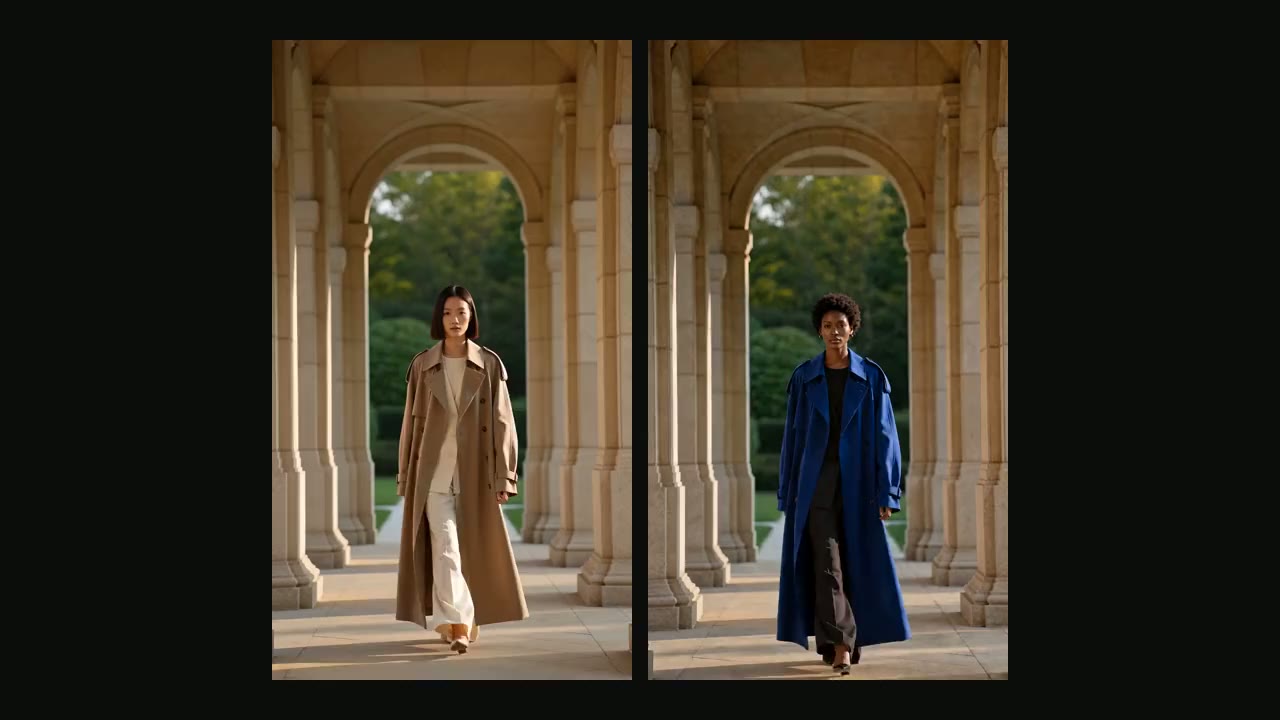
A new person and outfit, guided by the original walk and camera.
BeforeAfter
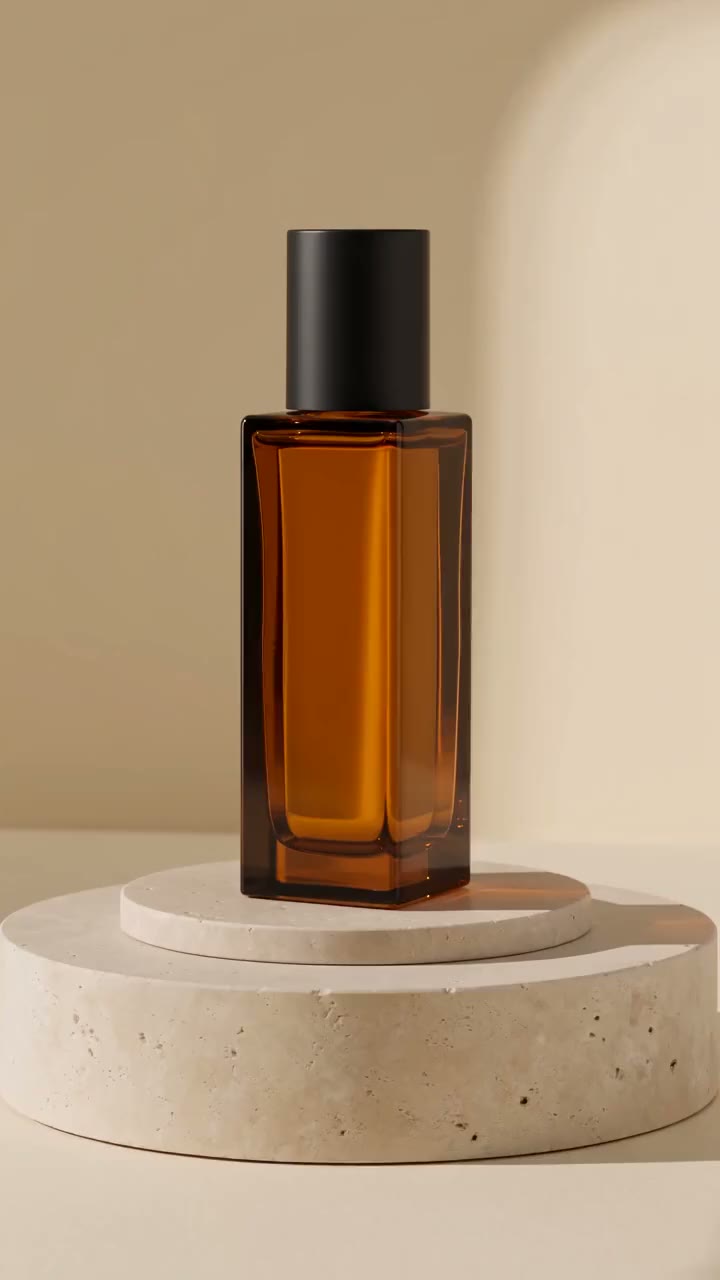
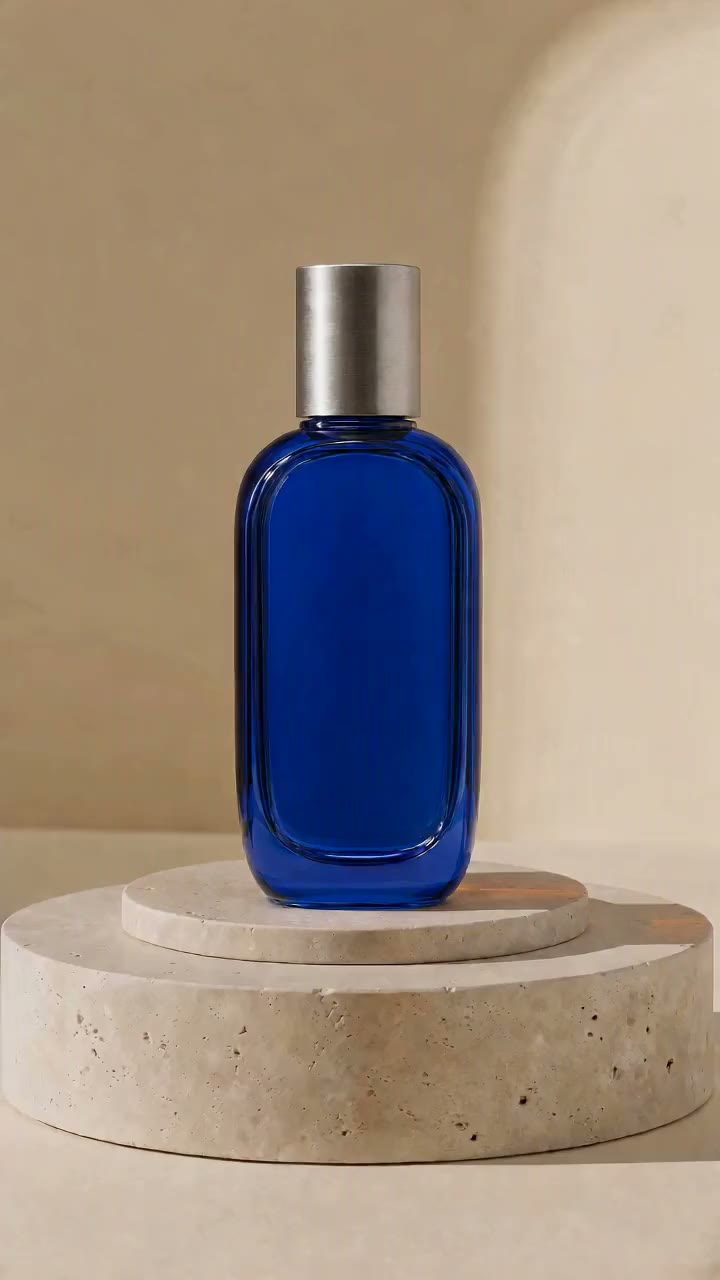
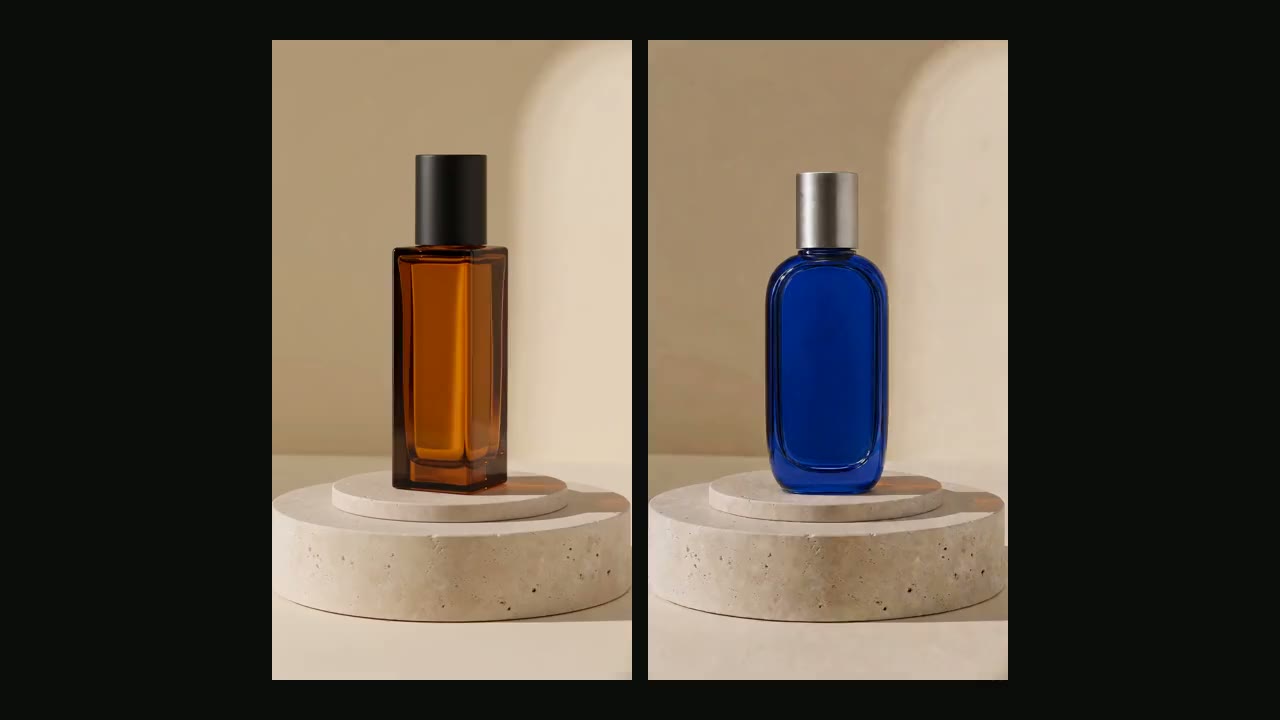
A different perfume bottle, with the original light and camera as reference.
BeforeAfter
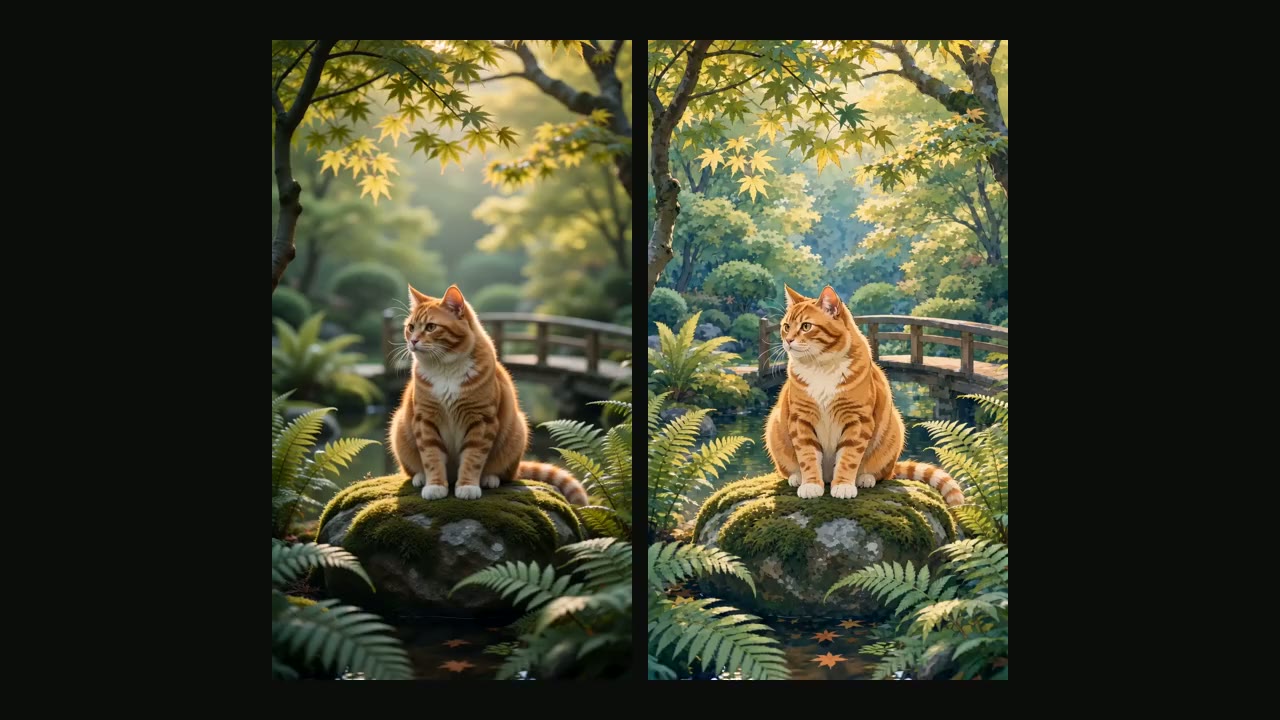
A garden cat, reimagined as hand-drawn animation.
Each clone was generated in VibePaper using the source shown beside it. Results vary with your materials.
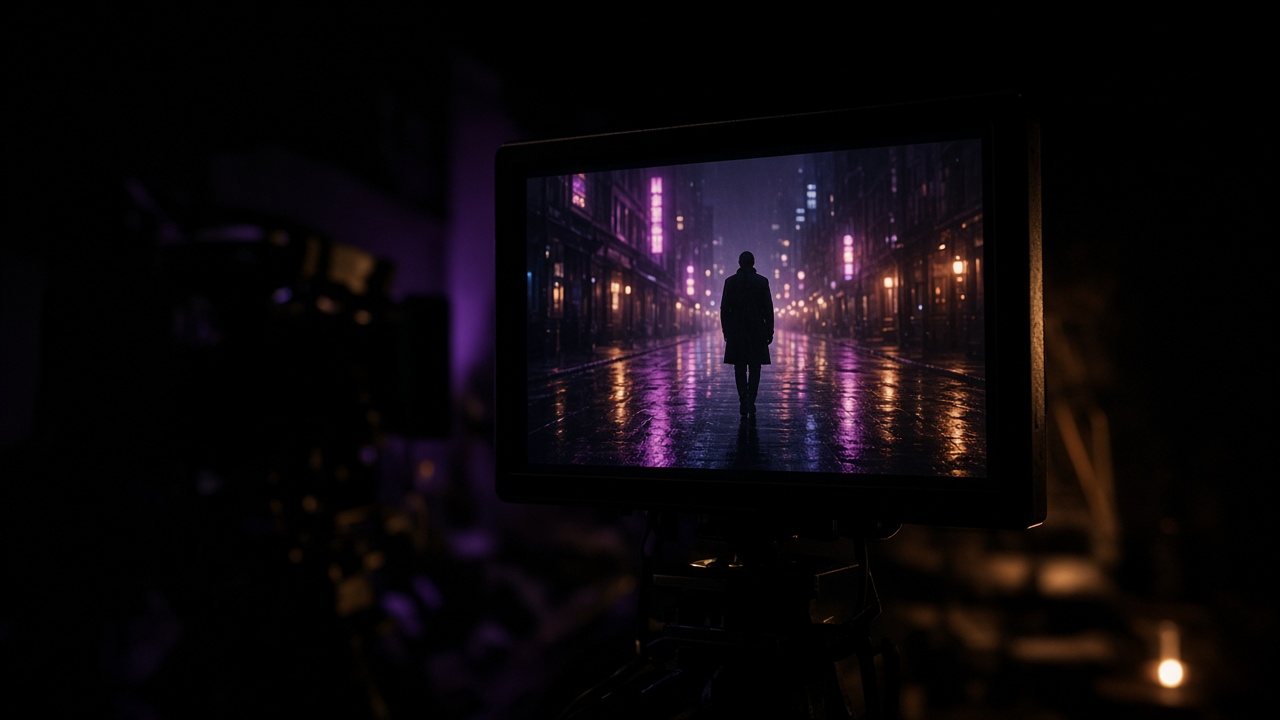
Clone the video. Change what’s in it.Clonethevideo.Changewhat’sinit.
01
Clone a video with your own people and products
Pick a reference clip and choose what to replace: the person, the product, the outfit or the scene. VibePaper reads the shots first, then generates a new version where your materials take their place.
Paste a public YouTube or Shorts link. After import, select a 4–15 second segment as the reference. The source clip and your replacement materials stay together in one project.
Found a short, a product video or an ad with the hook and pacing you want? Use it as the reference for action, camera movement and timing, then put your own product and people in it. You get a new video built on that structure, not a copy of the original. Review the result and download the version you choose.
Practical guides and plain-language briefs on the models you can use here: what each one is good at, how to prompt it, and how to get a better result on the canvas.
It is a new video generated from a reference clip. The action, camera movement and timing follow the original, while the people, products, outfits or scene come from your own materials. It is sometimes called an AI video remake.
Is this a digital avatar of me?
No. This tool does not build a talking avatar or a digital twin from your face and voice. It remakes a reference video with the people and products you choose.
Can I paste a YouTube link?
Yes. Paste a public video link, including a YouTube Shorts link. Import supports videos from 4 seconds to 3 minutes; select a 4–15 second clip on this page. Private, restricted, unavailable, or live videos may not import.
Can I clone a TikTok or Instagram video?
Links from those platforms are not supported yet. You can upload a video file instead (MP4, MOV or WebM, up to 100 MB), as long as you own it or have permission to adapt it.
What can I replace?
People, products, clothing and scenes. Choose which to change and review the result before downloading.
Can I change clothes or replace an object in a video?
Yes. Upload a photo of the outfit to change the clothes, or a photo of your product or another object to replace the item in the clip. The person’s movement and the camera follow the reference.
Which AI model clones the video?
Generation runs on ByteDance Seedance 2.0 as reference video to video: the source clip guides motion, framing and timing, and your images set the new look. The clip is analyzed shot by shot before generation.
Is this the same as video face swap?
No. A video clone generates a new clip that can change the whole person, the product, the outfit or the scene. If you only want to put a new face on the people in your own video and keep its dialogue, use video face swap.
The reference guides the action, camera, and rhythm. AI generates a new video, so exact movement and frame-by-frame identity are not guaranteed.
Does creating a clone cost credits?
Sign in to start a project. New accounts get 20 free credits on sign-up and 10 more for each daily check-in. Analysis and generation use credits; review the estimate on this page before starting a task.
Which videos can I use?
Use videos and materials you own or have permission to adapt. A public YouTube link does not itself give permission to remake the content.
How are my uploads handled?
Project materials are processed to provide the feature and may be sent to the AI providers involved. Read the privacy policy for details.