 VibePaper
Profile photo ideas
Explore a fresh profile image with a photo you own, without planning a new shoot.
Add a clear face photo and a target image to create a natural-looking face swap, then take the result into your VibePaper canvas.
JPG, PNG or WEBP · up to 25 MB each
UI preview — generation is not connected yet
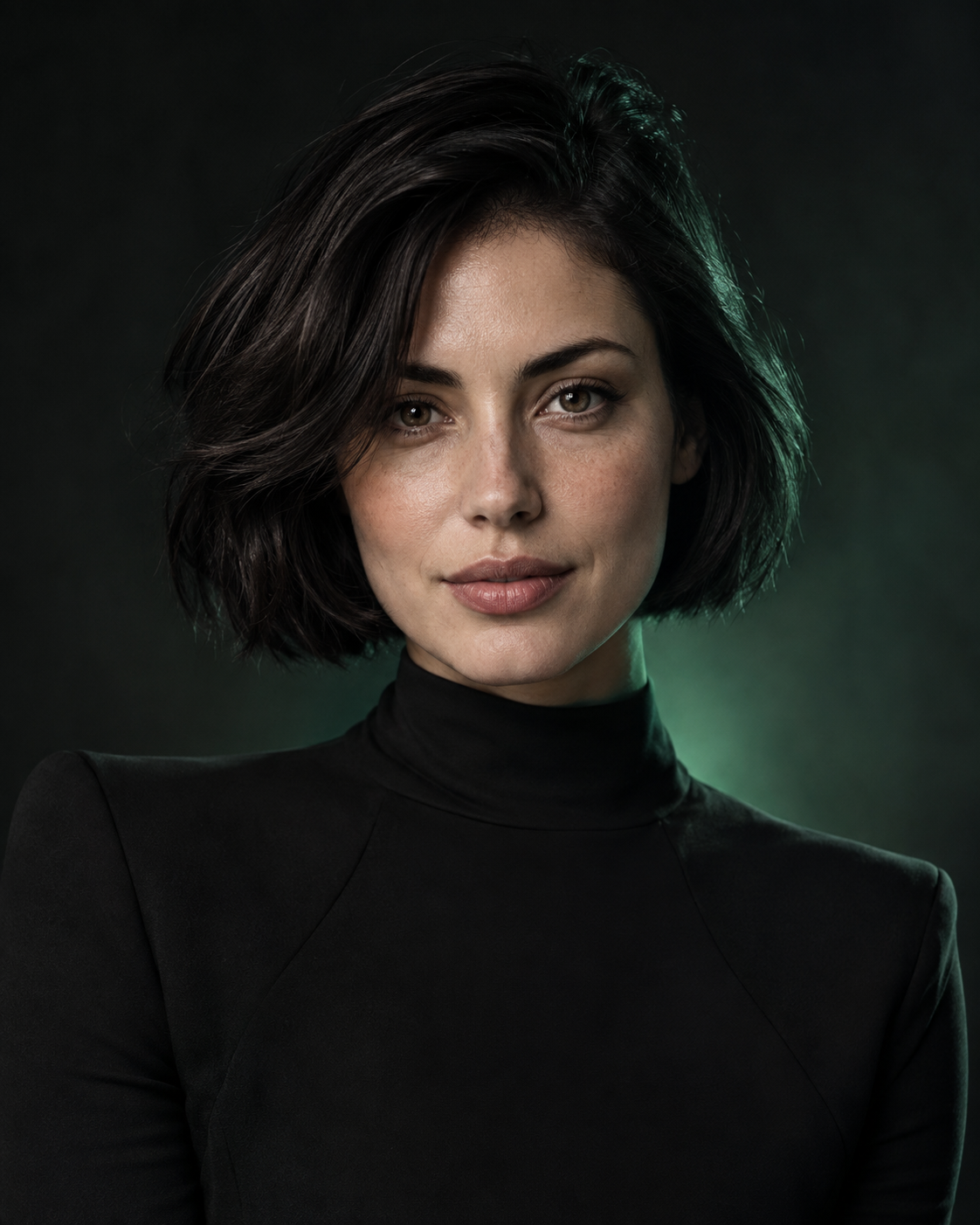
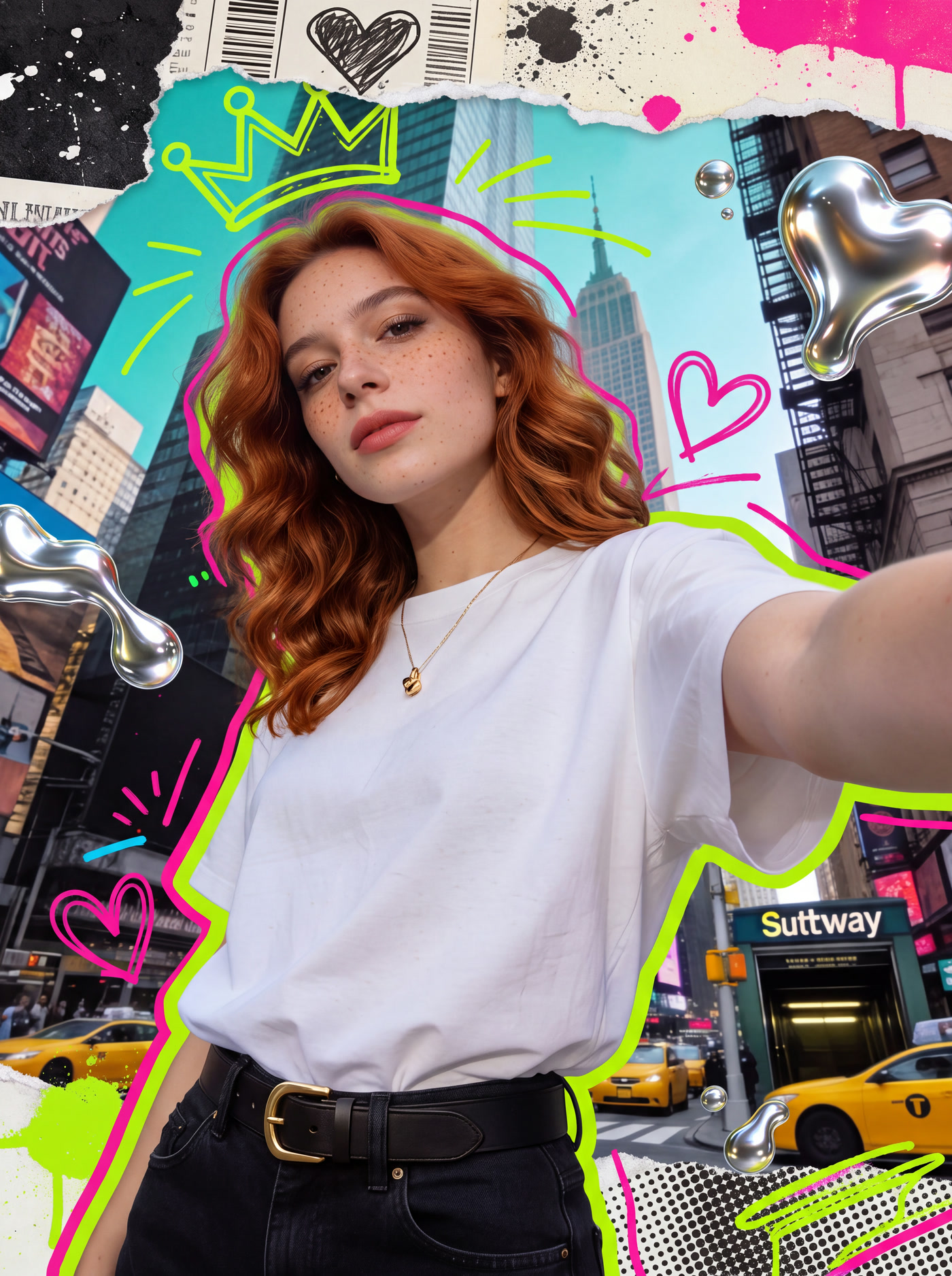
No complex photo editing. Start with two clear images and keep every next step editable.
Choose a selfie or portrait with a visible face, sharp details, and even lighting.
Pick the image where you want the new face to appear. Similar face angles usually work better.
Create the face swap, compare another version, or continue the image inside your VibePaper canvas.
Turn the result into a profile image, a social post, a character study, or the beginning of a larger visual project.
Explore a fresh profile image with a photo you own, without planning a new shoot.
Place yourself in an authorized illustrated or fantasy-style image.
Build a post, thumbnail, or simple visual around your face swap result.
Keep the same source face and compare it across different target photos.
Many online face swap tools stop at a single exported image. VibePaper treats the generated result as the next visual asset in your project, so the idea can continue instead of ending at the first output.
Start with a sharp source portrait and a target photo with a similar face angle. The current workflow is designed for still images in JPG, PNG, or WEBP format, with a maximum file size of 25 MB for each upload.
After the face swap is created, bring it into the VibePaper canvas to compare directions and develop a broader visual project. This keeps the original idea, new versions, and the next creative steps in one workspace.
Before uploading any portrait, confirm that you own the image or have clear permission to edit it. A face swap should be used as a transparent creative technique—not to impersonate another person, misrepresent an event, or create content intended to deceive or cause harm.
Explore the VibePaper AI creative workspaceAn AI face swap places the visible face from a source portrait into a target photo while adapting it to the target image.
Use a clear, well-lit photo where the face is visible. Photos with similar angles usually produce a more natural-looking result.
Yes. After creating an image, continue in VibePaper to crop it, add text, compare versions, or develop a larger visual project.
Only upload photos you own or have clear permission to use. Do not use face swap to impersonate, deceive, or harm someone.
Review VibePaper’s Privacy Policy for the current rules on uploads, generated images, storage, and data use.