 VibePaper
Free AI Image Generator
Describe a picture, upload a reference, or start from a sketch. One AI photo generator, AI art generator, and AI image creator with Nano Banana 2, GPT Image 2.5, and more in one place.
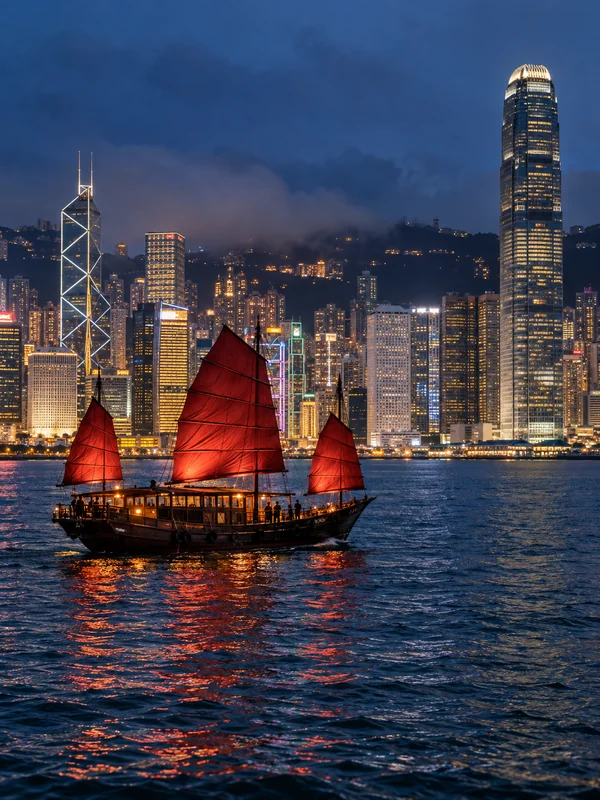
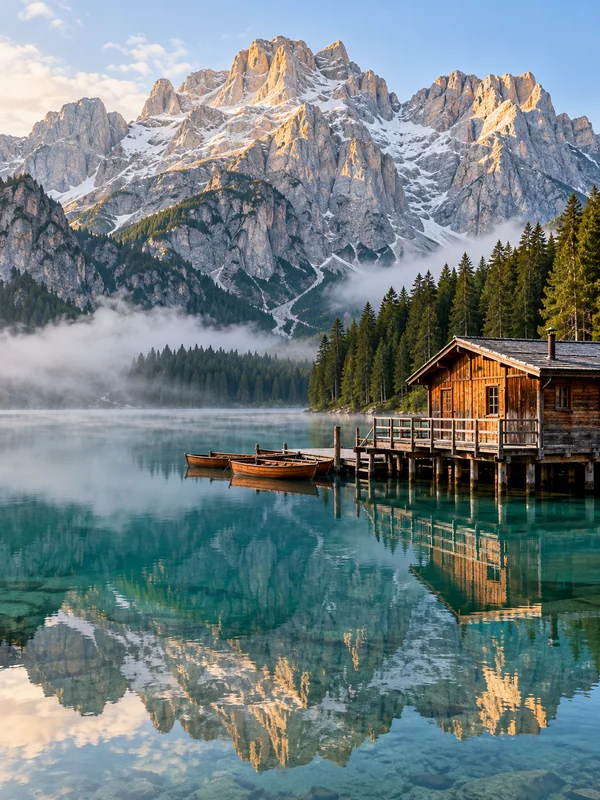
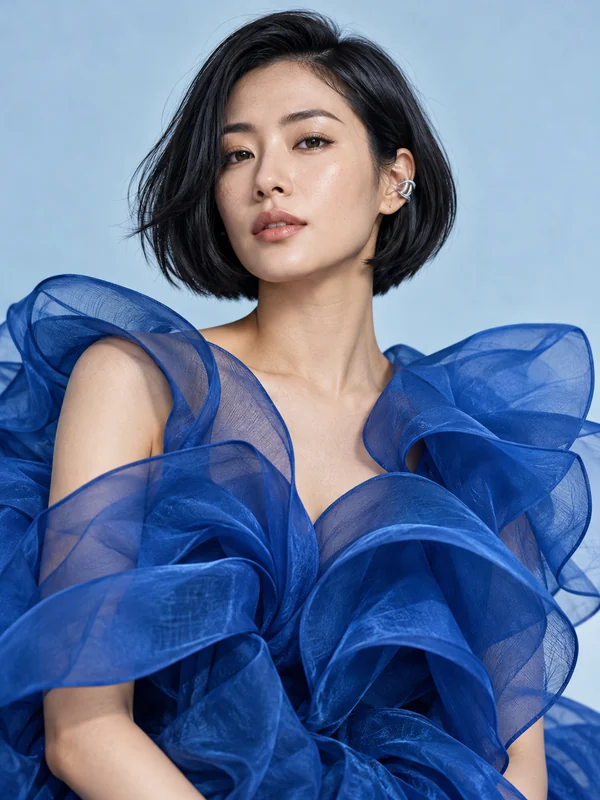
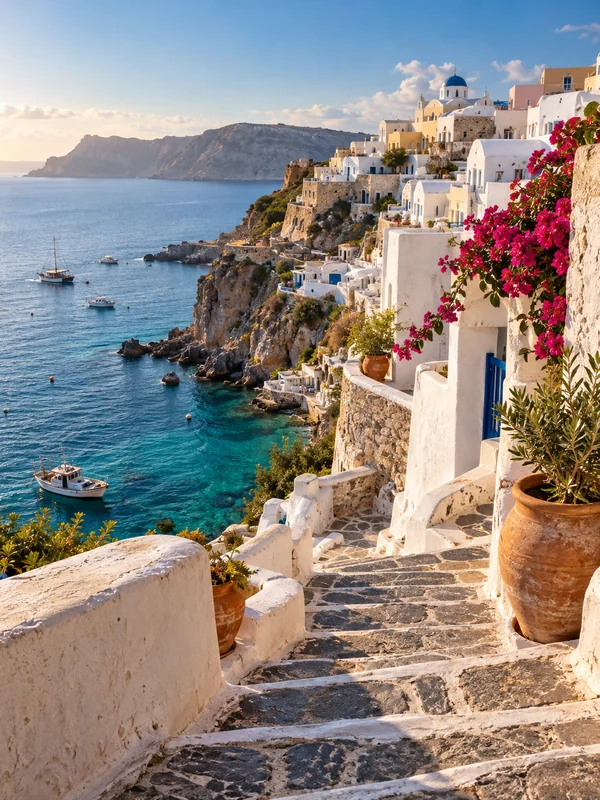
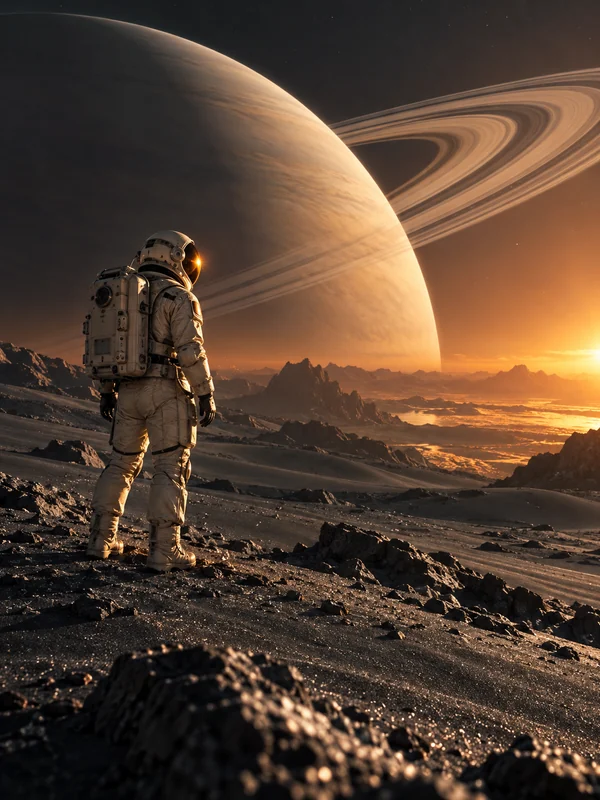
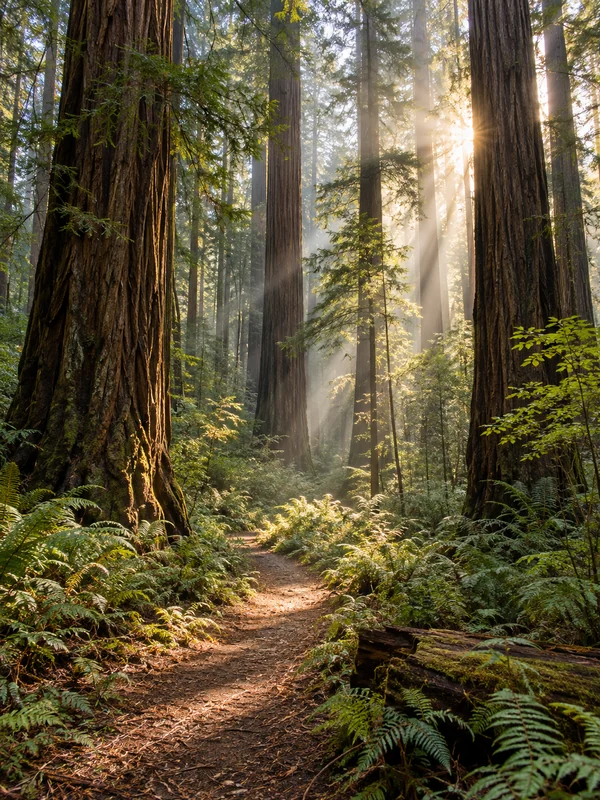
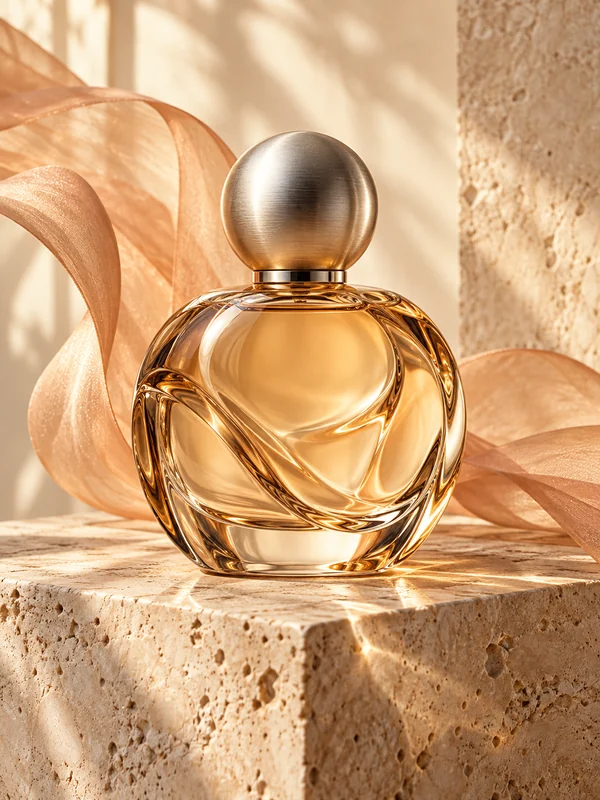
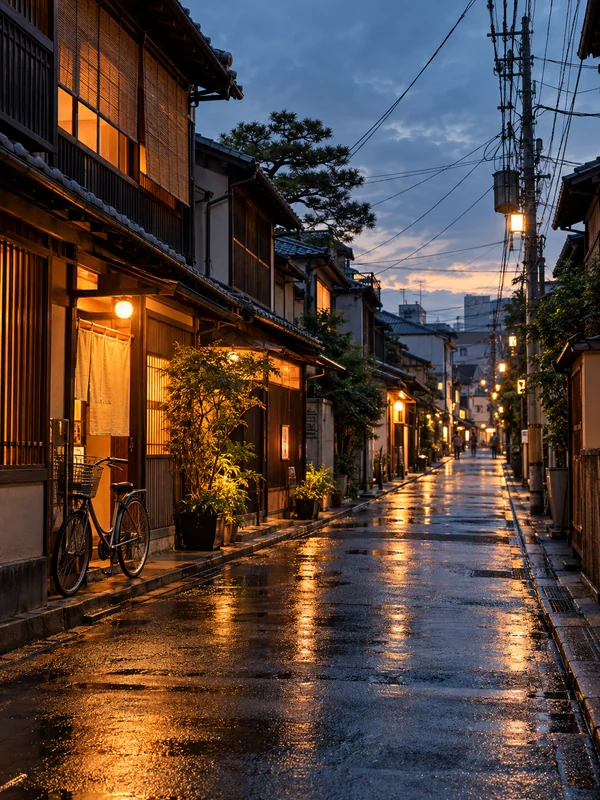
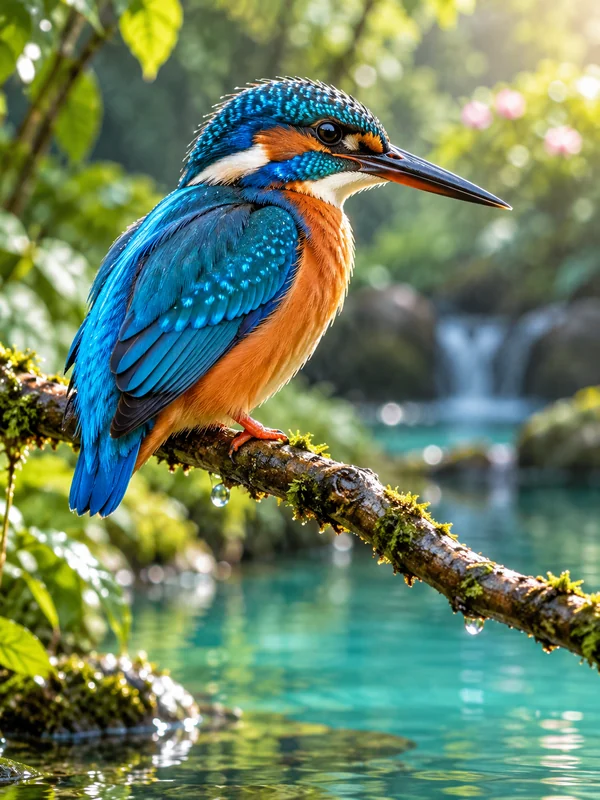
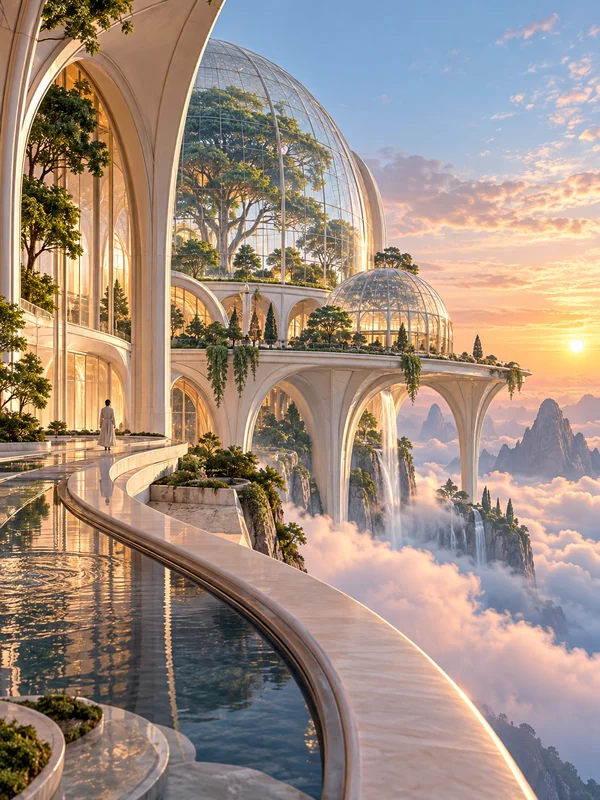
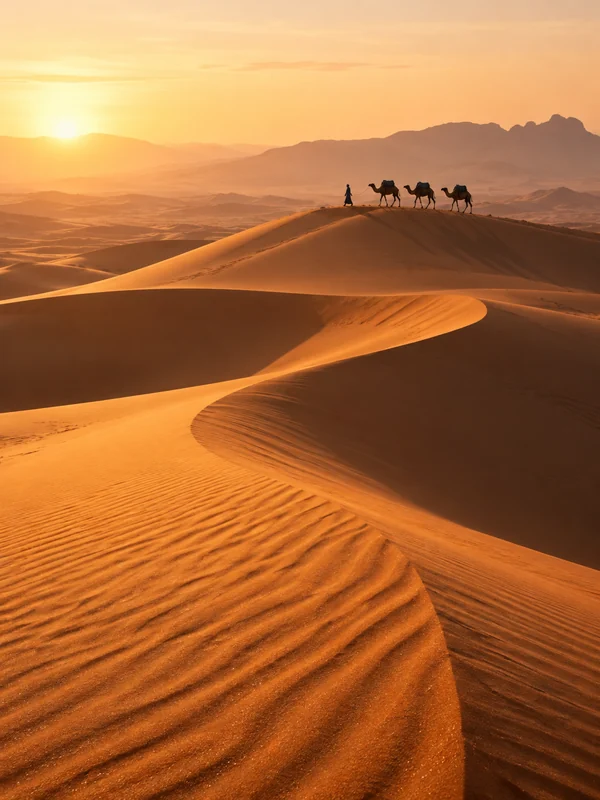
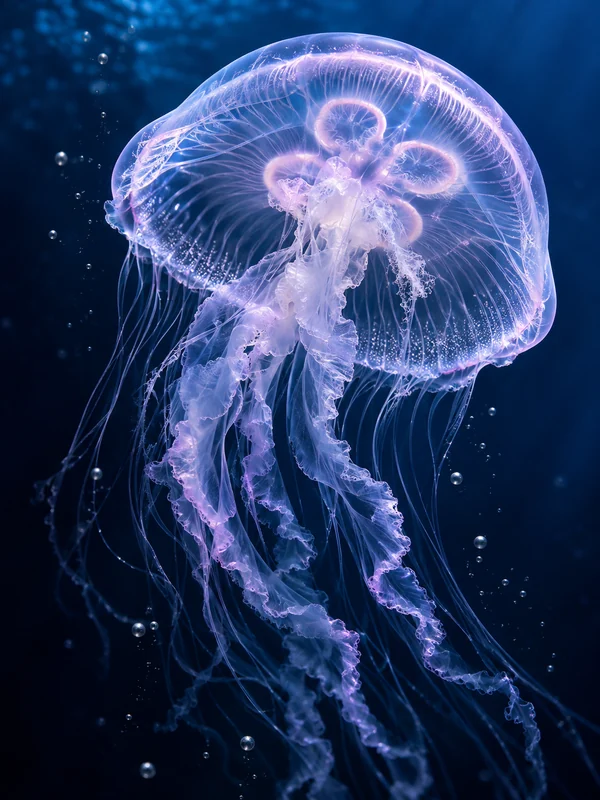
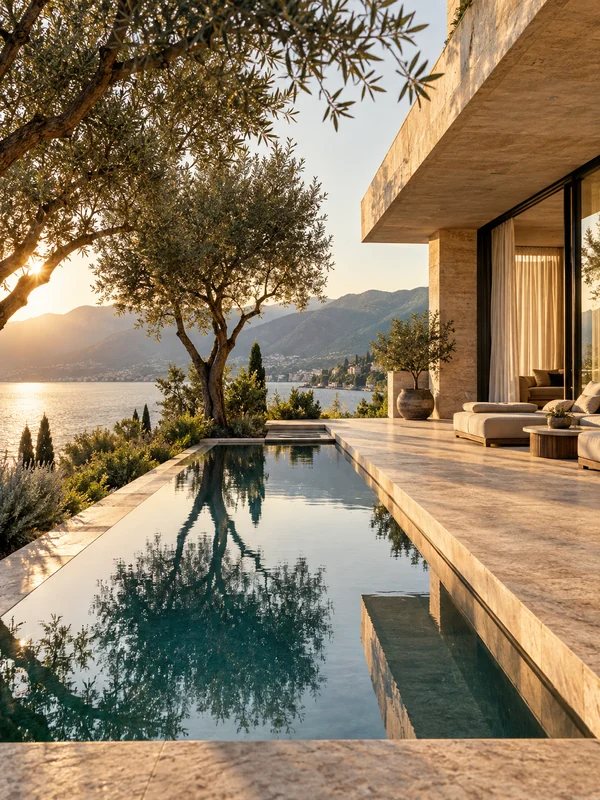
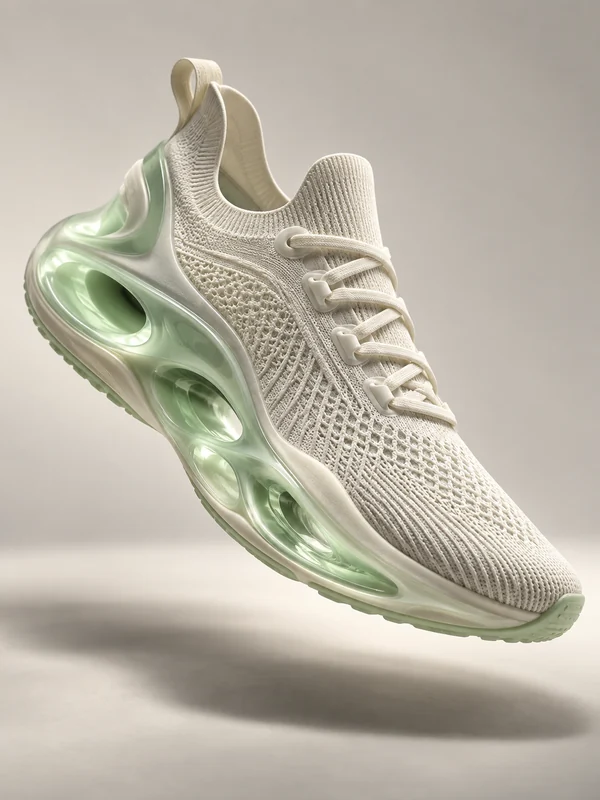
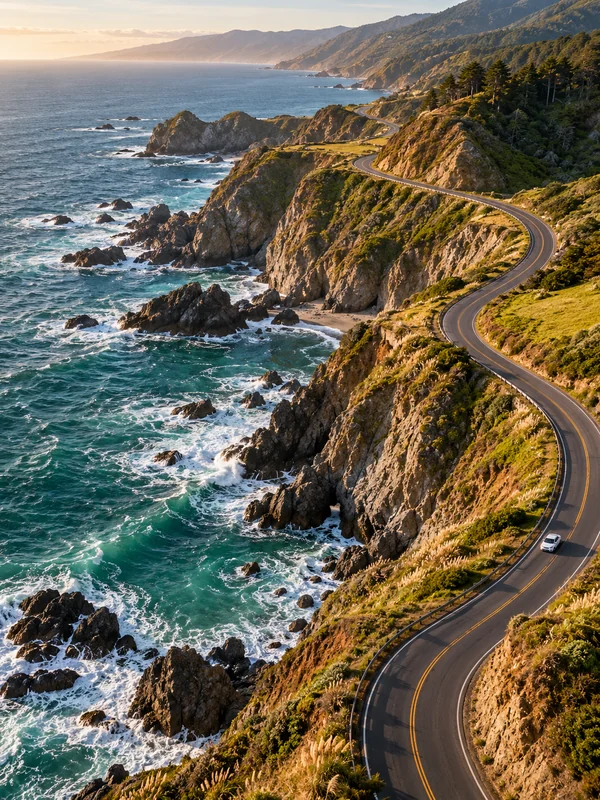
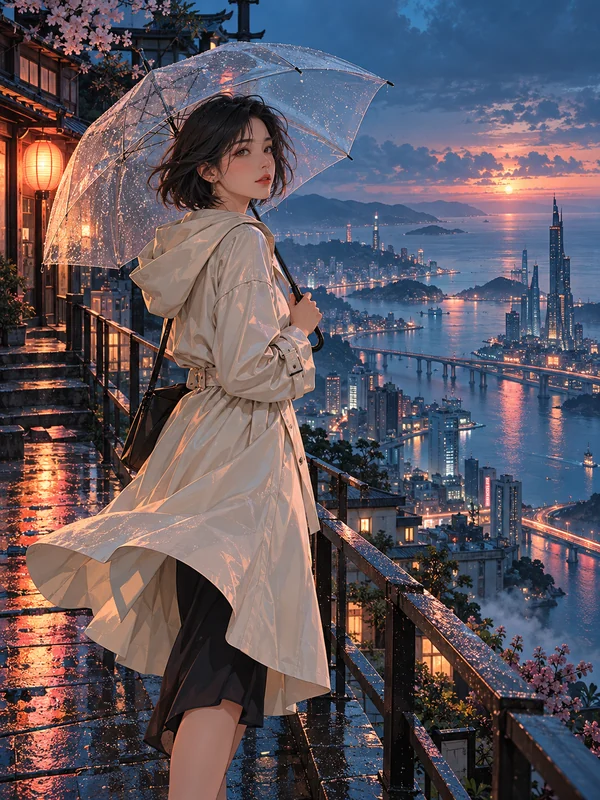
Text to image, image to image, and editing on one canvas
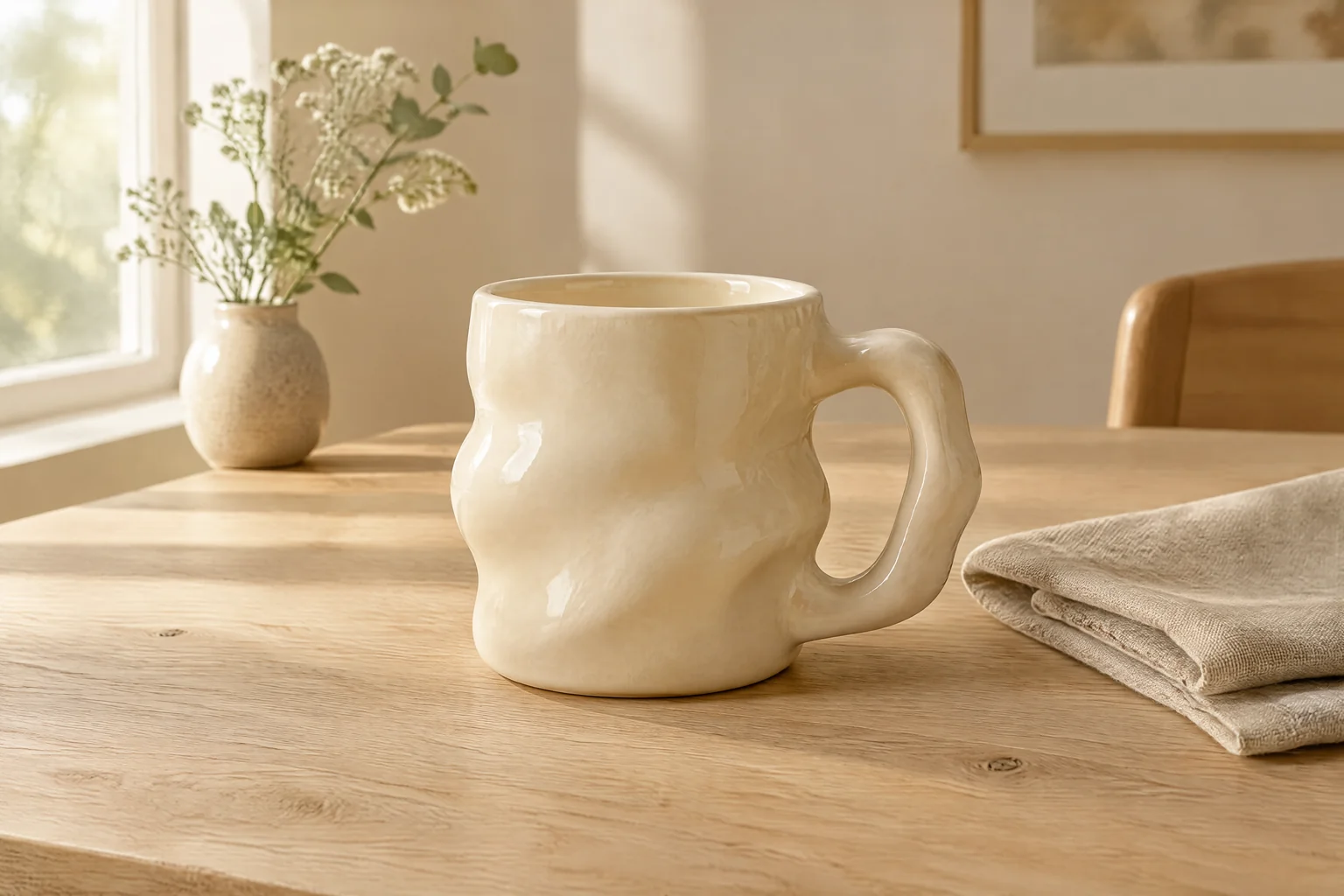
Text to image: an AI photo generator and AI art generator in one
Type a prompt and the text to image AI draws it in seconds: a realistic AI photo, AI art, an anime character, a comic panel, pixel art, or a wallpaper sized for your screen. It is an AI image generator from text, an AI picture generator, and an AI image maker in one, so you never switch tools to switch styles.
Name the subject, the medium, and the light. “Premium studio product photograph of an original unbranded sculptural ivory ceramic mug on a pale oak table with a folded linen napkin, soft window light from the left” beats “a beautiful mug”, and it is the prompt behind the picture here. For a poster or thumbnail with readable text, pick GPT Image 2.5.
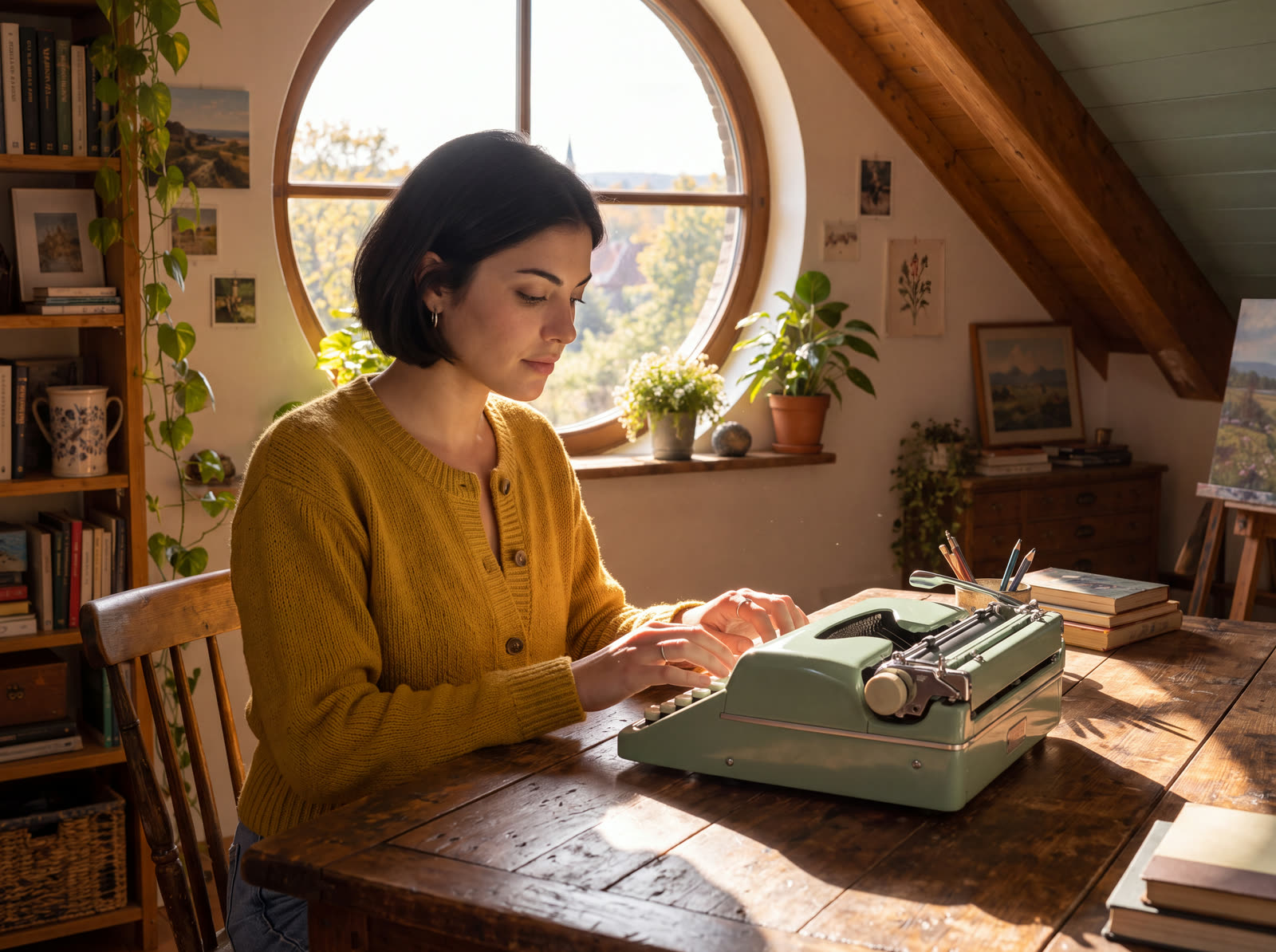
AI image generator from image: reference, sketch, or blend
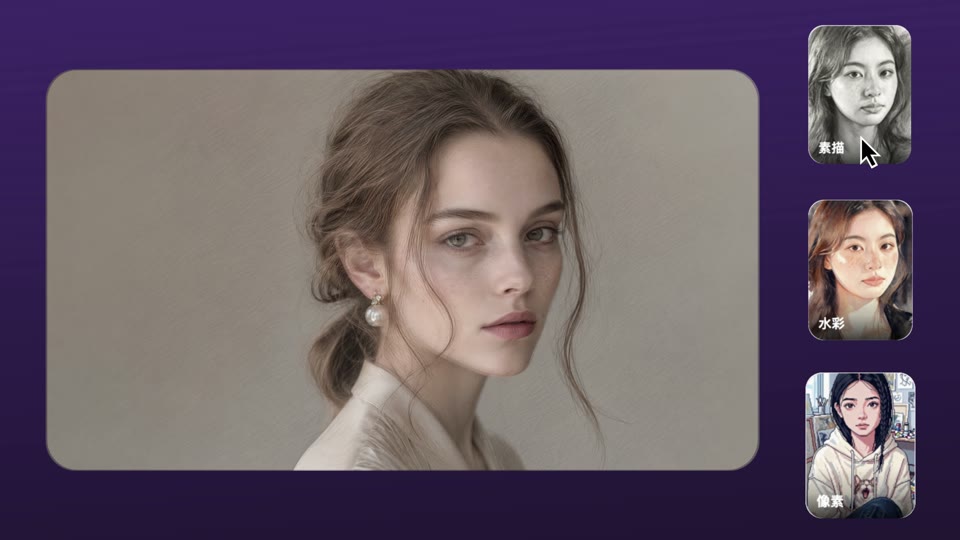
Upload a picture and image to image AI changes the style while keeping the composition, or goes from sketch to image and turns a rough drawing into a finished picture. Upload two or more and it works as an AI image blender: the person from one photo, the setting from another.
To keep a character consistent, generate one portrait, then use it as the reference for every image after it. Nano Banana 2 takes up to 14 reference images at once and keeps the likeness across them.
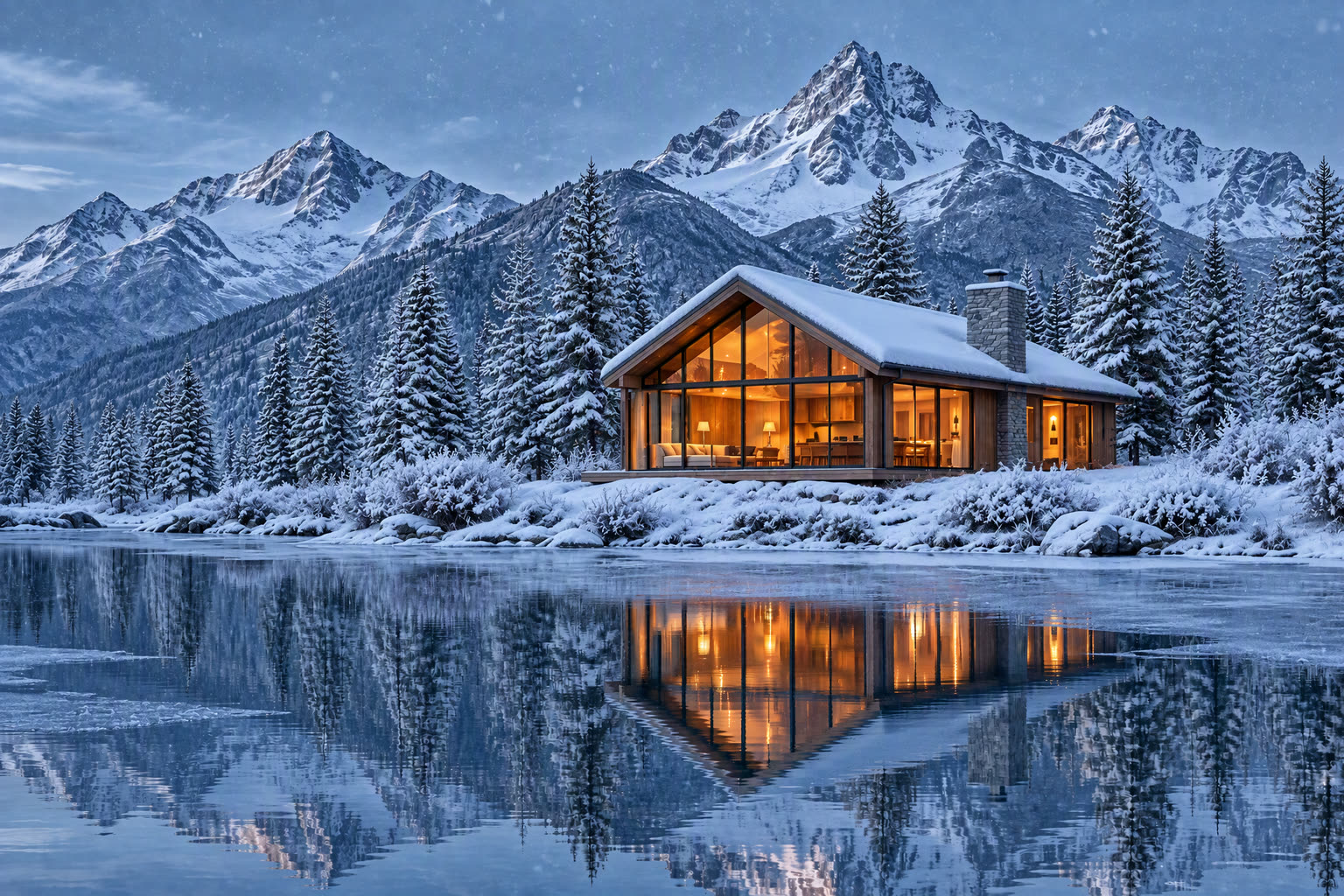
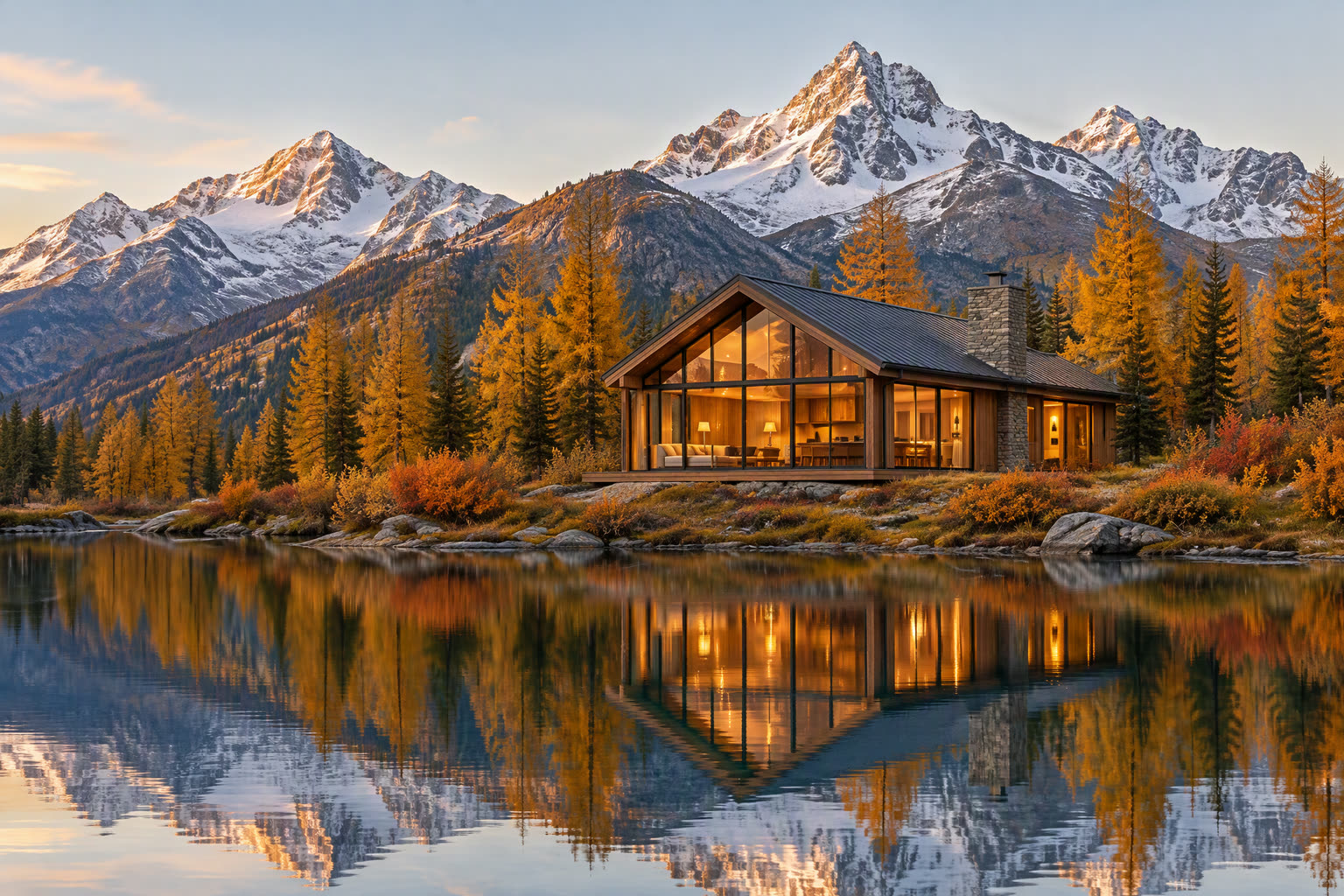
AI image editor: change, extend, and fix with a prompt
Describe the change and the AI image editor makes it: swap the background, change the outfit, remove an object, fix a hand, or extend a square image into a wide banner.
Each edit is saved as a new version beside the last, so nothing is overwritten. We built it this way after losing too many good versions to an undo stack.
Which is the best AI image generator? It depends on the job
There is no single best AI image generator, so VibePaper puts the strongest models side by side. Looking for the best free AI image generator? New accounts start with free credits, so send one prompt to two or three models and judge the results yourself. Each picture was generated on VibePaper, in Paper Gen, with the model named under it, except Midjourney V8.2, which shows a GPT Image 2.5 picture until its own is ready.
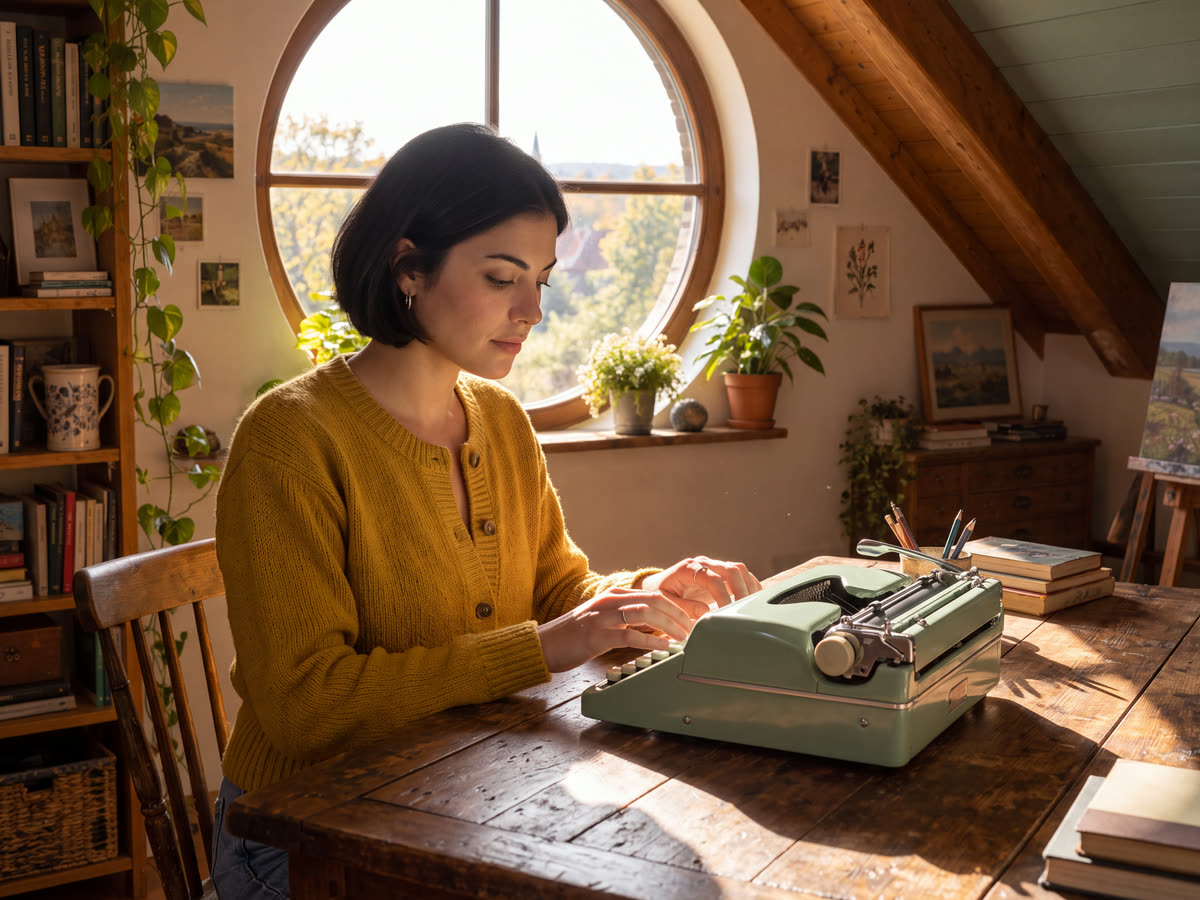
Nano Banana 2
The one to reach for when several pictures go into one: up to 14 reference images keep a person, a product, and a place together. From 512 pixels to 4K, very wide and very tall frames included. Nano Banana Pro sits beside it.
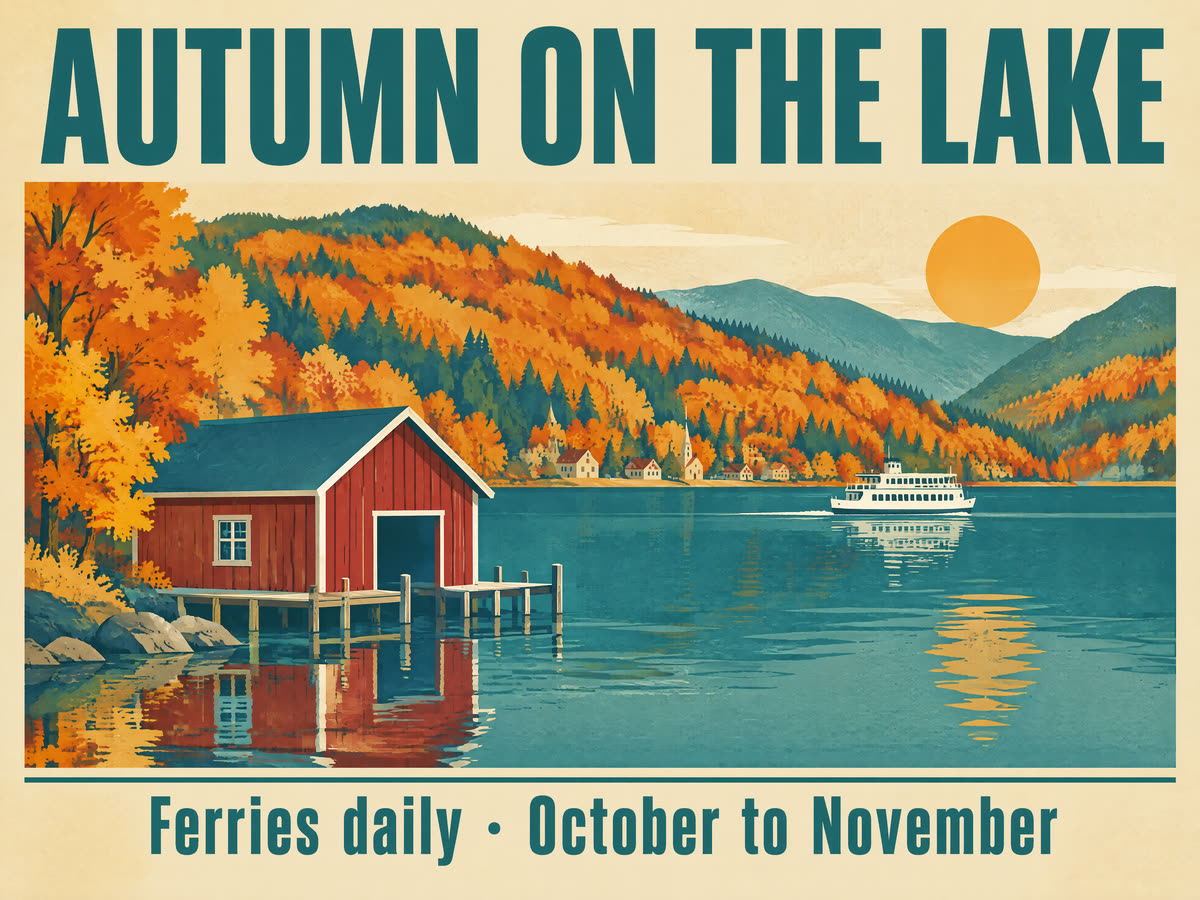
GPT Image 2.5
Follows long, exact instructions and writes legible text, so it suits posters, thumbnails, and product shots with words in the picture. It also edits part of a picture through a mask, at up to 4K. GPT Image 2 sits beside it.
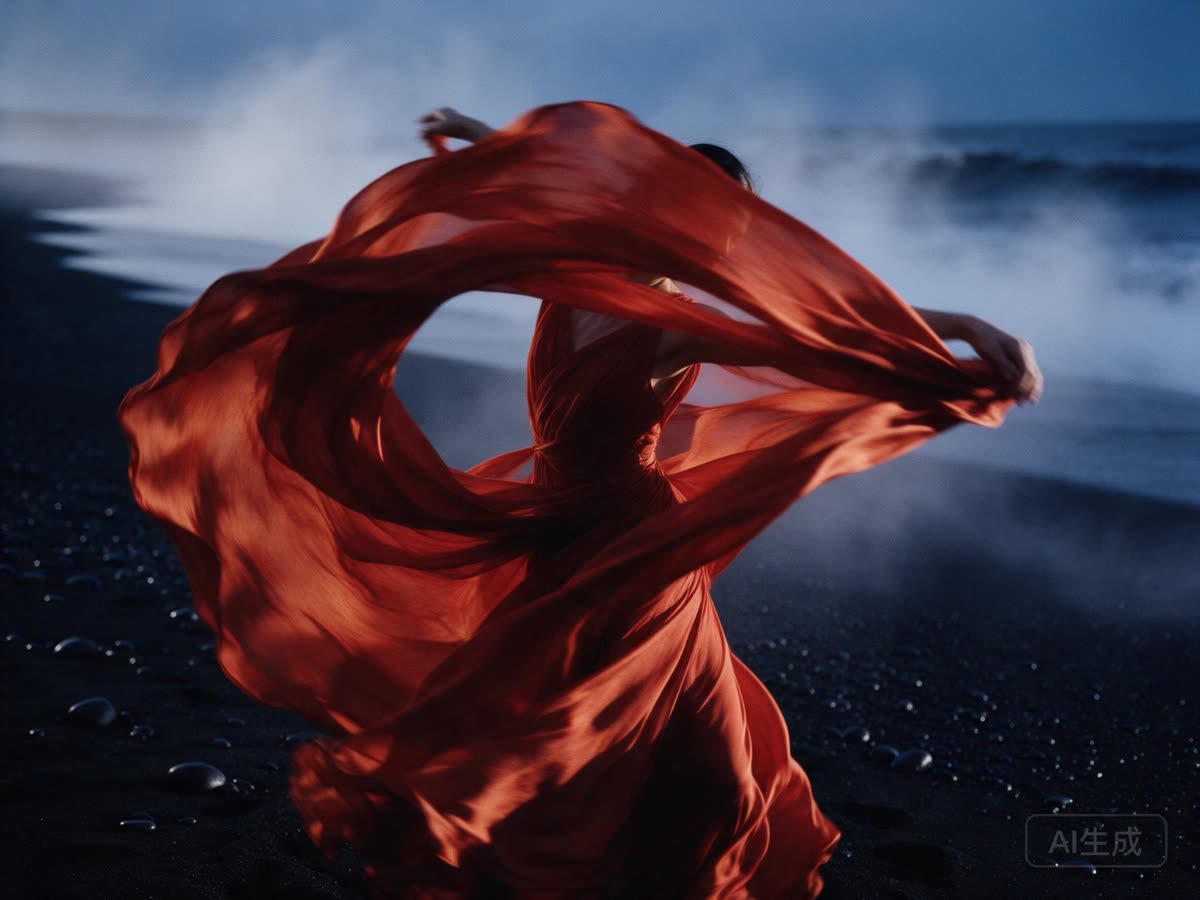
Seedream 5.0
Suits stylised work and realistic AI photos with a strong look: anime, concept art, and film stills, at up to 4K. Both Seedream 5.0 and Seedream 5.0 Pro are here.
Midjourney V8.2
For pictures that should look art-directed: rich materials and light, a character that stays the same, and a style reference to match a look, at native 2K.
One AI image generator, every style
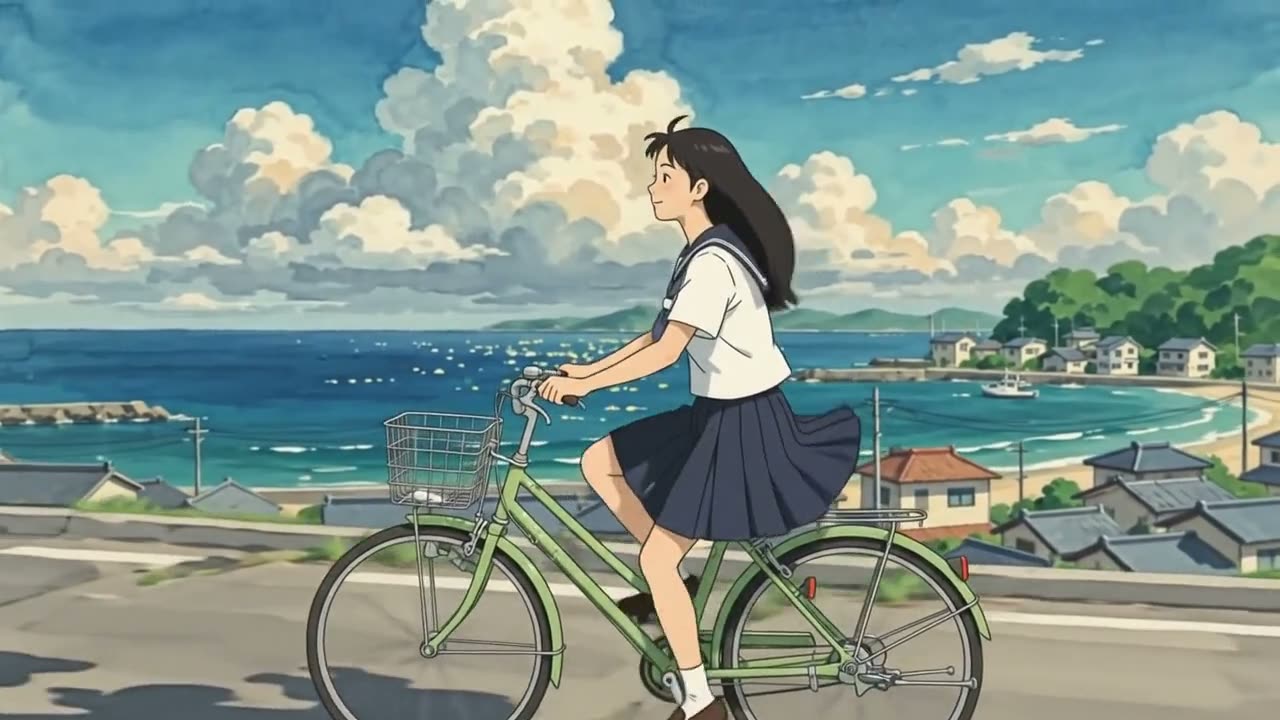
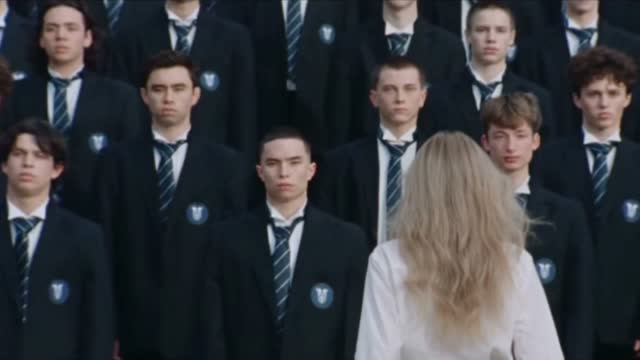
Realistic photos, anime, 3D, comics, pixel art, and film stills all come from the same prompt box. Name the style and the model follows. Every example below was generated on VibePaper, in Paper Gen, with GPT Image 2.5.
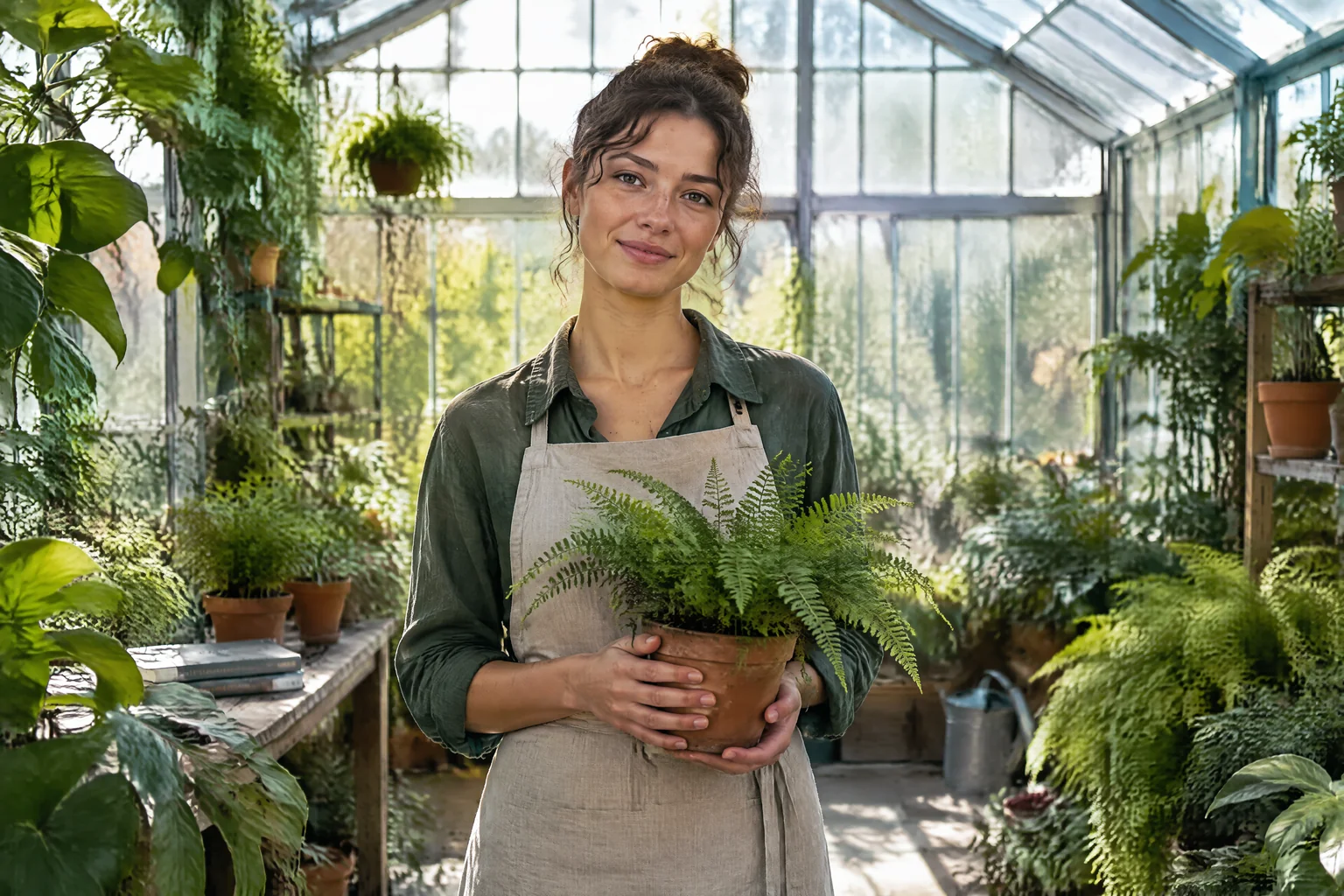 RealisticNatural skin and real light. A realistic AI image generator for photos, selfies, and portraits.
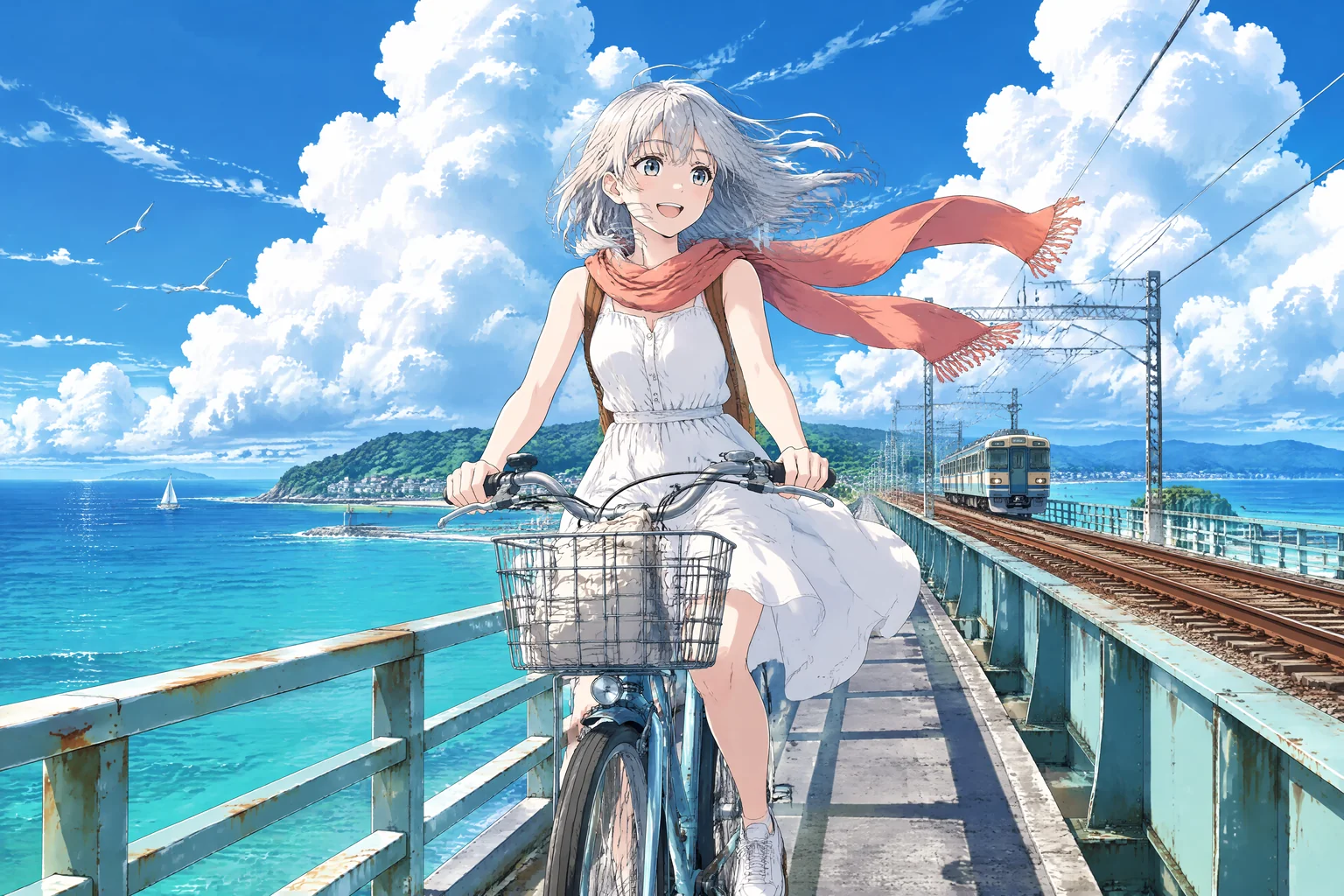 AnimeClean linework and cel shading. For an AI anime generator look and character art.
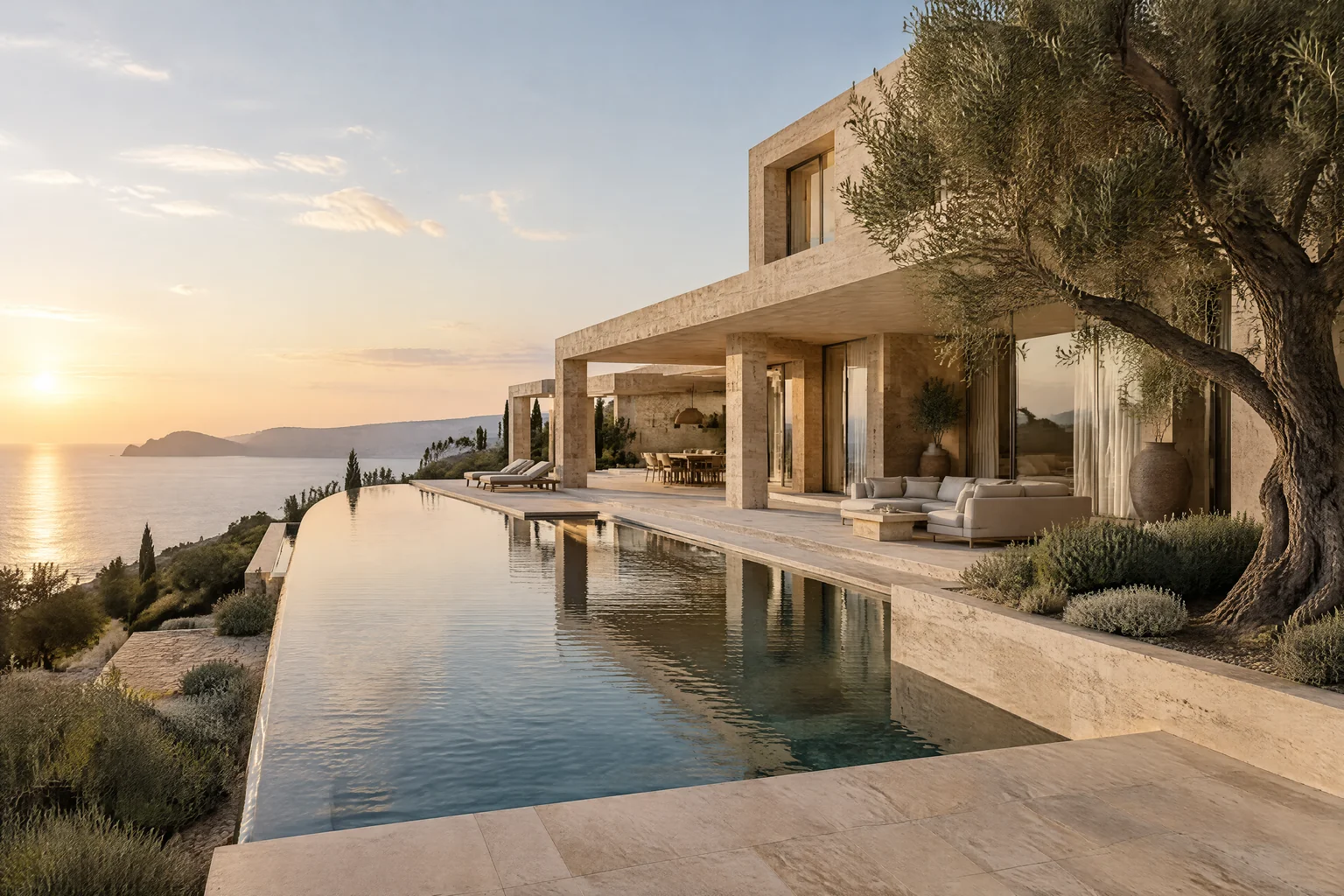 3DRealistic materials, light, and space. For architecture, interiors, and concept renders.
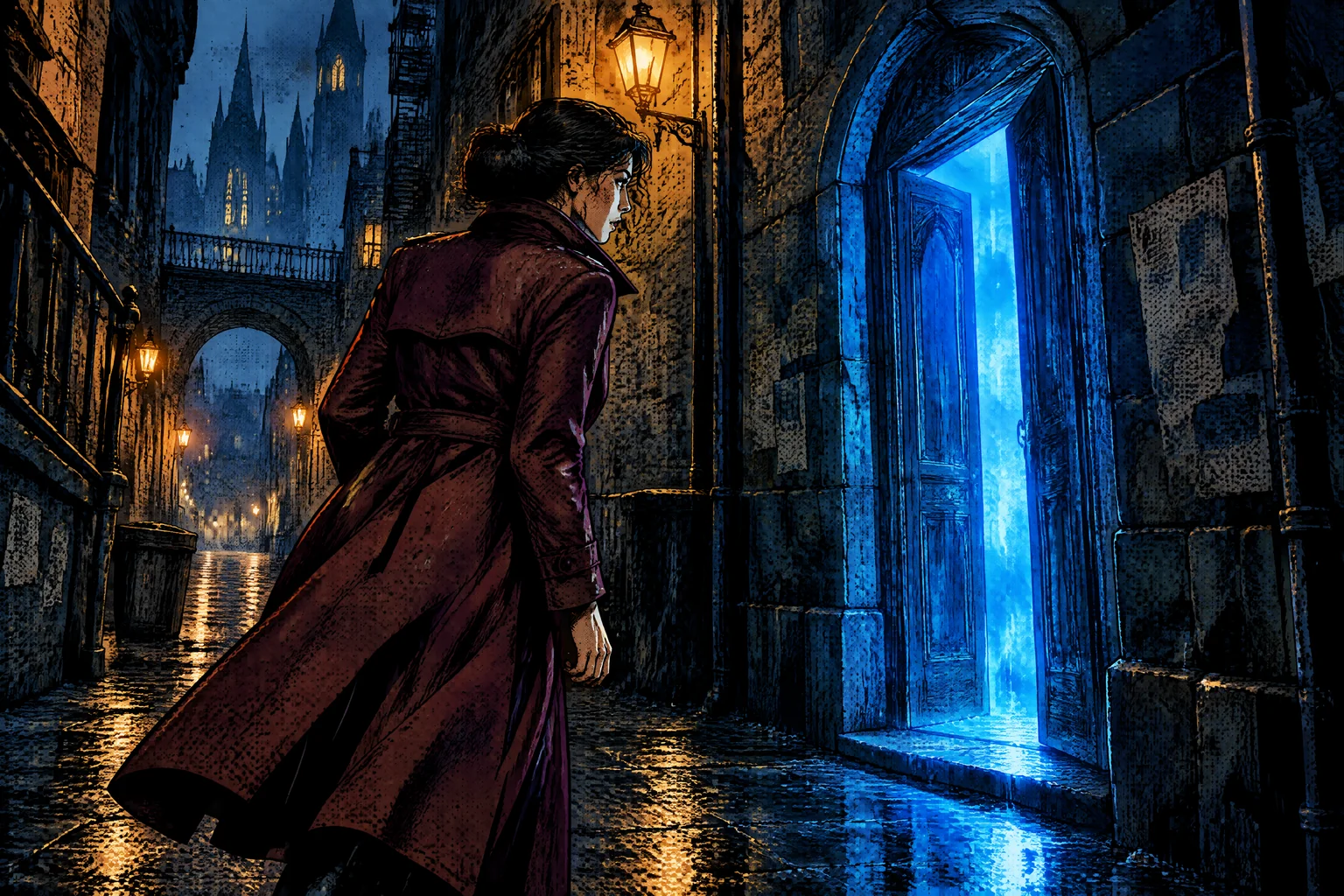 ComicBold ink and dramatic framing. For an AI comic generator that holds one character across a page.
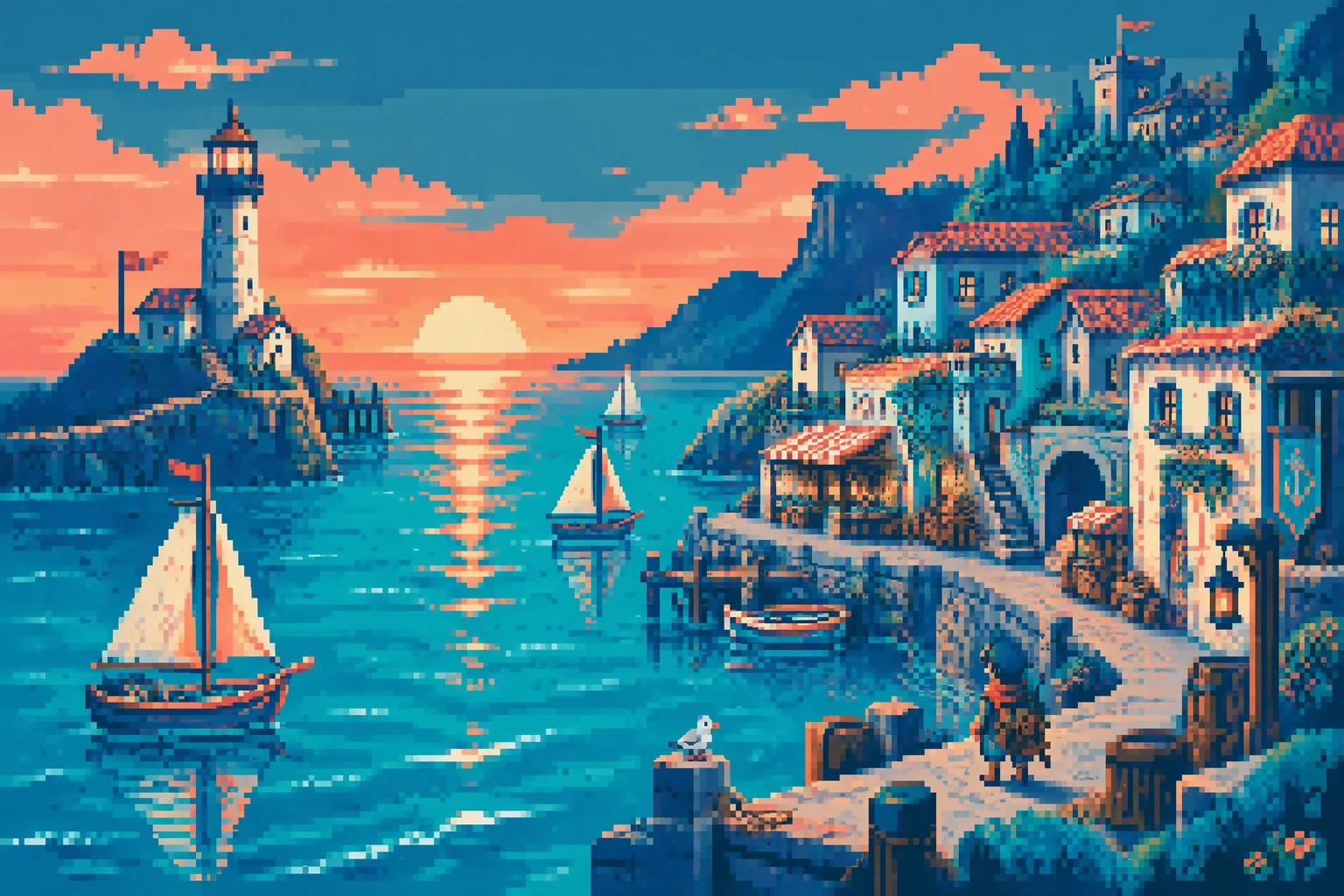 Pixel artHard edges and a limited palette. An AI pixel art generator for game assets and retro profile pictures.
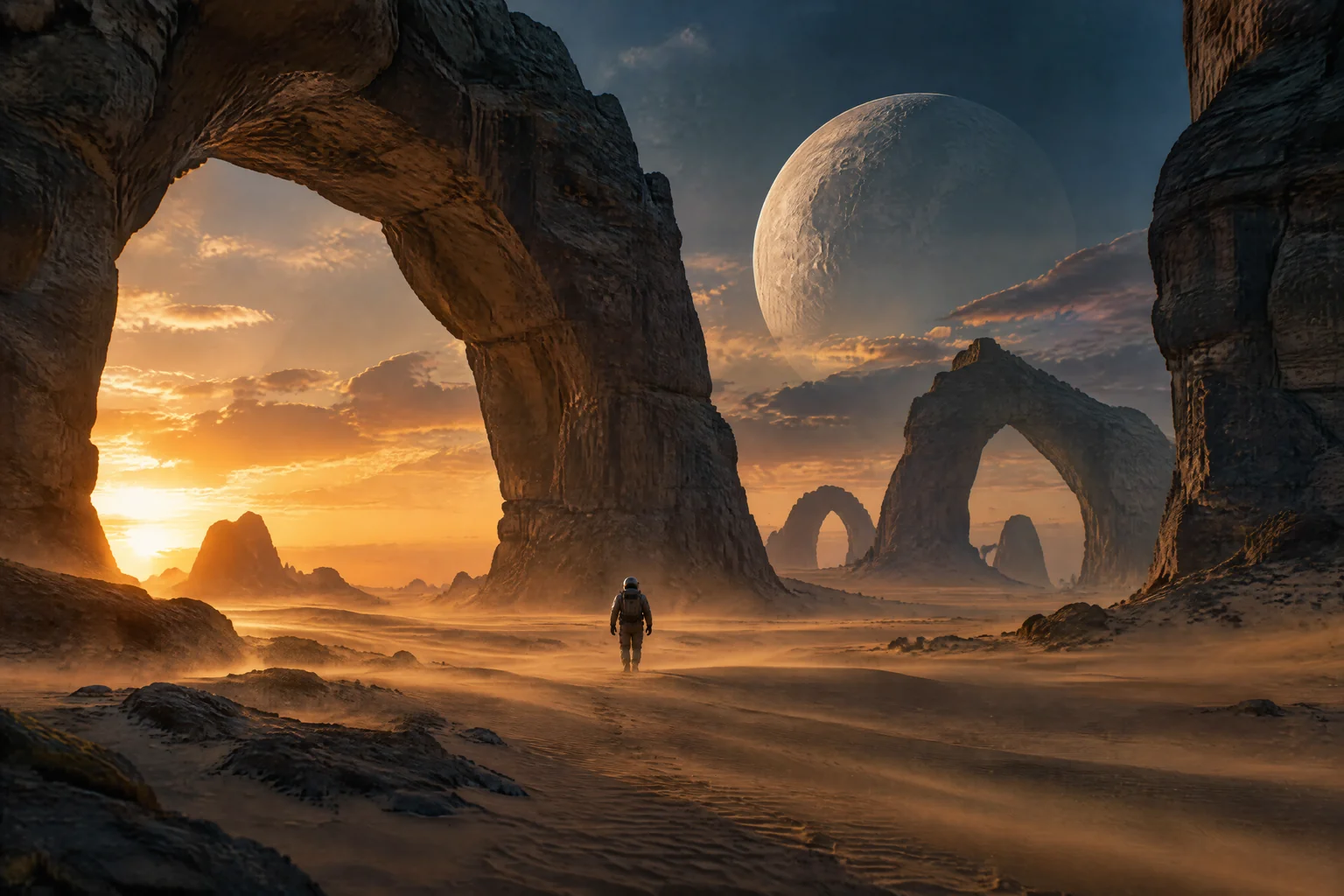 CinematicFilm lighting and natural texture. For posters, wallpapers, and thumbnails.
How to generate AI images in three steps
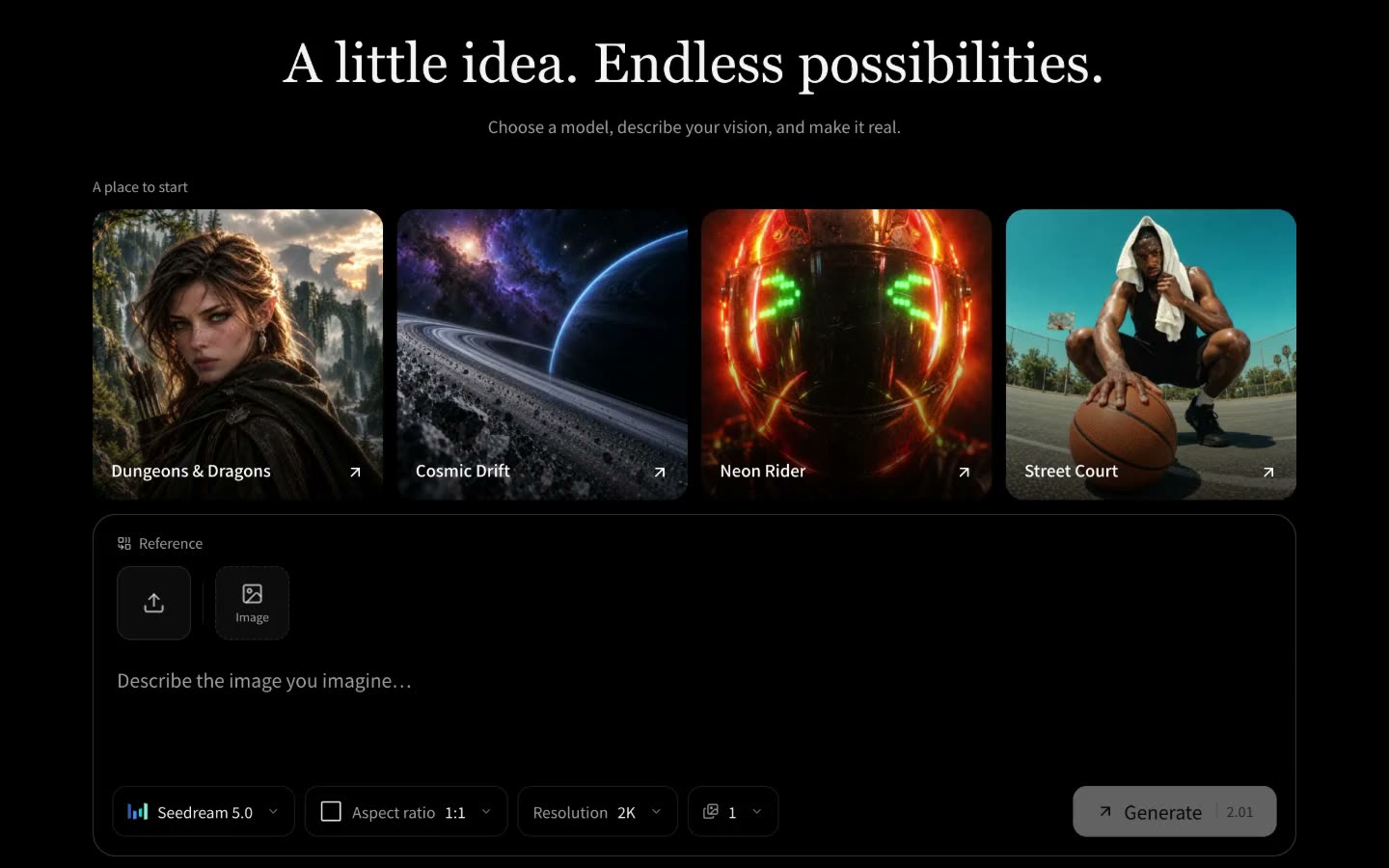
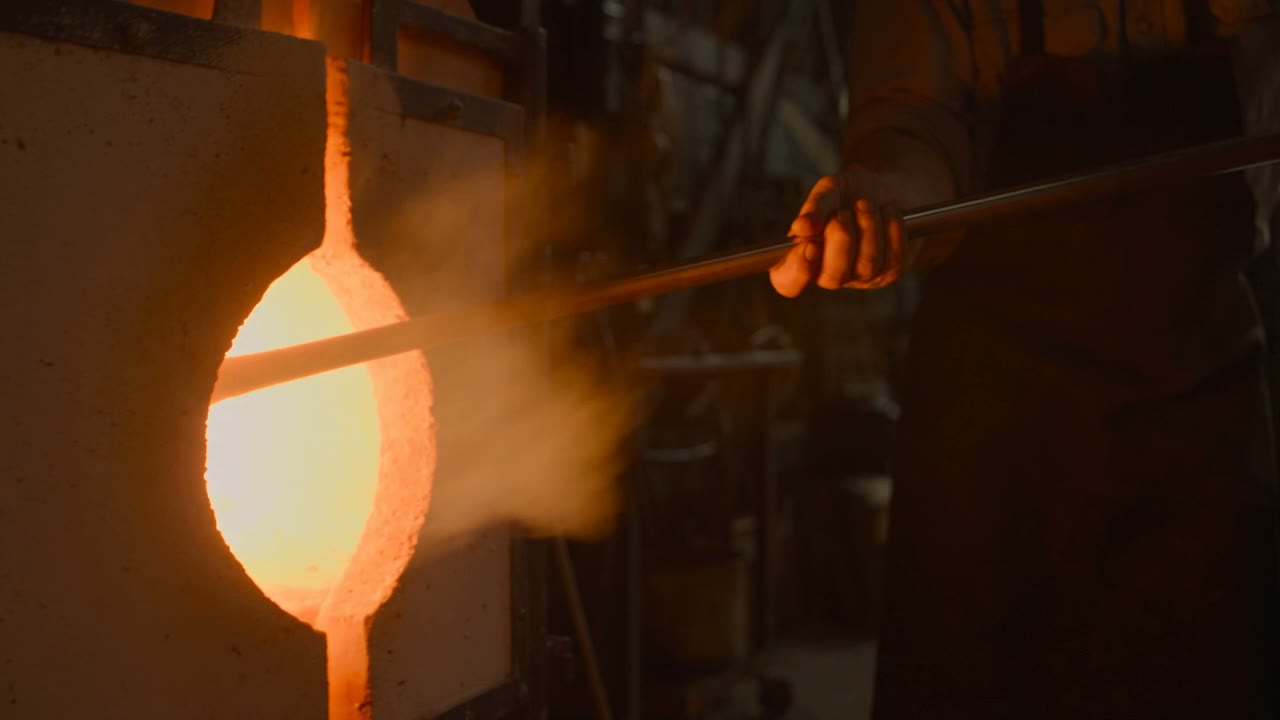
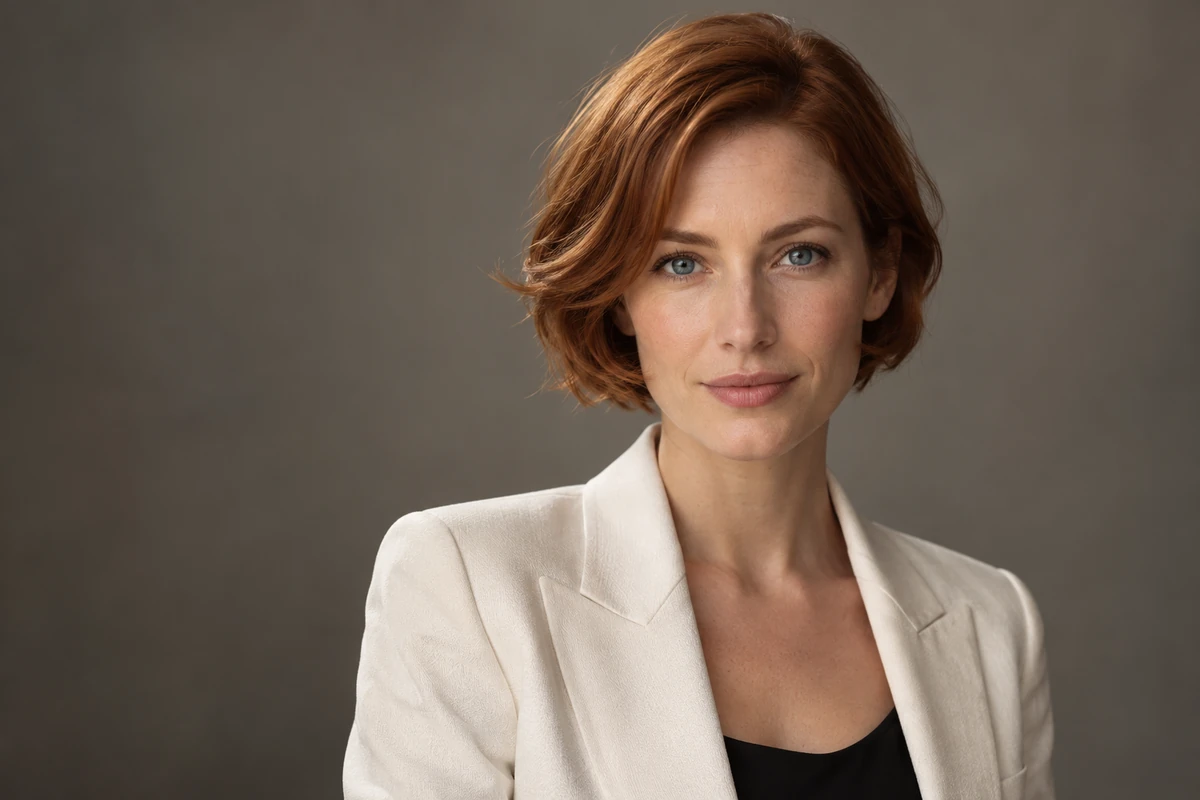
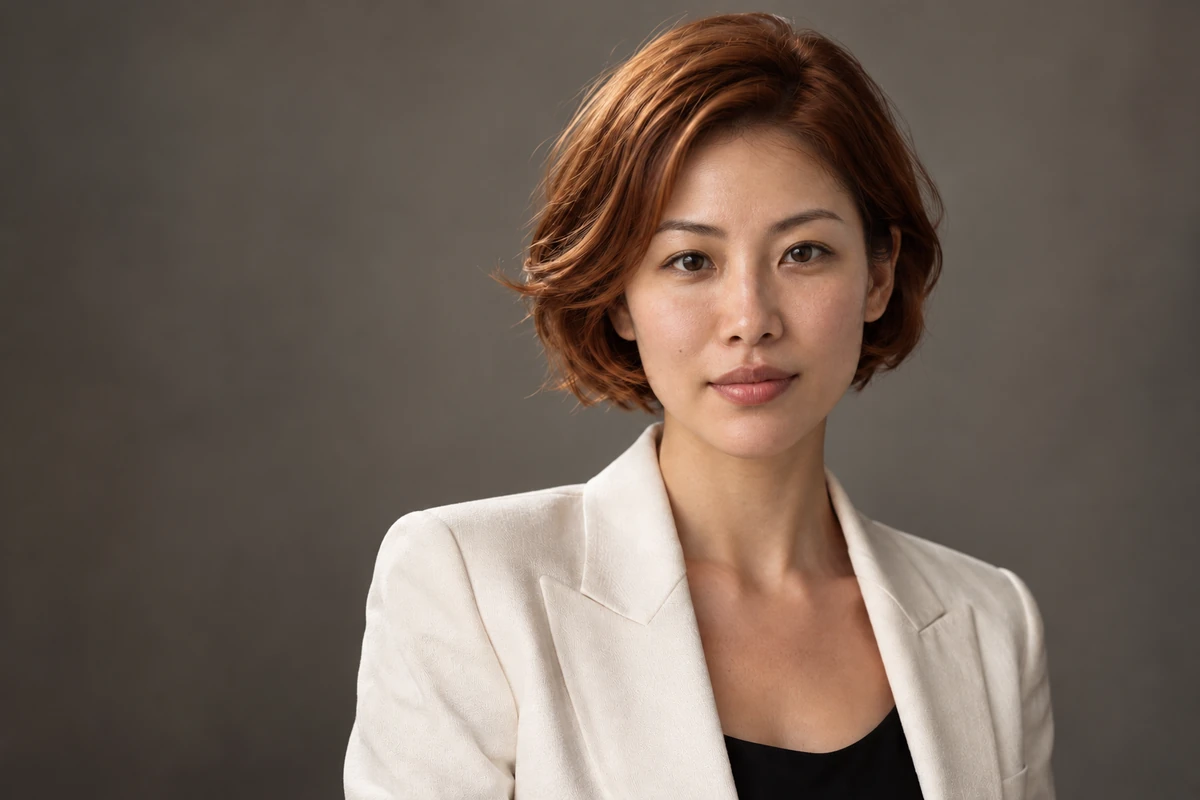
The AI image generator runs online in your browser. Nothing to install. Each step is a screen recording of Paper Gen on VibePaper, and both results in step 3 were generated there.
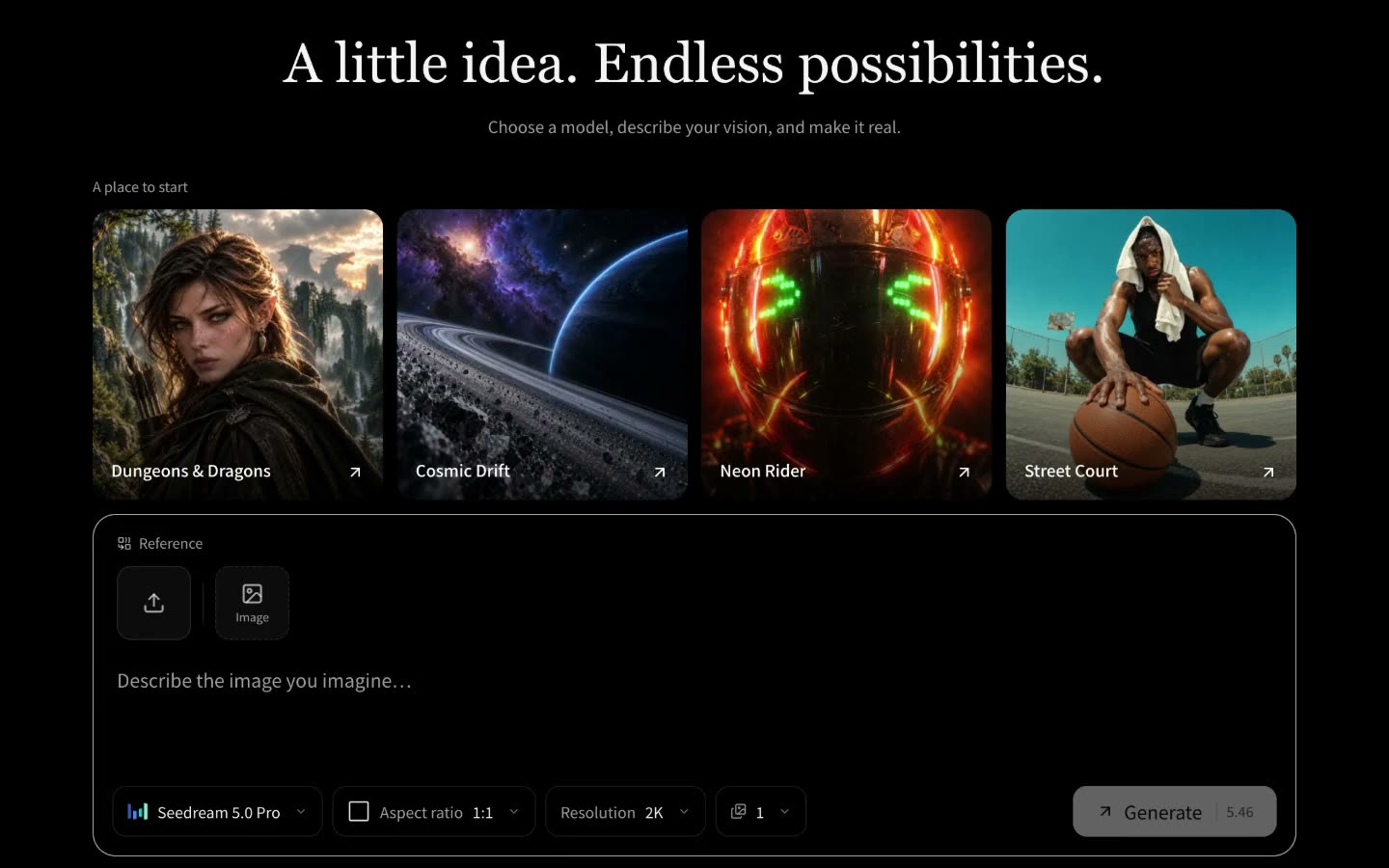
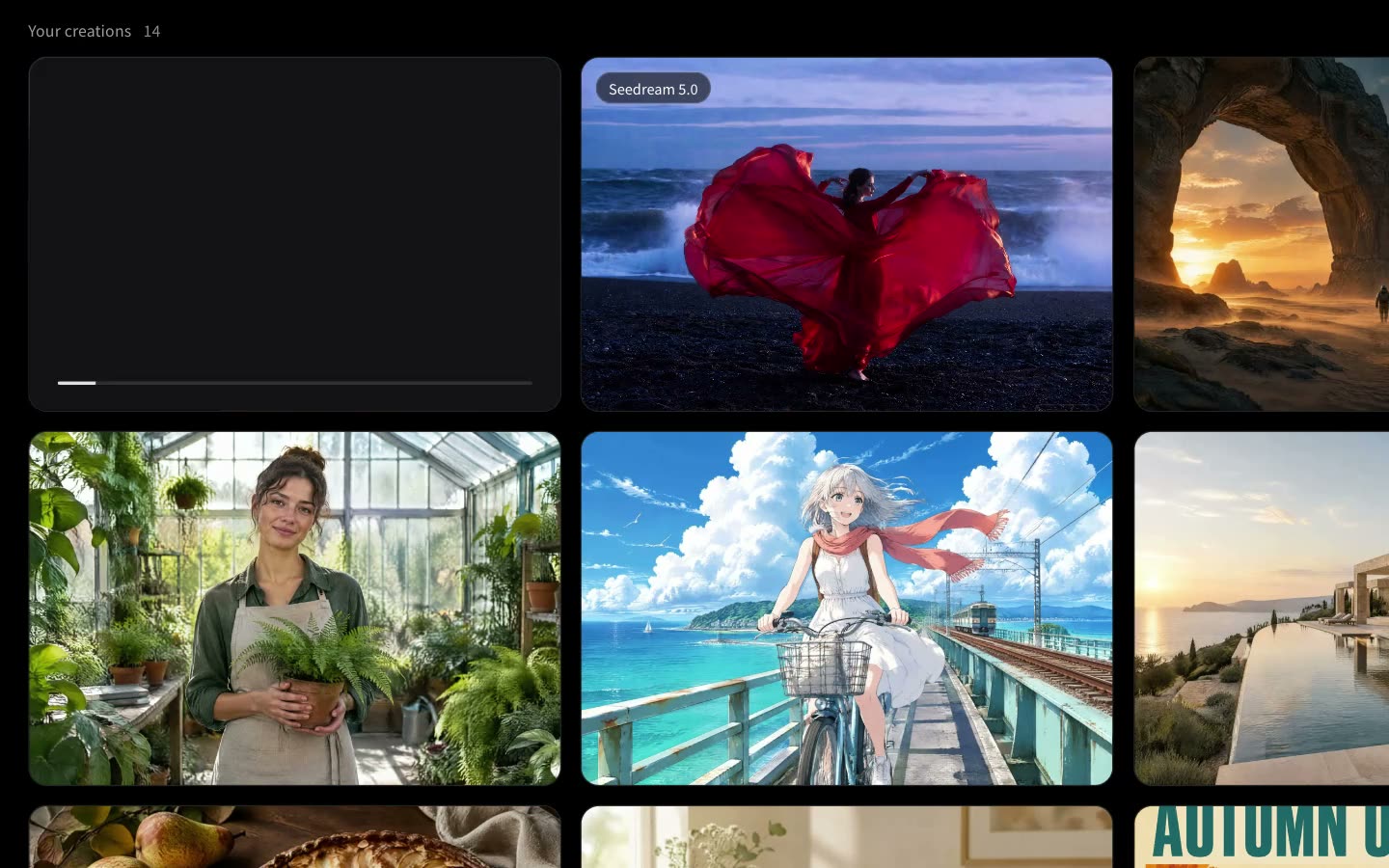
Explore more VibePaper tools
Every tool puts its result on the same canvas, so an image can become a video without leaving the page.
Guides and Model Briefs from Our Blog
Practical guides and plain-language briefs on the models you can use here: what each one is good at, how to prompt it, and how to get a better result on the canvas.
Frequently asked questions about the AI image generator
Is the AI image generator free?
Yes, to start. Every new VibePaper account gets 30 free credits on sign-up and 10 more for each daily check-in. How many images that makes depends on the model you pick, and the cost is shown before you generate. After that, images use credits from your plan. Free accounts can use some of the image models; Nano Banana Pro and the rest unlock with any paid plan.
What is the best AI image generator?
There is no single winner. From our own use: Nano Banana 2 for combining several references into one picture; GPT Image 2.5, from the family behind the ChatGPT image generator, for exact instructions and text in the image; Seedream 5.0 for stylised and photorealistic looks; and Midjourney V8.2 for an art-directed finish. Try the same prompt on each.
Do the images have a watermark? Can I upscale them?
Every image is HD with no watermark, including the ones made with your free credits. For pictures you already have, we are building a dedicated AI image upscaler and a watermark remover for images you own.
Can I use AI generated images commercially?
Yes, in ads, packaging, client work, and products you sell. You are responsible for the photos and likenesses you upload, so only use material you have the rights to.
Can I put my own face in an AI image?
Yes. Use your photo as a reference for a new image in any style, or use AI Face Swap to place your face into an existing photo and keep everything else as it is.
Try AI Face SwapCan I turn an AI image into a video?
Yes. Every result stays on the canvas, where you can animate it with an image to video model such as MiniMax H3. Once you have a clip, video to video AI can restyle it as anime, a cartoon, or 3D.
Restyle a clip with video to video AIWhat happens to the photos I upload?
They are used to make your image and are sent to the model that generates it, encrypted in transit. Results stay on your canvas, and you can ask us to delete your data.
Read the privacy policyCreate your first AI image free
Write a prompt or upload a reference, compare the models, and keep editing the version you like. New accounts start with free credits.