 VibePaper
Free AI Video Generator
Turn a text prompt, a photo, or a rough sketch into a video with sound. One AI video maker with Seedance 2.5, Kling 3.0, and more in one place, so you can run one prompt through several and keep the best take.
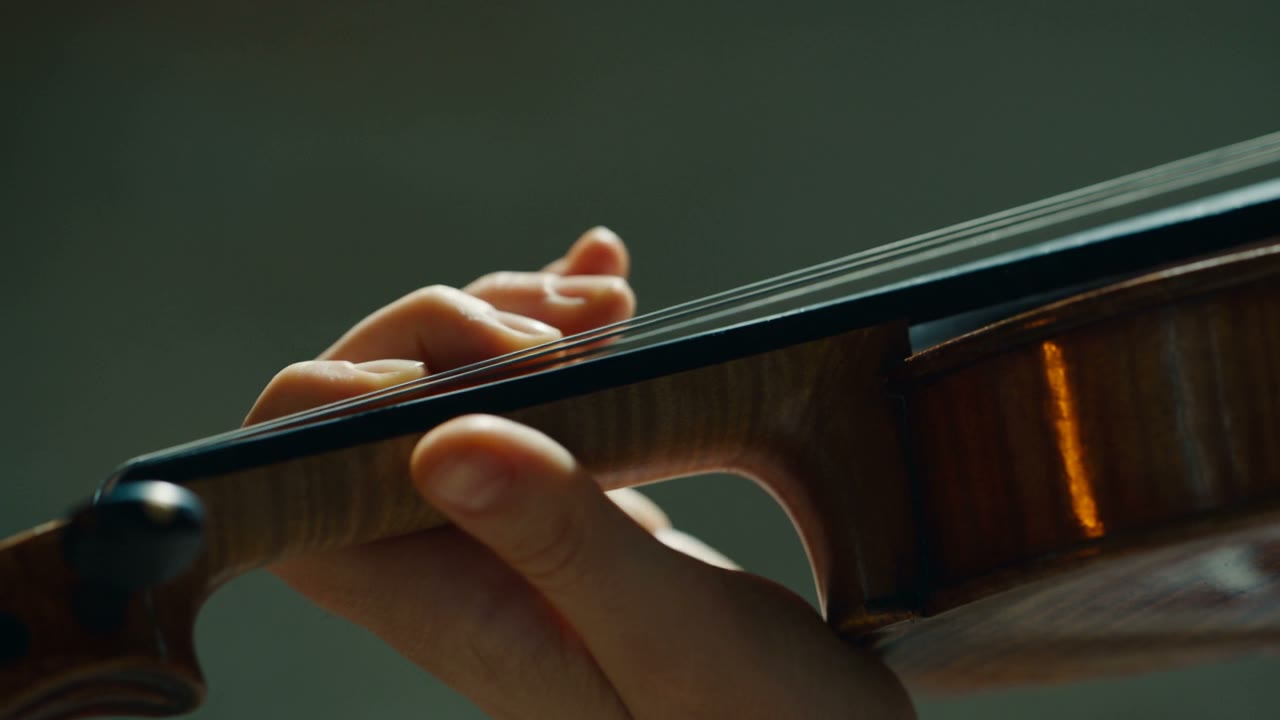
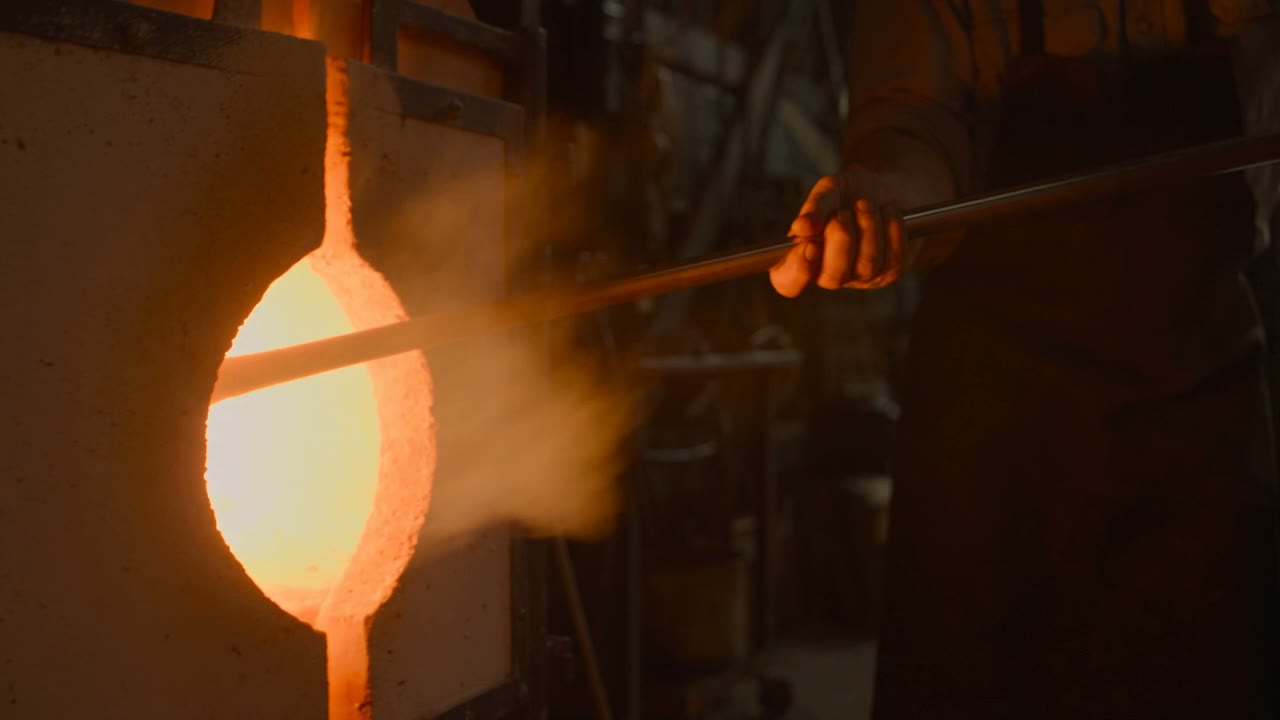
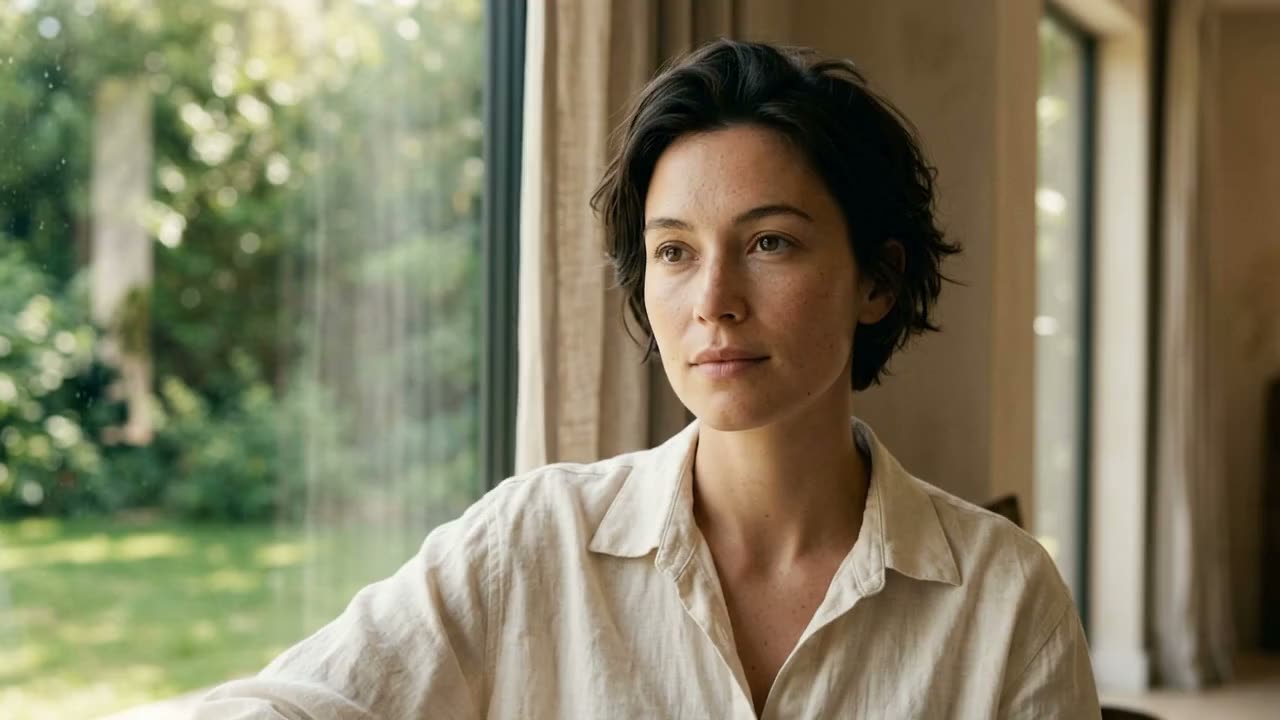
Text to video, image to video, and everything in between
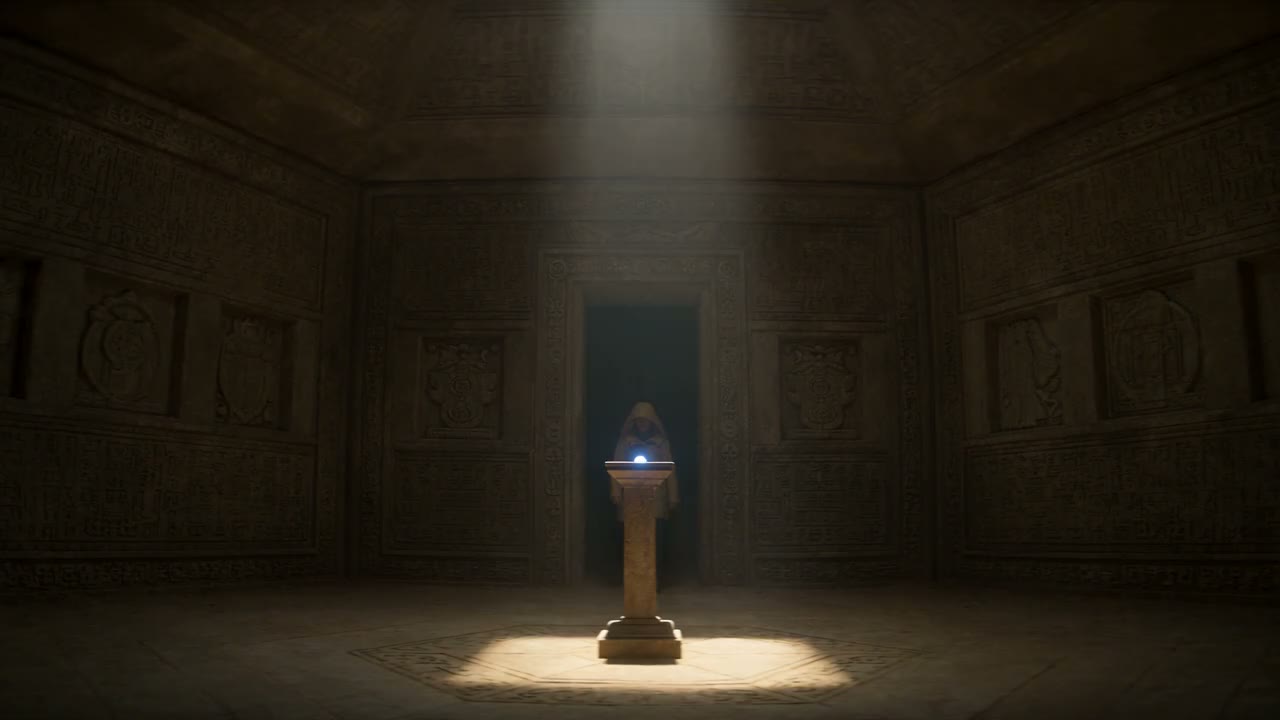
Text to video AI that follows the whole prompt
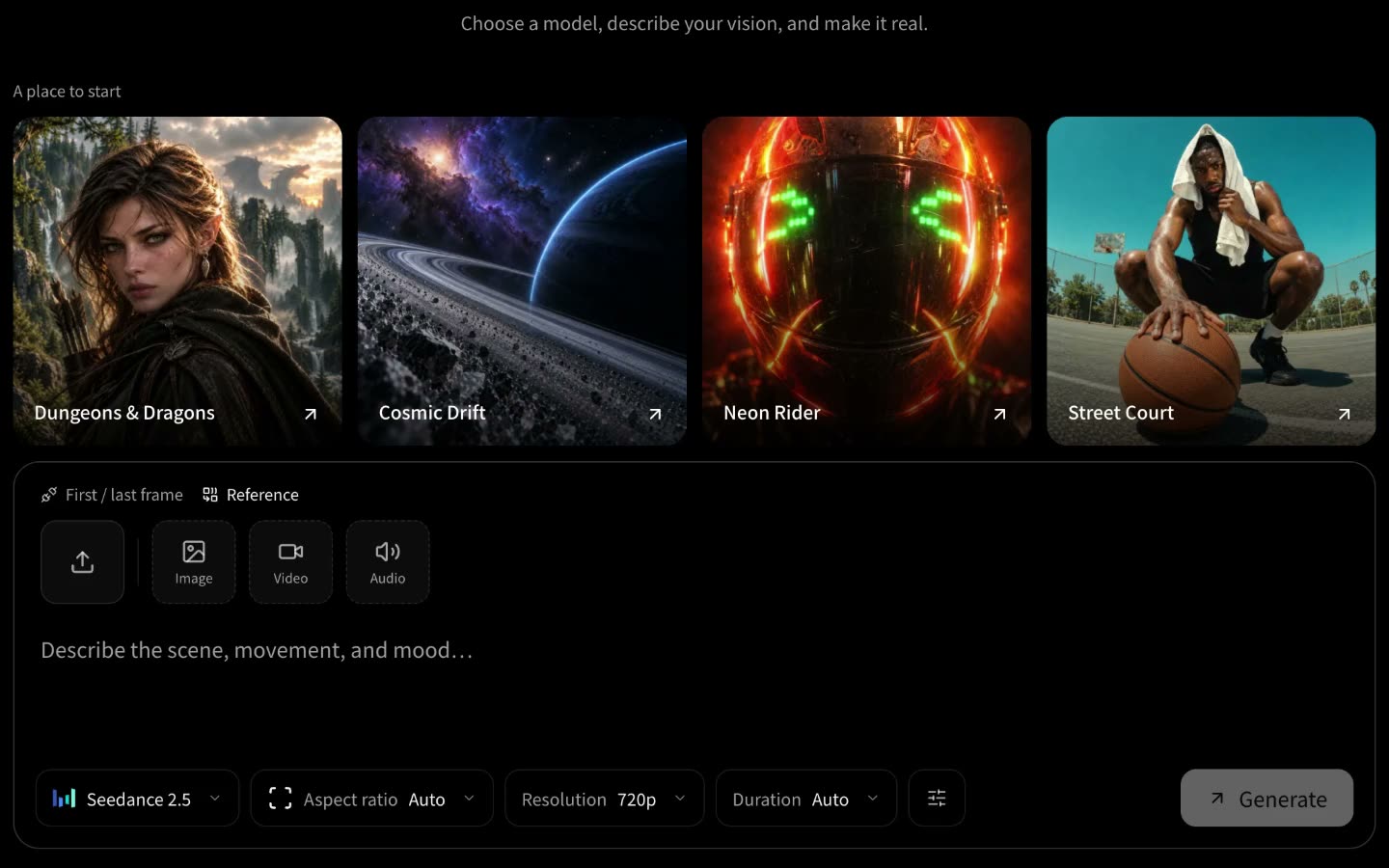
Describe the shot the way you would brief a camera operator: who is in it, what they do, how the camera moves, and what it should sound like. The text to video generator turns that into a finished clip, with dialogue, ambient sound, and music made together with the picture.
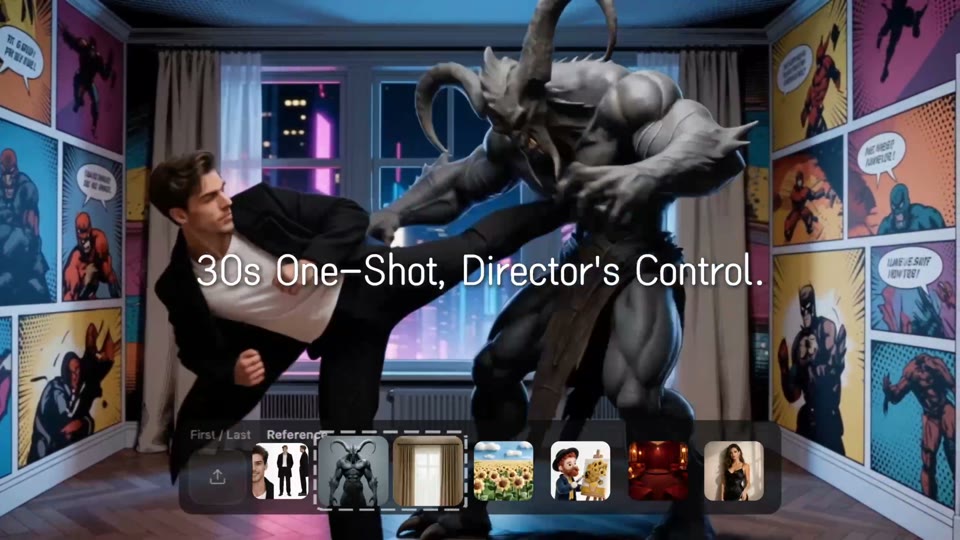
A good AI video prompt names the subject, the action, the camera move, and the light, in that order. It gets a usable first take far more often than a long list of adjectives. Seedance 2.5 reads a multi-shot script and plans the opening, the turn, and the ending itself, up to 30 seconds in one generation. When someone has to say a line, Veo 3.1 makes the speech with the picture.
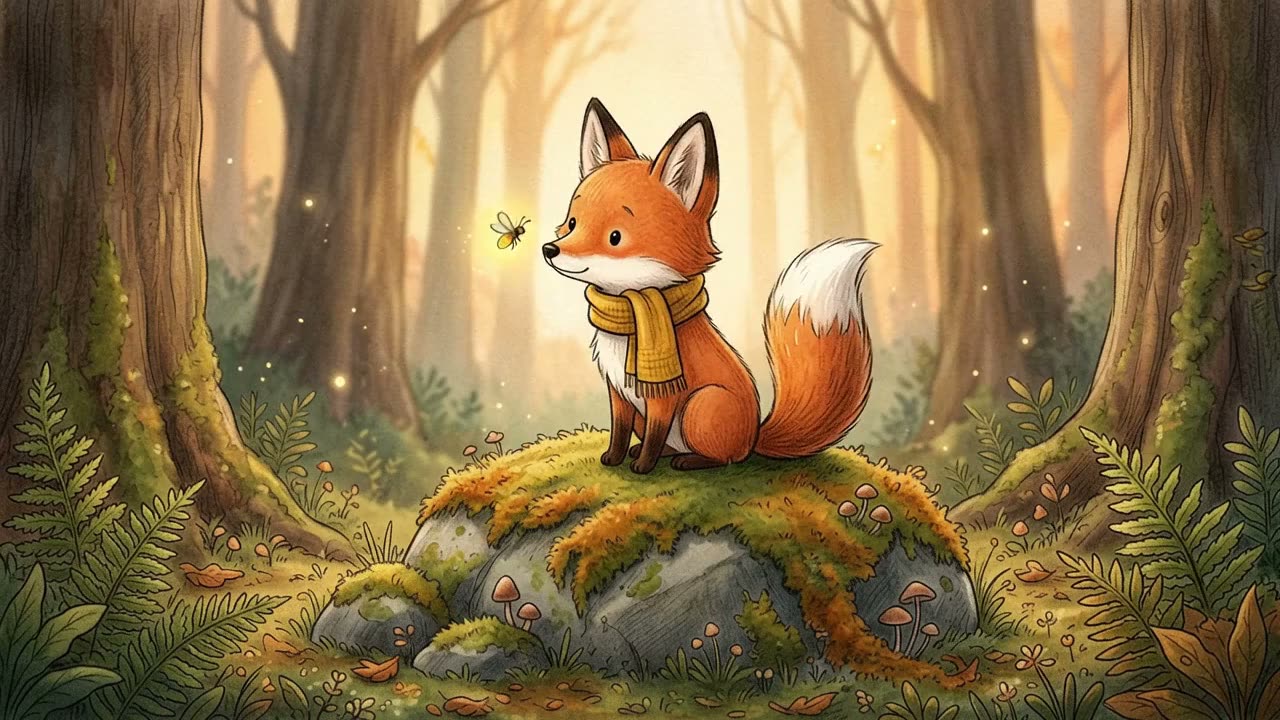
Image to video AI: animate a photo, a picture, or a sketch
Upload a still and the image to video generator sets it in motion. A product photo becomes a turntable shot, a portrait blinks and turns, a drawing starts to move. As an AI video generator from image, it covers photo to video AI for real pictures, sketch to video AI for storyboards and line art, and an AI animation generator for characters.
For natural expressions from a single portrait, pick MiniMax H3. Set a first and a last frame and the model fills in the move between them. When one character has to appear across several shots, use Seedance 2.5 as a reference to video AI instead of one start frame: it takes images, video, and audio, which keeps a face, an outfit, and a voice the same from clip to clip.
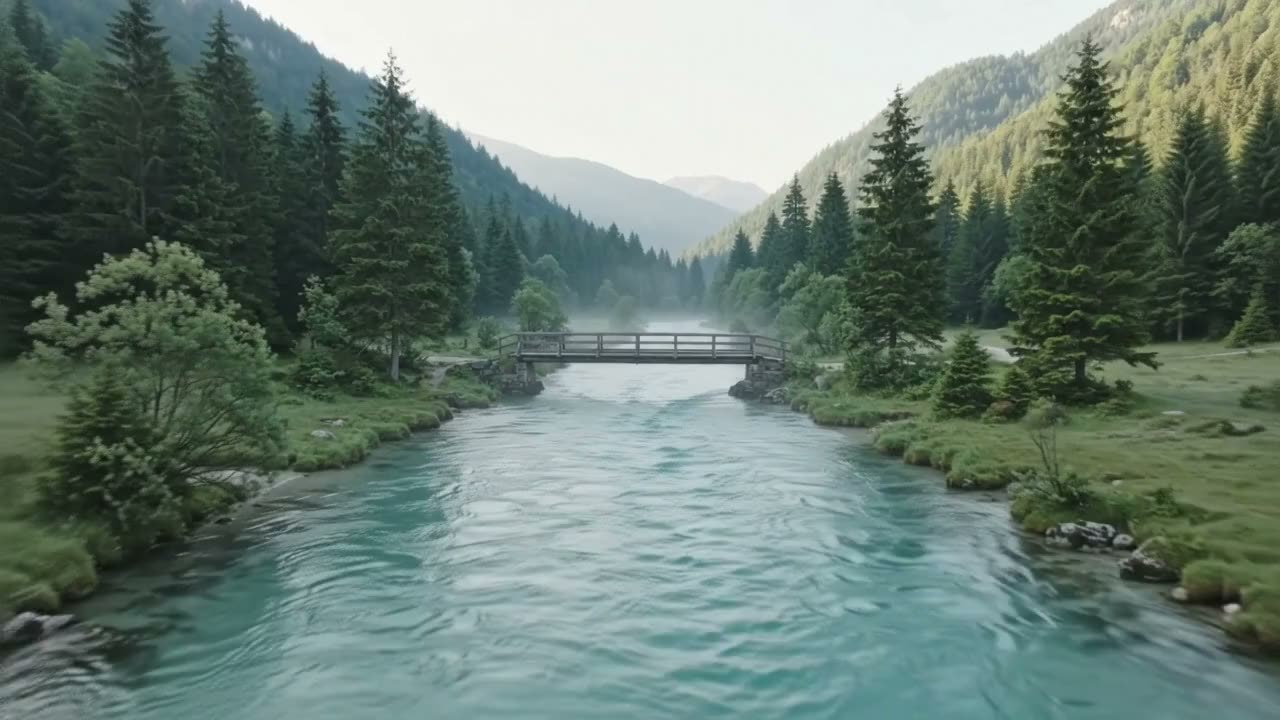
AI video extender and video to video AI
A good eight seconds is often not enough. Take the result as the starting point and extend the video with AI, round after round, while the model holds the characters, the setting, and the pacing. We build long duration scenes this way, longer than any single generation.
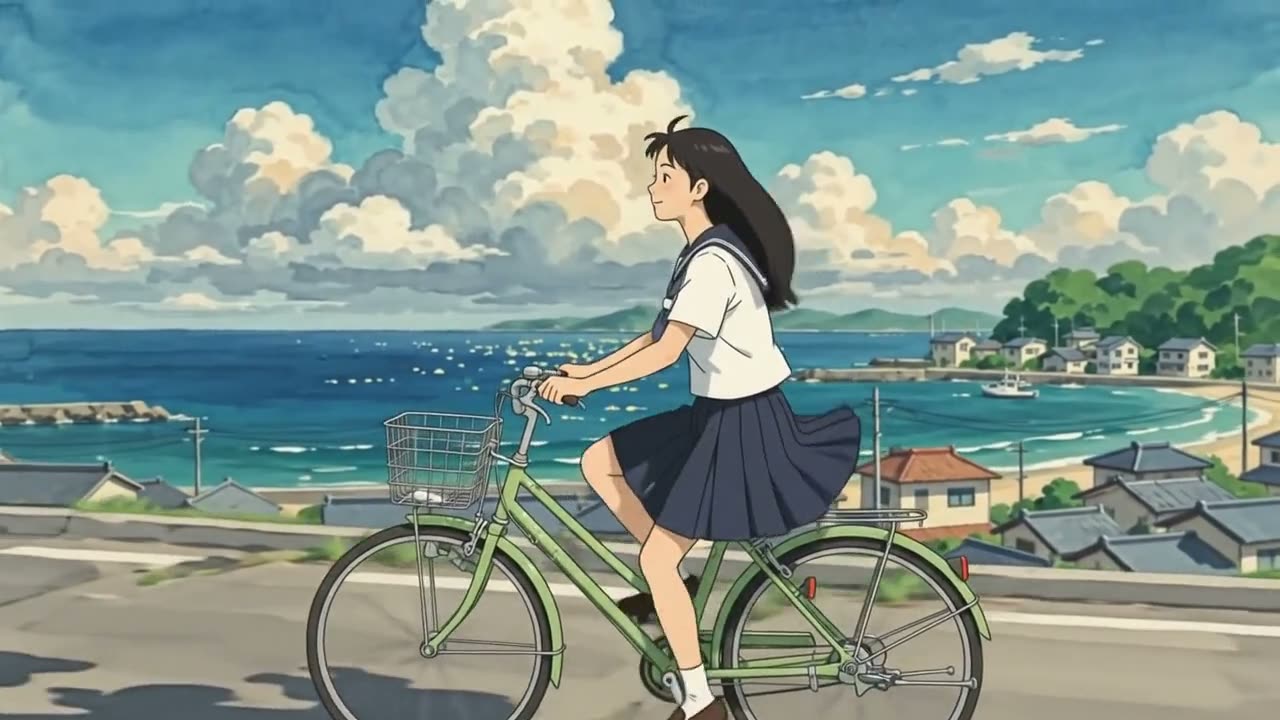
Already have footage and want it in another look? That is a different job. Video to video AI redraws a whole clip as anime, a cartoon, or 3D animation and keeps every shot and performance.
Which is the best AI video generator? It depends on the shot
No single model wins every shot, so run one prompt through two or three and compare the takes. Looking for a Sora alternative? These six cover the same jobs. Each clip was generated on VibePaper, in Paper Gen, with the model named on its card, each from its own prompt, so the clips show what each model does best rather than a side-by-side test.
Seedance 2.5
The default for story work: long takes, several shots in one generation, and sound that follows the cut. Up to 30 seconds at a time, with image, video, and audio references.
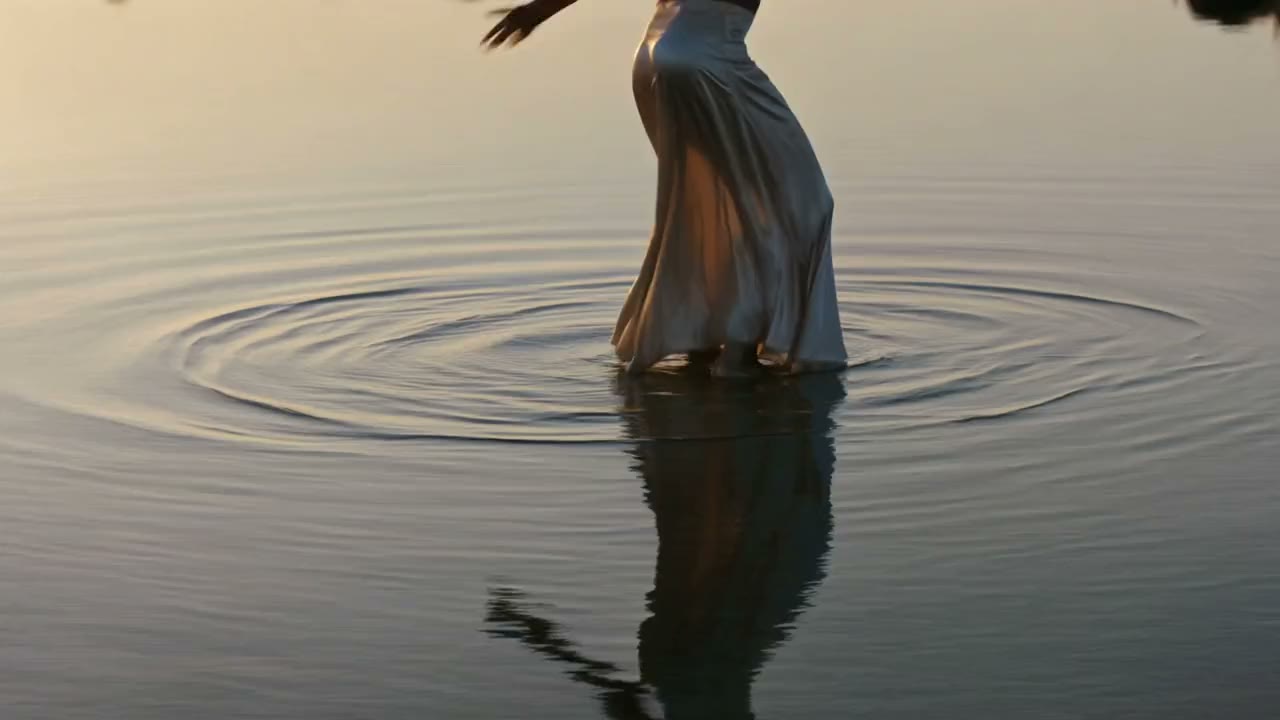
Kling 3.0
The Kling AI video generator, and the pick when physics matters: cloth, hair, water, a car leaning into a corner. One take runs from 3 to 15 seconds at up to 4K, and up to four reference images keep a character on model.

Veo 3.1
Google’s video model, for shots where someone speaks: dialogue, ambient sound, and effects come with the picture. Up to 8 seconds at 1080p, guided by up to three reference images.
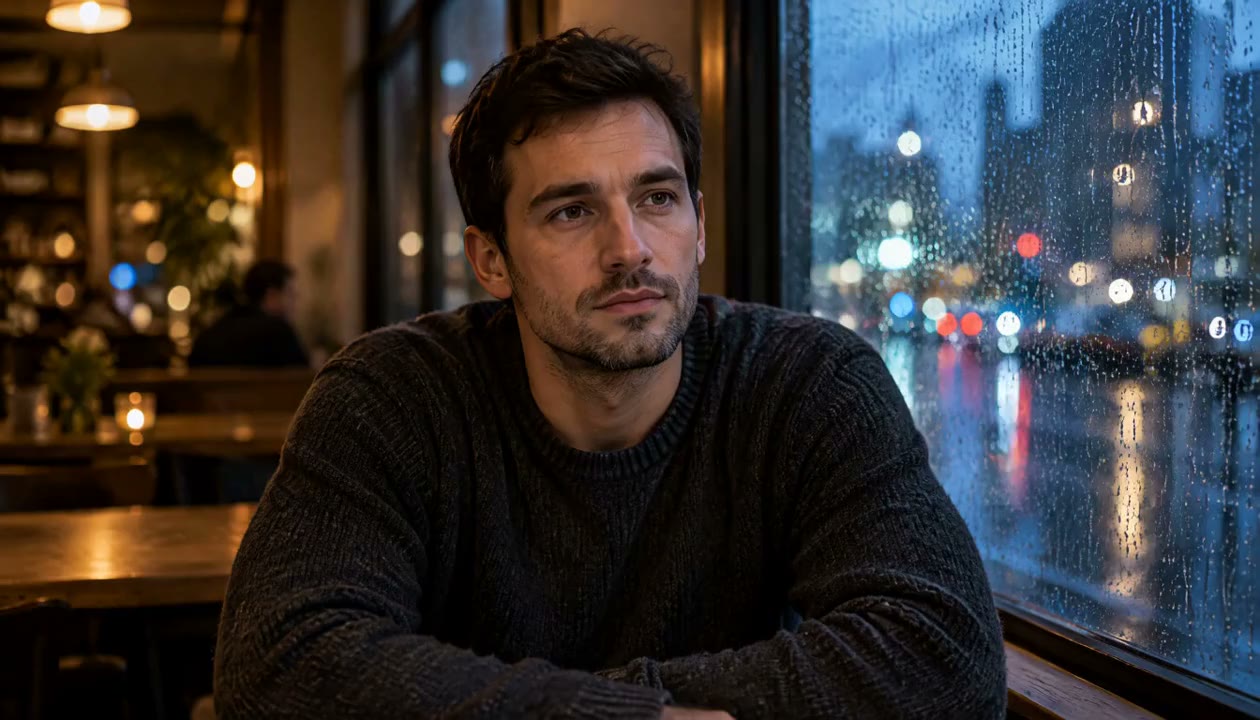
MiniMax H3
Our pick for image to video AI from a single still, with natural expressions and fluid motion. Start from a portrait or a product photo and get a cinematic sequence at up to 2K.
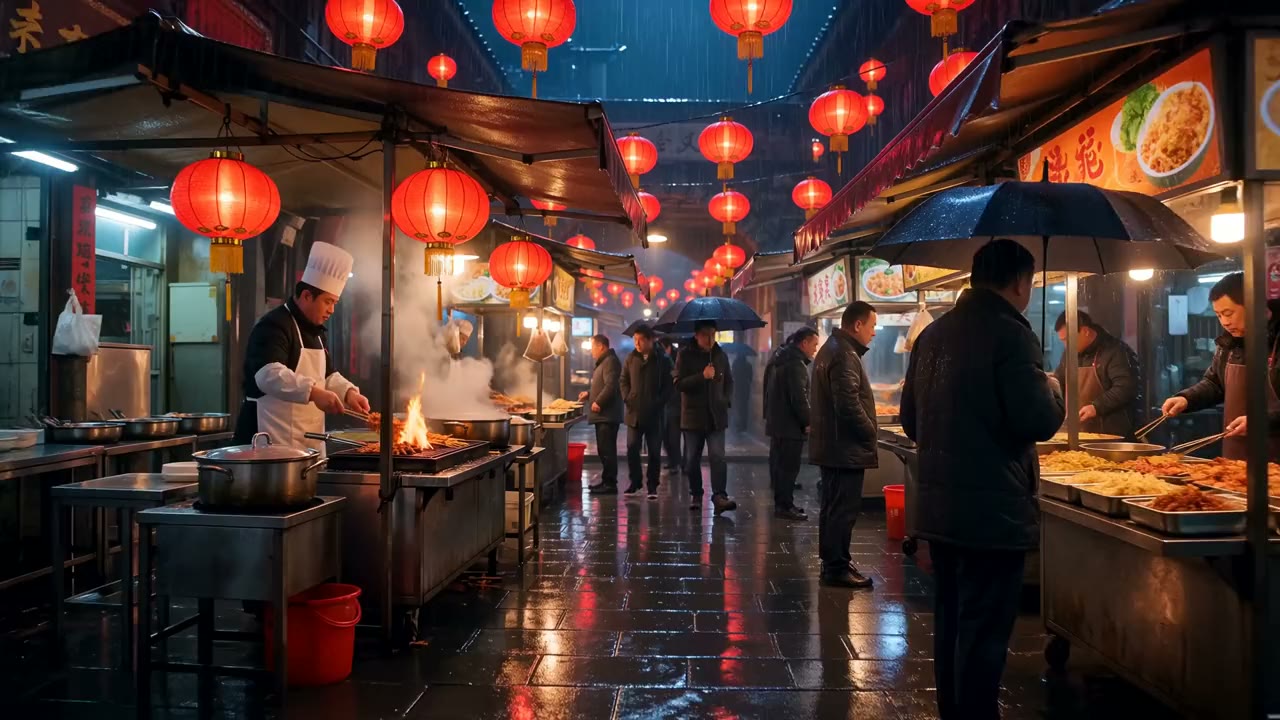
Wan 3.0
For long one-take scenes in full HD: up to 30 seconds at 1080p, with sound. Image, video, and audio references let it follow one character through the whole shot.
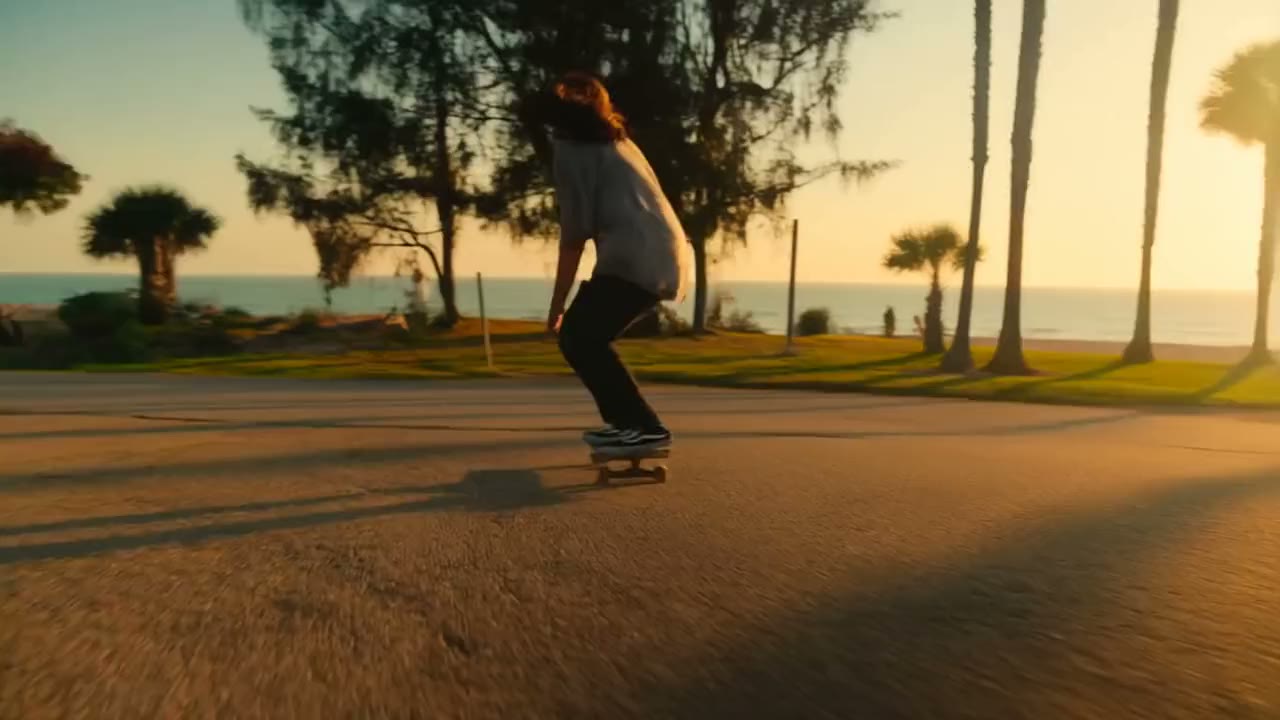
Hailuo 2.3
Hailuo AI from MiniMax, in its fast version, for punchy action: sports, dance, and stunts with strong motion. Six seconds at 1080p or ten at 768p, in landscape.
One AI video generator, every kind of shot
Cinematic scenes, anime, product ads, music videos, realistic footage, and B-roll all start from the same prompt box. Name the look and the model follows.
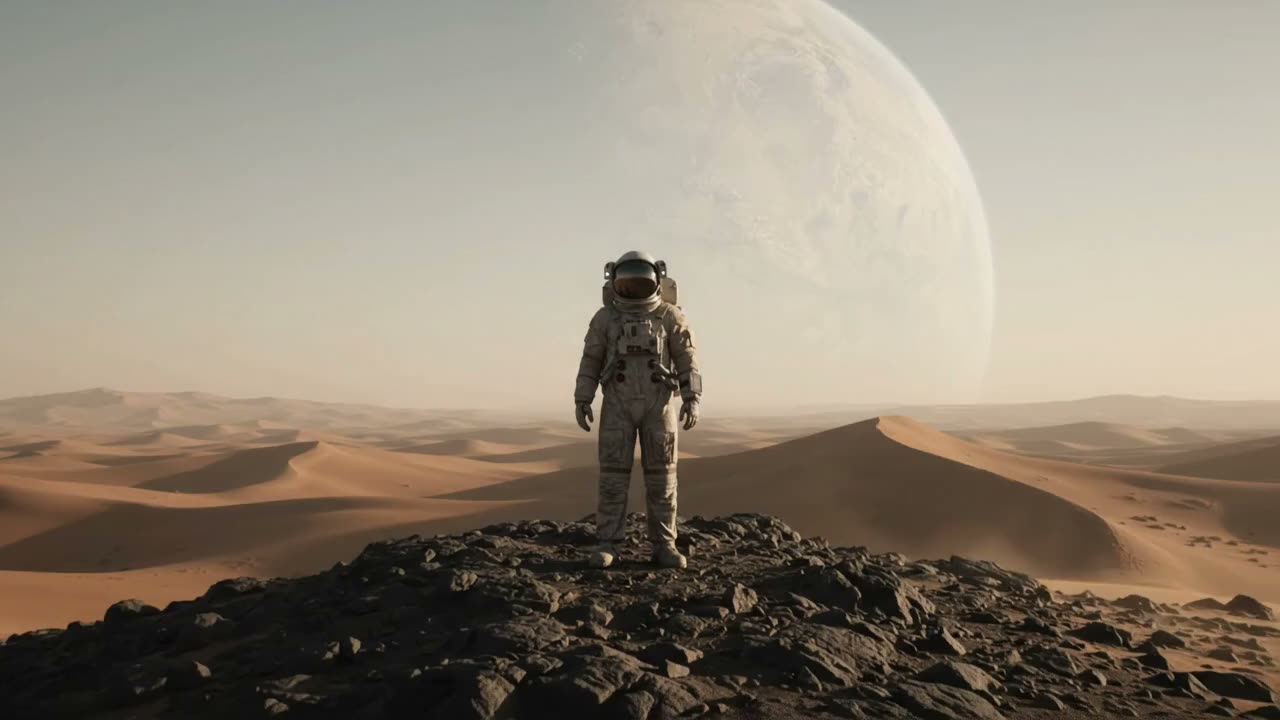
Wide shot. A lone astronaut stands on a ridge of desert dunes at dusk, a giant pale planet filling the sky behind. Slow push-in, dust drifting in a low wind, warm rim light on the visor, anamorphic film look, quiet wind on the soundtrack.
Anime style, flat color and clean linework. A young traveler in a red scarf waits on a seaside railway platform, hair and scarf lifting in the sea breeze. Static medium shot, soft afternoon light, distant waves and a train bell.
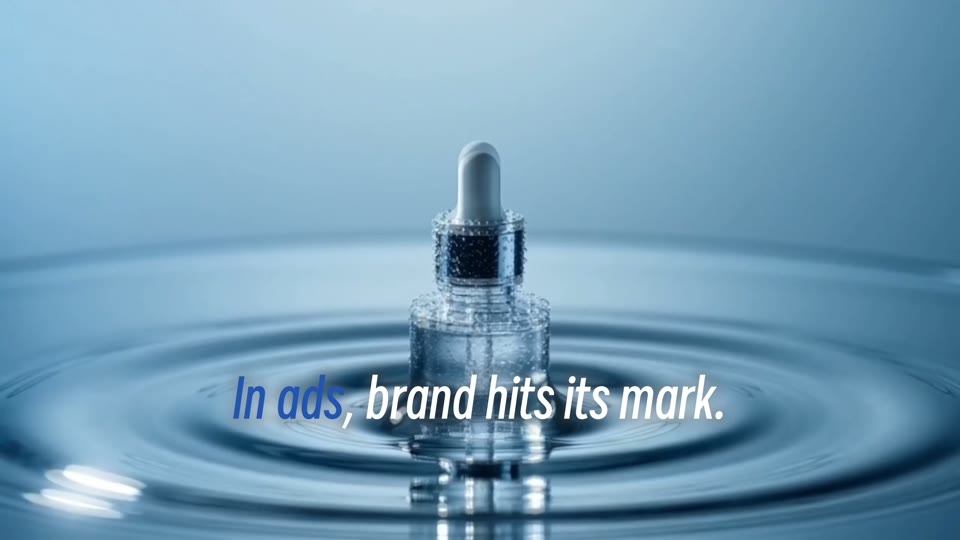
Product hero shot. An amber glass perfume bottle on a dark stone pedestal, ivory silk rippling behind it. Slow orbit around the bottle, soft key light catching the glass, premium commercial look, a subtle whoosh.
Music video. A singer with her eyes closed performs at a vintage microphone in a warmly lit recording studio. Slow dolly from profile to three-quarter, shallow depth of field, soulful vocal over soft piano.
Photorealistic. A woman in a white shirt lifts a ceramic mug in a sunlit kitchen, takes a sip, and smiles slightly. Handheld close-up, natural skin texture, morning light through the window, quiet room tone.
Macro B-roll. Espresso streams from a portafilter into a white ceramic cup, golden crema building. Locked-off close-up in slow motion, warm side light, steam rising, the hiss of the machine.
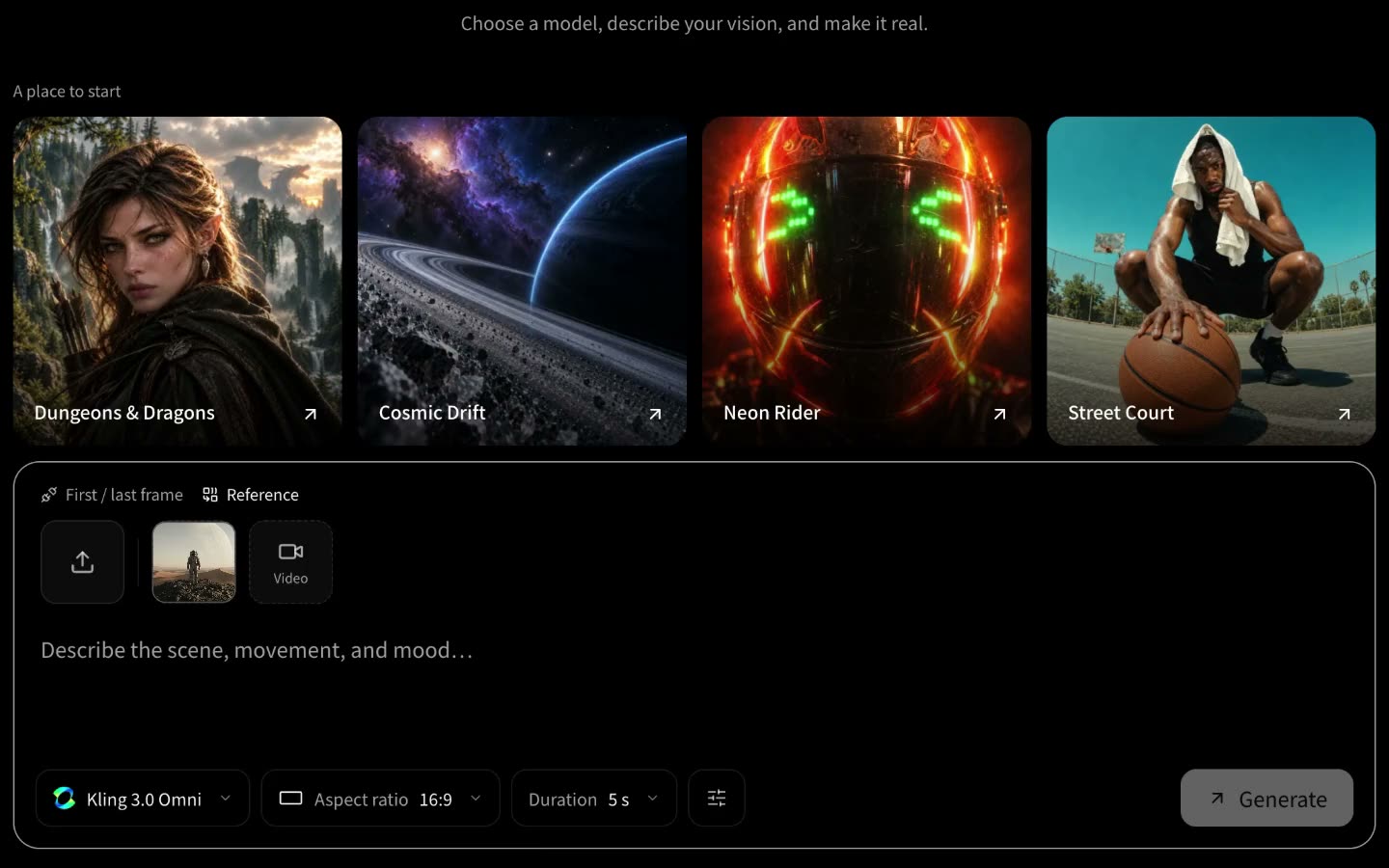
How to make an AI video in three steps
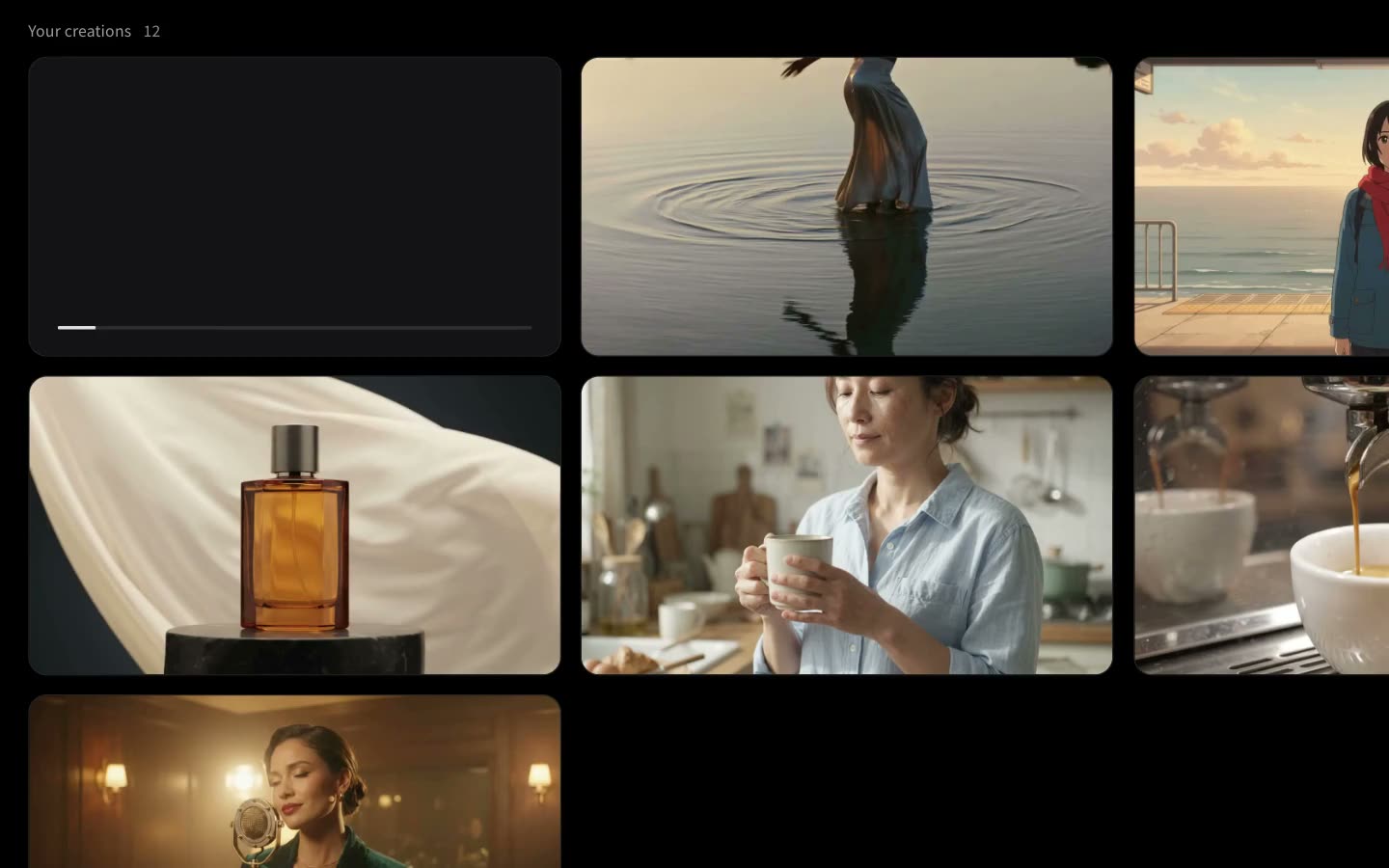
Making artificial intelligence videos takes a browser and a prompt. It all runs online, free to start and with sound. Each step is a screen recording of Paper Gen on VibePaper.
Explore more VibePaper tools
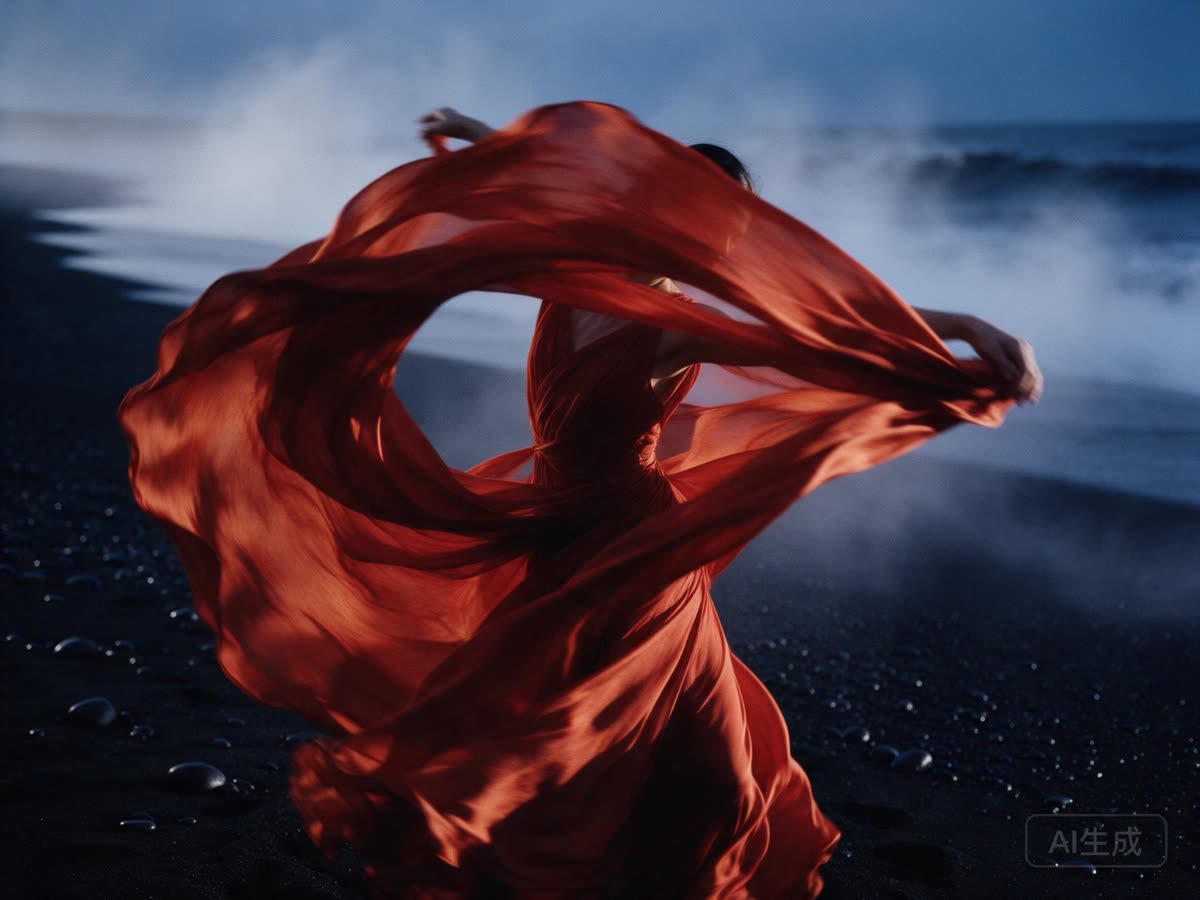
Every tool puts its result on the same canvas, so a still can become a video and a video can take on a new style.
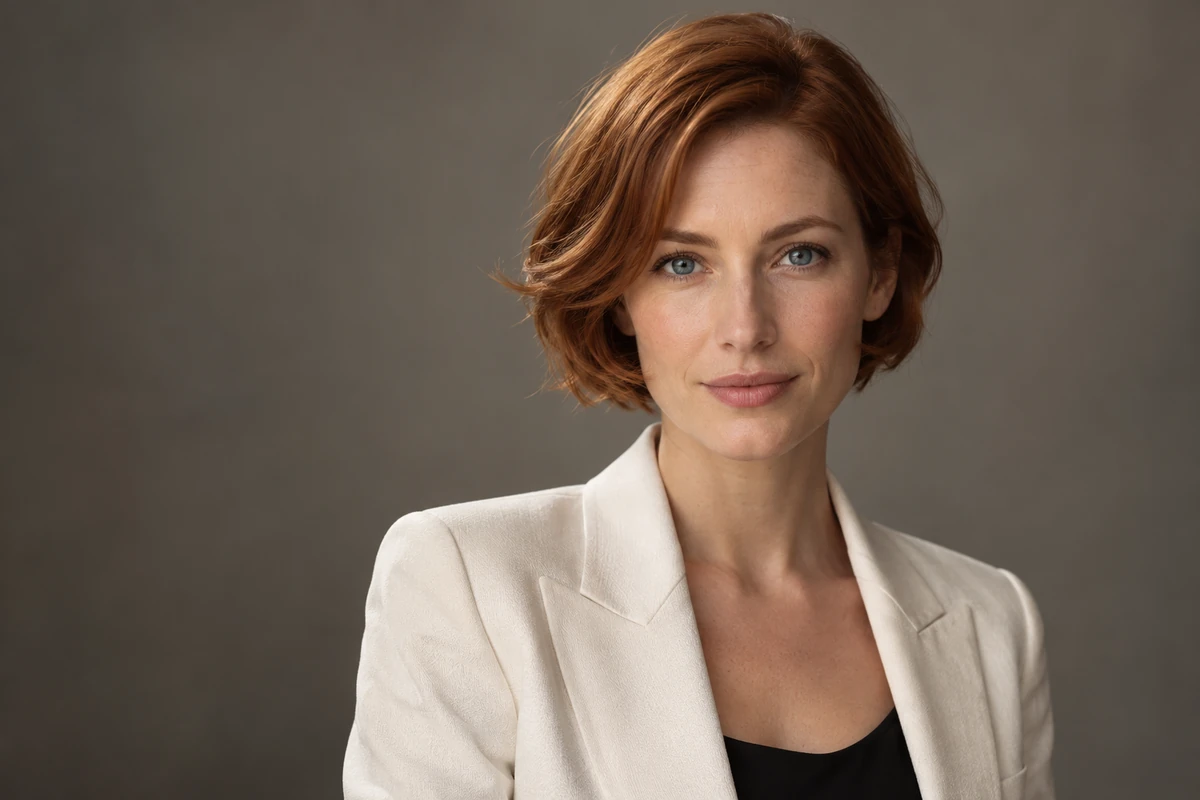
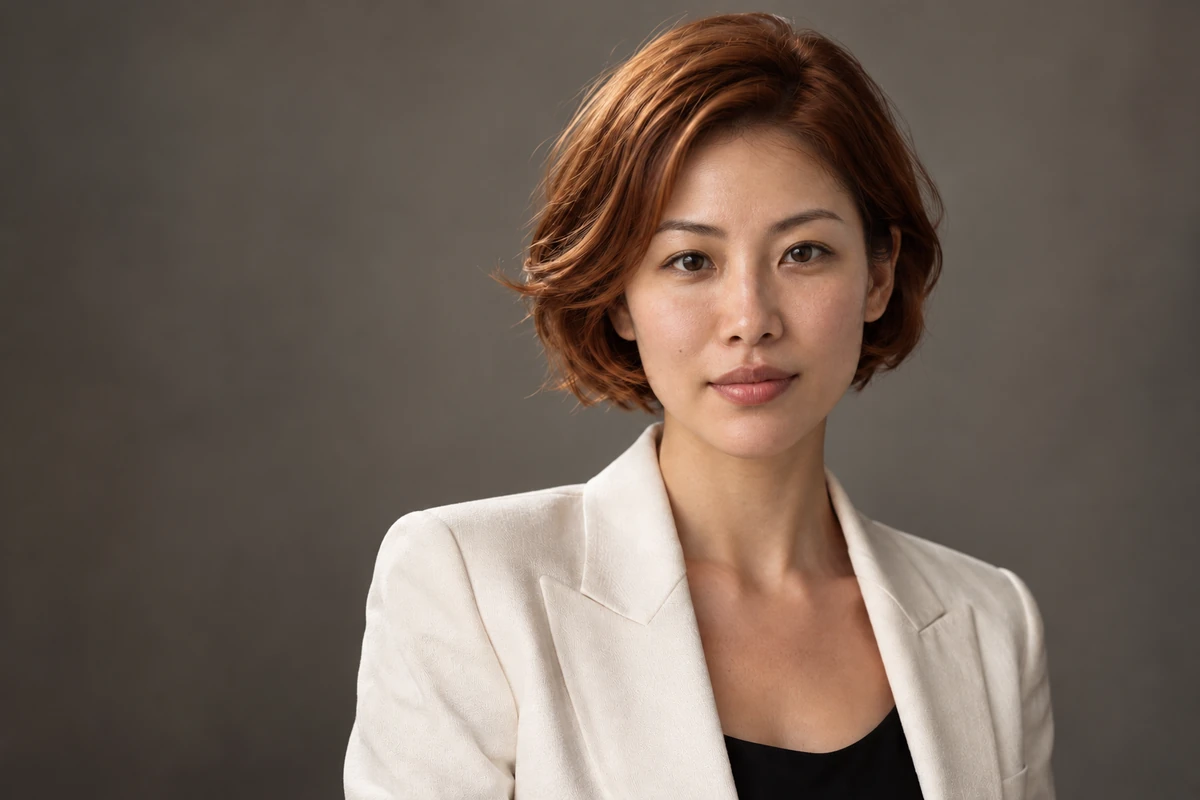
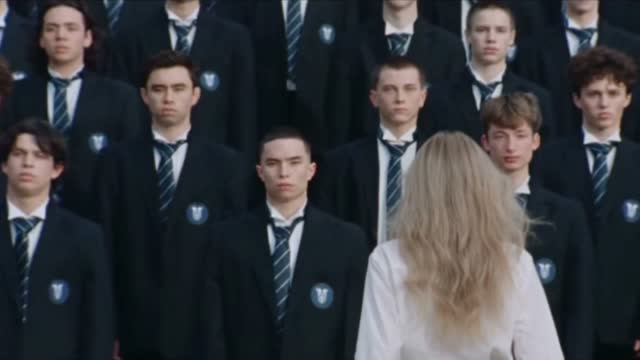
Guides and Model Briefs from Our Blog
Practical guides and plain-language briefs on the models you can use here: what each one is good at, how to prompt it, and how to get a better result on the canvas.
Frequently asked questions about the AI video generator
Is the AI video generator free?
Yes, to start. Sign in and every new VibePaper account gets free credits to try text to video and image to video. After that, each video uses credits from your plan, and the cost is shown before you generate.
Does the AI video generator make sound?
Yes. Dialogue, ambient sound, sound effects, and music are generated with the picture, not added afterwards, so footsteps land where the feet do.
How long can an AI video be?
Up to 30 seconds in one generation with Seedance 2.5 or Wan 3.0, and up to 15 with Kling 3.0. For anything longer, extend the clip in rounds or build the scene shot by shot on the canvas.
Do the videos have a watermark? Can I upscale them?
Every video downloads clean with no watermark, including the ones made with your free credits. Kling 3.0 renders at up to 4K and MiniMax H3 at up to 2K. For footage you already have, we are building a dedicated AI video upscaler and a watermark remover for clips you own.
Can I use the videos commercially?
Yes, in ads, client work, social channels, and products you sell. You are responsible for the images, footage, and likenesses you upload, so only use material you have the rights to.
What happens to the images and clips I upload?
They are used to make your video and are sent to the model that generates it, encrypted in transit. Results stay on your canvas, and you can ask us to delete your data.
Read the privacy policyMake your first AI video free
Write a prompt or upload a photo, run it through more than one model, and keep the take that works. New accounts start with free credits.