AI Canvas Workflow: Why I Stopped Generating in Chat
Chat-style generation is fine until you need to go back. Following one small sneaker campaign across a canvas shows why the board wins, and where it doesn’t.
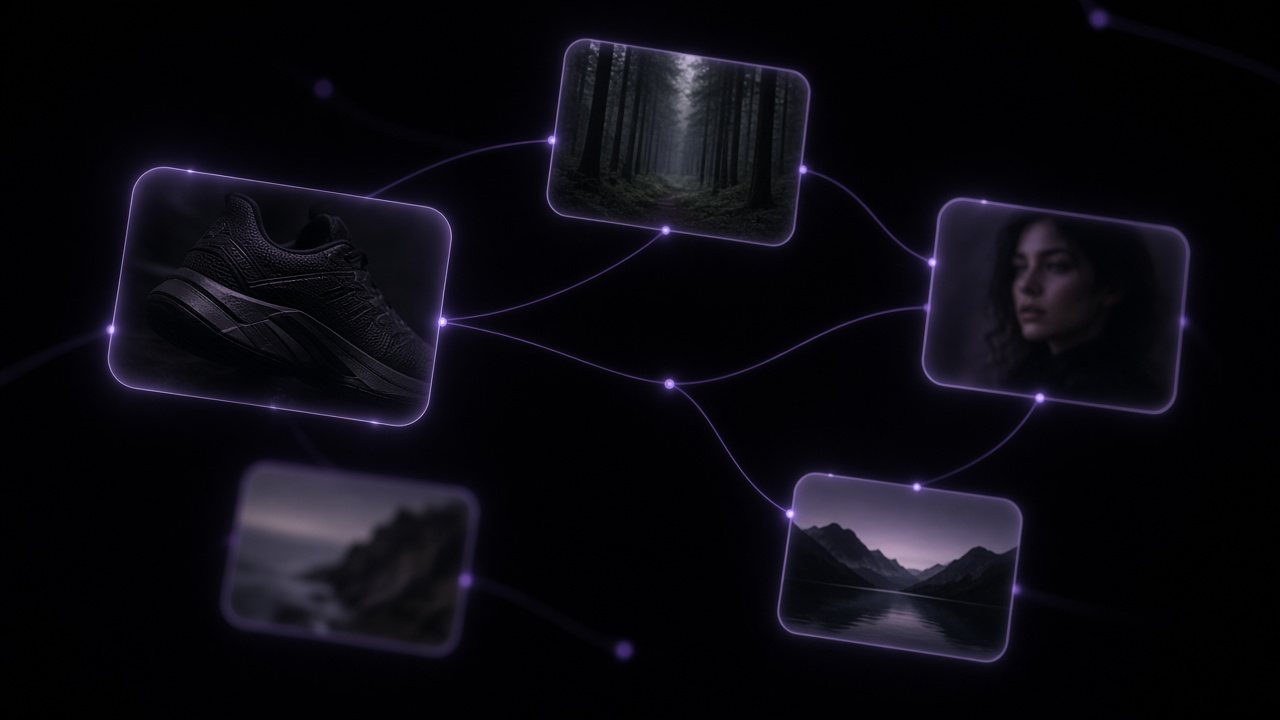
I used to work the way most AI tools nudge you to: type, generate, scroll, type again. It is fast right up to the moment you think “the version from twenty minutes ago was better”, and then it is archaeology.
A node-based AI canvas fixes that by making the history the interface. Every prompt, reference, model and result is a thing on the board, connected to what made it.
One campaign, followed across the board
Say the brief is a product page and a short vertical video for a black running shoe.
- A reference photo of the shoe goes on the board first. Everything else connects to it.
- Two image models get the same prompt, a dark studio hero shot. Both results stay visible.
- The better one branches twice: a close-up detail, and a version on wet asphalt.
- The asphalt still becomes the first frame of a 9:16 video shot.
- The client asks for “the earlier one, but on asphalt”. It is on the board. You connect it and run.
The canvas does not make you faster at the first result. It makes you faster at the fifth.
Comparing models without fooling yourself
Side by side is the only fair comparison. When results arrive one at a time in a chat, the latest always feels best. On the board, two takes from two models sit next to each other with the same input, and the difference is obvious.
When a canvas is overkill
One-off images. A quick meme. Anything you will never revisit. For those, the AI Image Generator page is faster and that is fine. The canvas earns its keep when there is a brief, revisions, and more than one person with opinions.
Read the VibePaper 2.0 overviewCanvas, Design and Work, and how a project moves between them.Questions
Can I mix image and video models on one canvas?
Yes. A still from an image model can feed a video model on the same board.