Friday, 23 October 2026, was the day iPhone Duo arrived in Apple Stores. Apple had announced it on 9 September: the first foldable iPhone, a 7.6-inch inner display, a 5.4-inch outer display, finished in star white or night sky, with pre-orders from 16 October. By Sunday, 25 October, iDownloadBlog was already publishing a mountain wallpaper pack for people who have the phone and people who only want the picture. The search is not for a foldable. It is for a lock screen.
9 SepUnveiled
Apple announces iPhone Duo. Both displays are meant to share one aspect ratio, so a picture can scale from closed to open.
16 OctPre-order
Pre-orders open at 5 a.m. PT. The wallpaper conversation is already older than the queue.
23 OctIn stores
9to5Mac posts the light and dark stills the same day: dunes against a mountain range. The moving wallpaper stays on the phone.
25 OctMountains
iDownloadBlog’s pack is other people’s photographs of ridges, chosen because they sit near the stock picture.
26 OctThis page
Four original frames. None of them is Apple’s file.
Marcus Mendes, writing on 9to5Mac the morning the phone shipped, describes the stills as a landscape of sand dunes against a mountain range. The light pair has a clear blue sky. The dark pair is a starry night. He is careful about one limit: the dynamic wallpaper is exclusive to iPhone Duo, and what you can download for any other device is four stills. This article does not host those files. Apple’s picture is theirs. A dune is not.
Leave the left side quiet. On this phone, the clock moved.
The clock moved to the side
A normal iPhone lock screen still wants empty sky at the top, because that is where the time sits. iPhone Duo does not. In the 9 September announcement Apple says iOS 27 puts Lock Screen controls, the Home Screen Dock, and app navigation on the side, “to maximize vertical space for content.” The Dynamic Island is redesigned to sit vertically on the side of both displays. Open the phone and the inner display shows two Home Screen pages, with Today View — a vertical list of widgets — on the left. The empty band in the picture has to follow that. A bright dune under the old top-clock rule will sit in the wrong place.
The spec page gives the pixels. The outer display is 5.4 inches, 1398 by 2034 pixels at 460 ppi. The inner display is 7.6 inches, 1878 by 2670 pixels at 430 ppi. Divide width by height and the cover is about 0.687, the inner display about 0.703. The announcement says the two displays share an aspect ratio so content scales. The pixel counts are close, not identical. A 2:3 frame is 0.667, which is the nearest ratio GPT-Image-2.5 Sunburst lists. A 9:16 frame is 0.5625, noticeably taller, and it is the one to use on a phone that is not a Duo, where the clock is still at the top. For the open display, 16:9 gives the left third room to stay empty.
Frame
What to set
Cover, day or night
2:3 on GPT-Image-2.5 Sunburst. Subject low and to the right.
Inner display
16:9. The left third stays sky, for Today View.
Any other phone
9:16. Empty sky at the top. The side-clock rule does not apply.
Four frames, one ridge
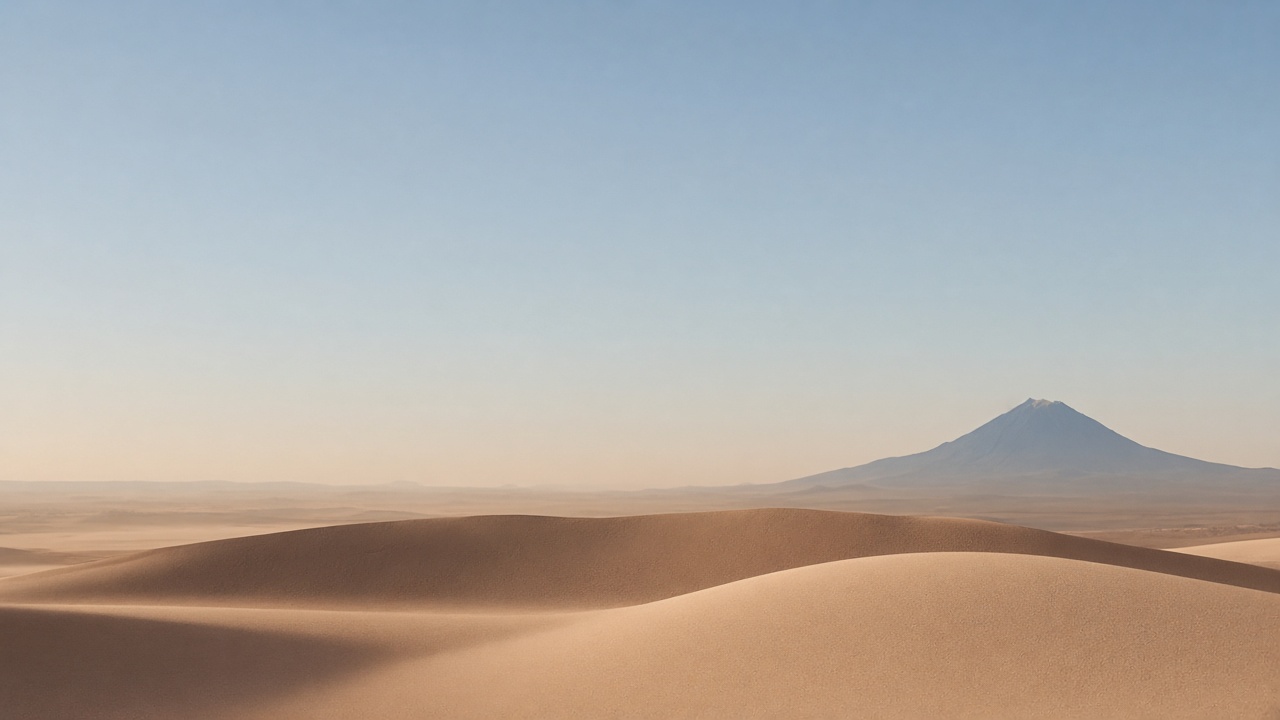
The picture at the top of this page is the wide day frame: sky on the left, one ridge, one mountain kept to the right. The four below are the set. They were generated for this article as tall portraits and wide frames. They are not the 9to5Mac files, and they are not photographs of a named place. On the phone, the shell crops them. Say where the empty space is in the prompt, or the crop will put the ridge under the clock.
Cover display
Day, on the cover
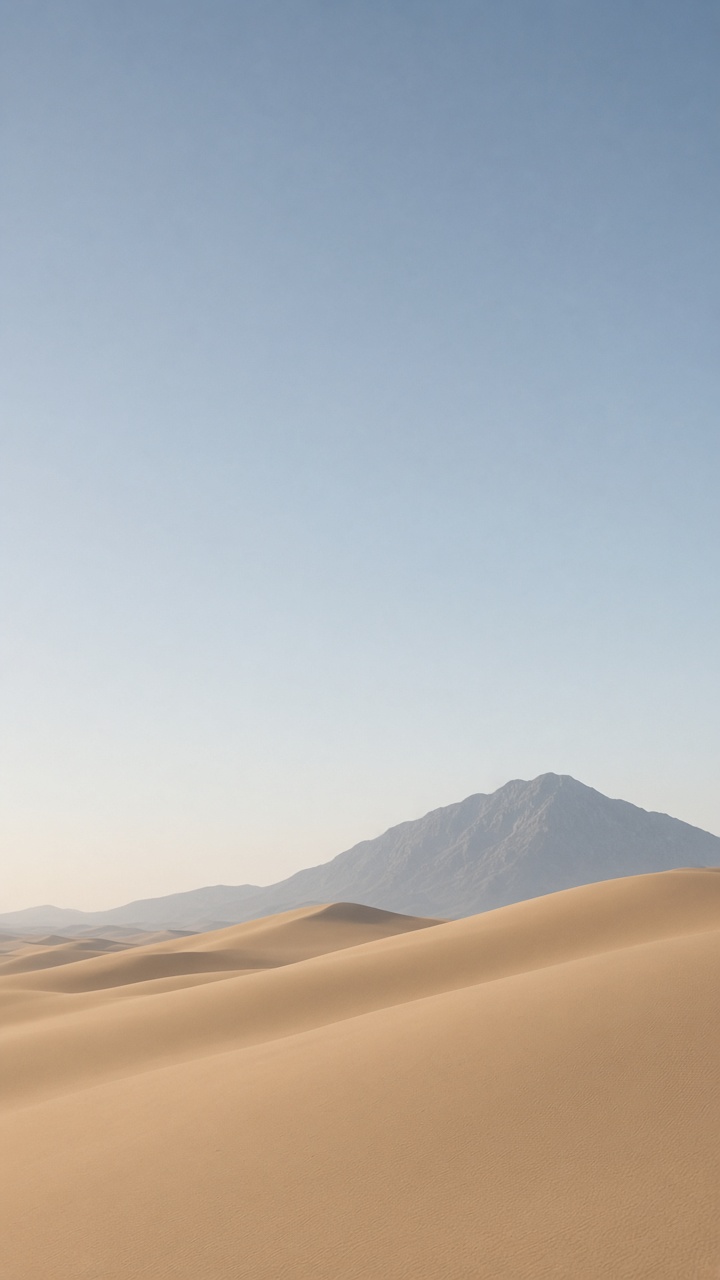
This is the star-white phone in daylight. One ridge in the lower half, the mountain toward the right, the left side and the upper half left as sky. A second mountain makes it a postcard. One is a wallpaper.
Day cover · set 2:3
A quiet desert photograph, tall frame. Smooth beige sand dunes only in the lower half, one low blue-grey mountain toward the right. The upper half and the whole left side are empty pale blue sky, late afternoon. No people, no text.
GPT-Image-2.5 Sunburst. 2:3. If the ridge climbs, the next pass should say “lower half” again, not add another adjective.
Generated for this article. The left side of the sky is where the side clock sits.
Cover display
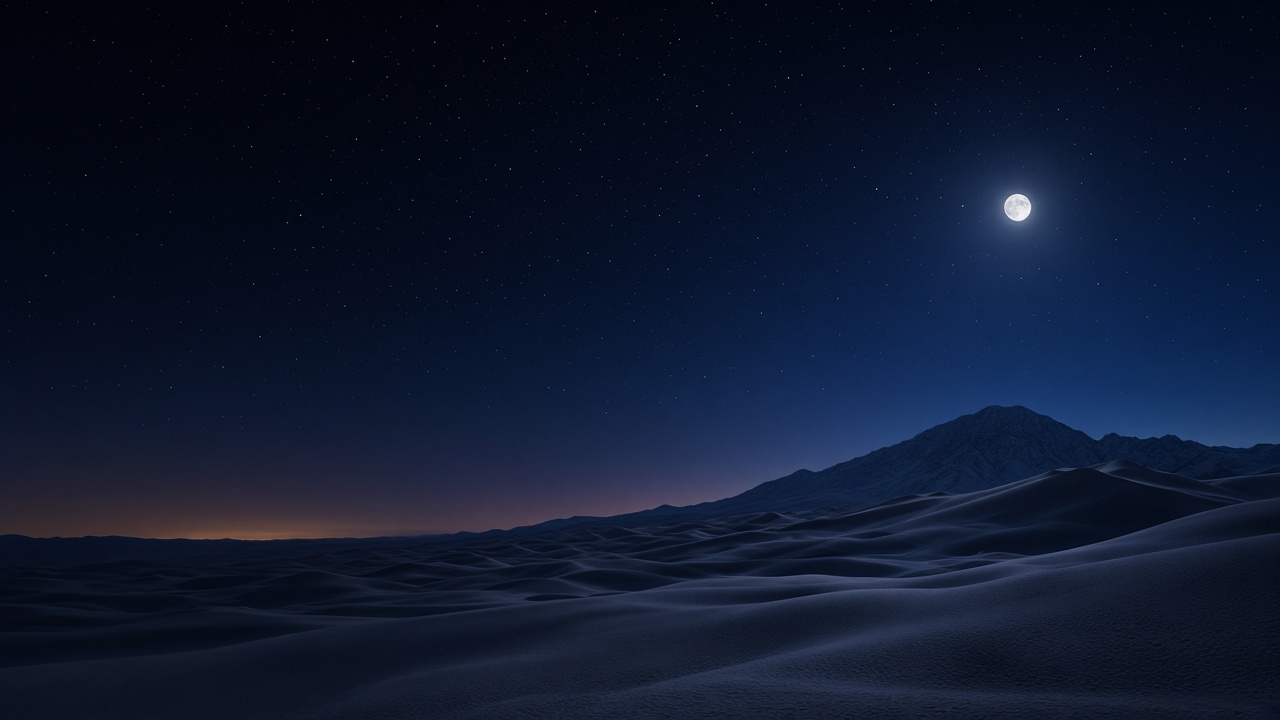
Night, on the cover
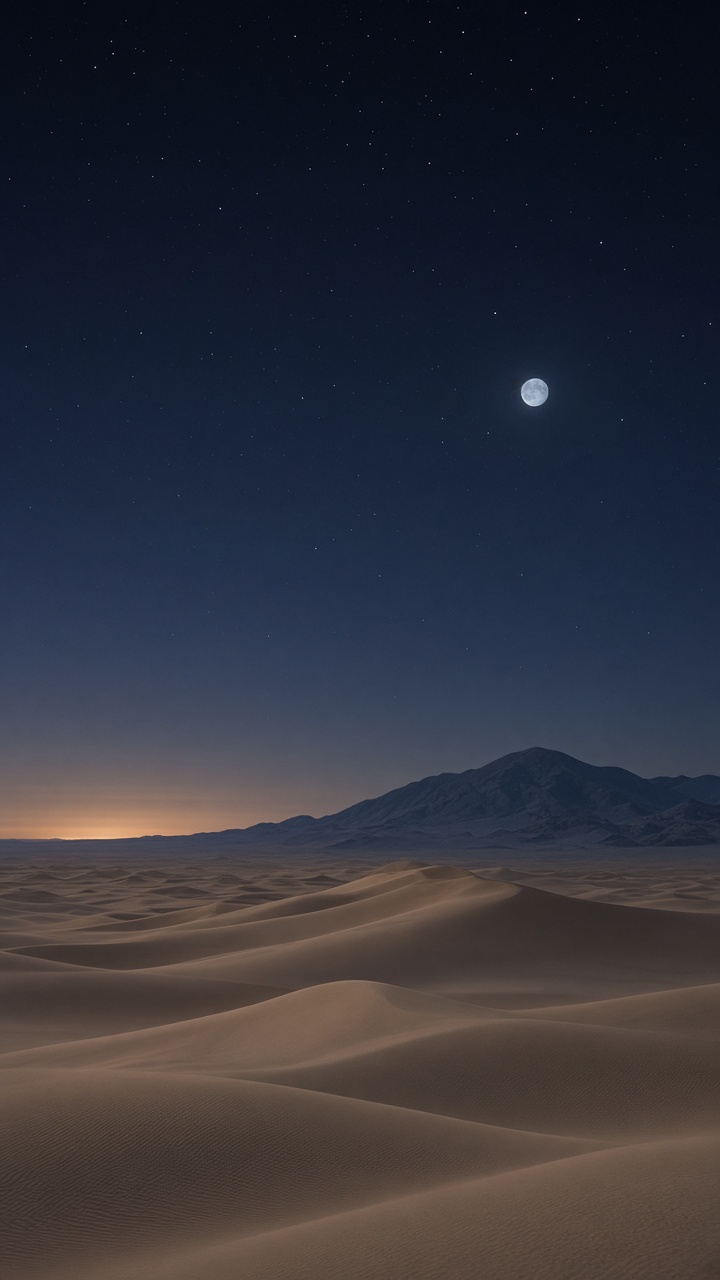
Same ridge, different light. Mendes describes Apple’s dark still as a starry night. The pair is the point: star white in the afternoon, night sky after that, without swapping the land. Change the sky. Do not change the dune.
Night cover · set 2:3
The same quiet desert at night, tall frame. Beige dunes only in the lower half, one low blue-grey mountain toward the right. Deep navy sky fills the upper half and the left side. A small pale moon high and right of center, a few stars, a faint warm glow on the horizon. No people, no text.
Run this after the day frame. If a second moon appears, you asked for atmosphere twice.
Generated for this article. The moon stays off the left edge.
Today View
Inner display
Day, opened
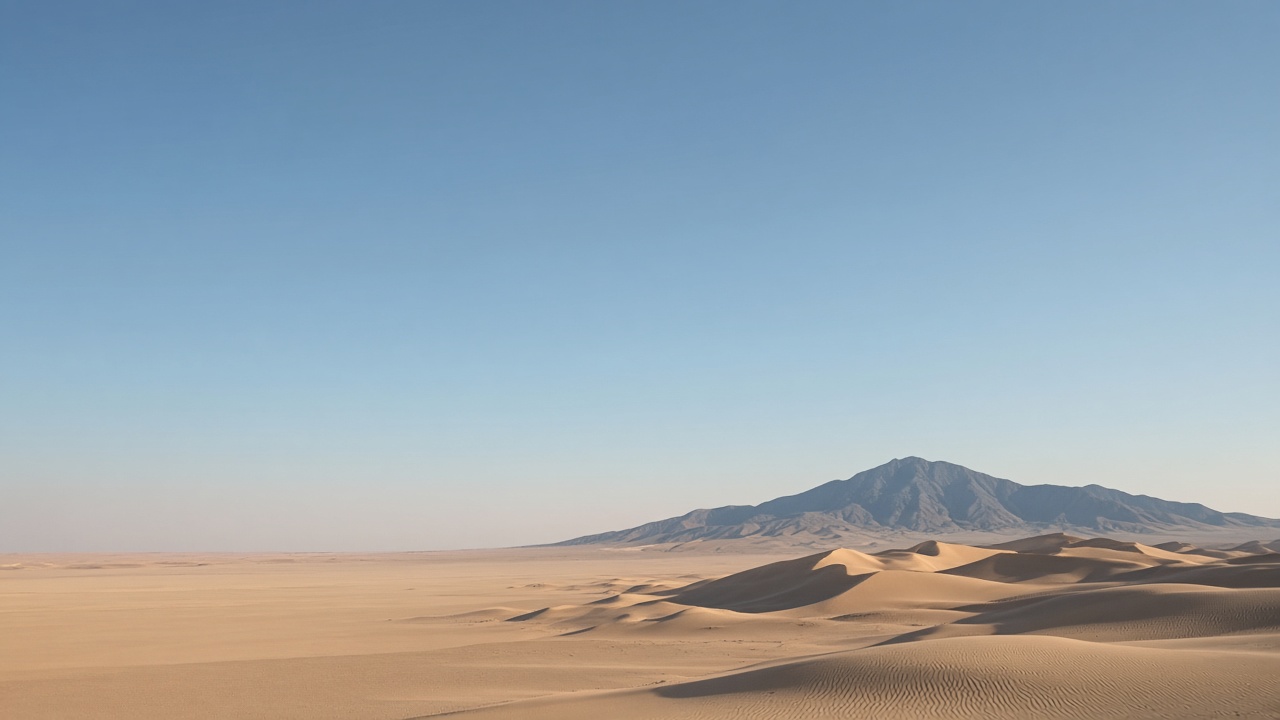
Open, the inner display is the wide one, and Today View takes the left. iDownloadBlog’s note from 25 October is the practical version of Apple’s “content scales” line: one picture, so the cover reads as a window onto the larger screen. Their writer also treats both poses as rotatable, like an iPad, and reaches for a square of at least 2670 pixels. Apple’s own line, in the same 9 September post, is that content reorients when the phone is turned to the side. A 16:9 frame with a quiet left third survives that better than a subject parked in a corner.
Open day · set 16:9
A wide desert photograph. The left third is empty pale blue sky and a low wash of sand. Sand ridges and one blue-grey mountain sit low in the right two thirds, late afternoon. No people, no text.
16:9. The left third is for widgets, not for the mountain.
Generated for this article. The left third is deliberately empty.
Today View
Inner display
Night, opened
The night version of the same wide frame. Keep the moon on the right. A moon in the left third becomes a widget with a better publicist.
Open night · set 16:9
A wide desert at night. The left third is empty navy sky. Sand ridges and one blue-grey mountain sit low on the right. A small pale moon high on the right, a few stars, a faint warm horizon. No people, no text.
16:9. Same land as the day frame, only the light changes.
Generated for this article. The moon is on the right so the widget column stays dark.
Make the pair in Paper Gen
Paper Gen is the image generator. GPT-Image-2.5 Sunburst is the model to pick for this, because its aspect-ratio list includes 2:3 and 16:9, and it follows a placement instruction (“lower half”, “left third”) closely enough to be worth the second pass. The button under each prompt opens that model with the prompt already in the box.
Open the day prompt. Confirm the model is GPT-Image-2.5 Sunburst, then set the aspect ratio to 2:3. Generate. The credit cost is on screen before you commit.
For the night cover, change only the light. If the ridge moves, you rewrote the land. Paste the night prompt instead of editing adjectives onto the day one.
Switch the aspect ratio to 16:9 and run the open-day prompt, then the open-night prompt. Download has no watermark.
On a phone that is not a Duo, ignore 2:3 and set 9:16. Put the empty sky at the top. The side clock is an iPhone Duo fact, from the iOS 27 layout Apple described, not a rule for every lock screen.
If the day frame and the night frame should share a saved film look, open the result on the canvas. An image card has a style control under the prompt. Western, in the Cinematic category, carries a dusty golden-hour look: canyon, dust, hard sun. It will pull a quiet dune toward a western. Use it only if that is the picture you want. If a town appears, take the preset off and stay with the prompt. The preset is a look, not a lock-screen layout.
Can I use Apple’s iPhone Duo wallpaper on another phone?
9to5Mac says the four stills can be saved and set on any device, and that the dynamic wallpaper stays on iPhone Duo. This page does not rehost Apple’s files. The frames here are original generations.
What resolution should an iPhone Duo wallpaper be?
Apple’s spec page lists the outer display at 1398 by 2034 pixels and the inner display at 1878 by 2670. In Paper Gen, 2:3 is the closest listed ratio on GPT-Image-2.5 Sunburst for the cover, and 16:9 is the wide frame for the inner display. The phone crops. Empty space matters more than matching the pixel count exactly.
Why not put the subject in the top third?
On iPhone Duo, Apple’s iOS 27 layout puts Lock Screen controls and the Dynamic Island on the side, and Today View on the left when the phone is open. The quiet part of the picture follows that. On any other iPhone the clock is still at the top, so use 9:16 and keep the sky up there.
An original dune
The day prompt is already in the box.
Paper Gen opens on GPT-Image-2.5 Sunburst with the prompt filled in. Set the aspect ratio to 2:3 yourself. The credit cost shows before you generate.