 VibePaper
Video to Video AI Generator
Keep every shot and performance. Change the look, the language, or the cast. Restyle Studio turns live action into a cartoon, 2D anime, 3D animation, pixel art, or a graphic novel, shot by shot, with every character kept consistent.
Key features of the video to video AI generator


Turn a video into a cartoon, anime, or 3D animation
Pick a style and Restyle Studio redraws the whole video in it. It is a video to cartoon converter, a video to anime tool, and an AI anime video generator in one: 2D cartoon or anime, 3D animation, pixel art, a graphic novel, a cinematic grade, or photorealistic live action. To convert video to animation in a look of your own, describe it in words or upload a reference image.
The performance, framing, and timing of each shot stay the same. Only the look changes, so the result still plays like your original cut. For a single photo, AI Face Swap can put your face on an anime or cartoon character instead.
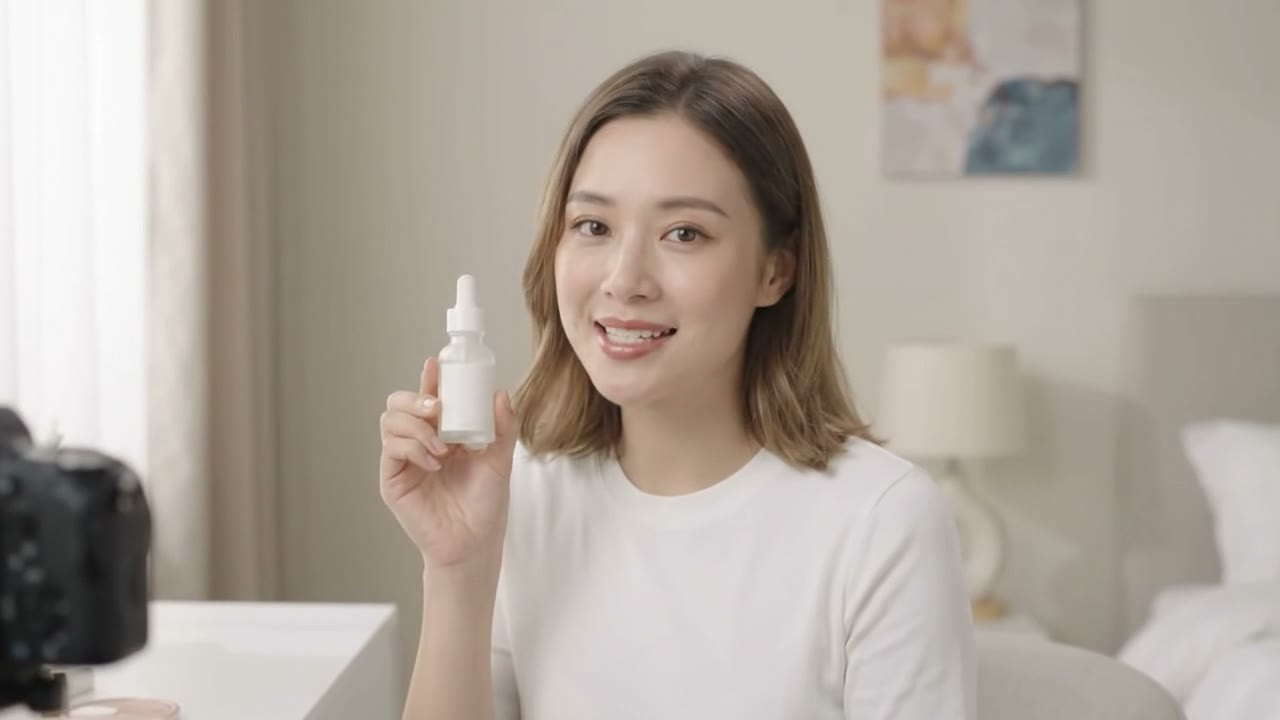
AI video translation and dubbing, with a recast for each market
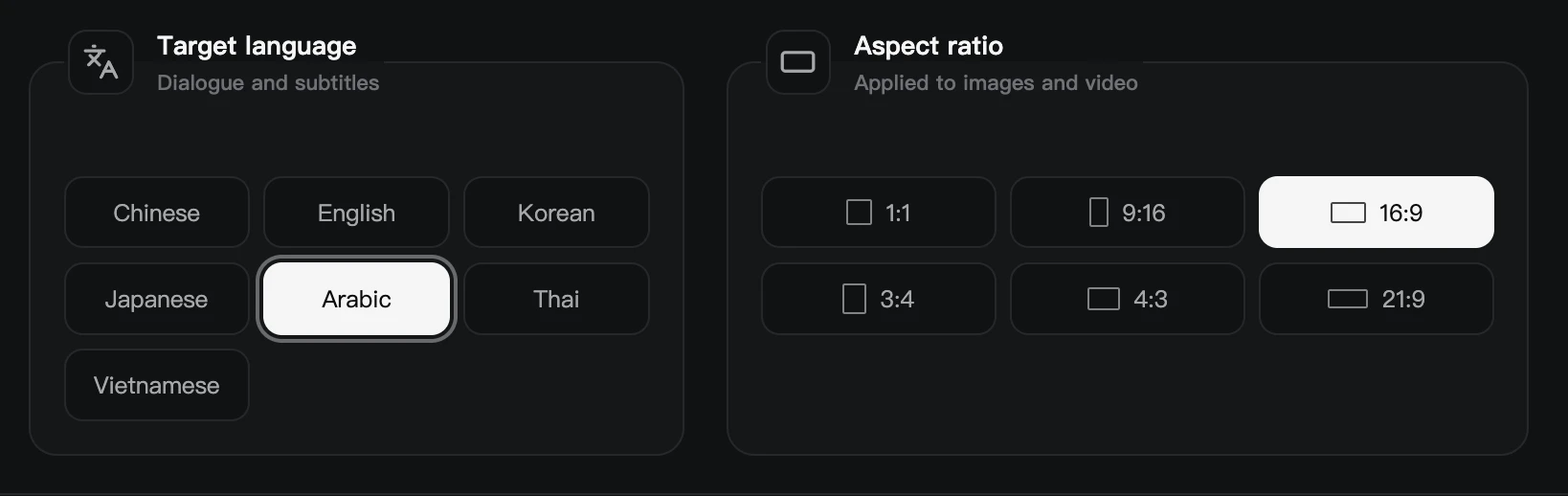
Translate a video to English, Arabic, Chinese, Korean, Japanese, Thai, or Vietnamese while it is restyled: dialogue and subtitles both change. For AI video dubbing that keeps a particular voice, upload a clear single-speaker MP3 or WAV sample.
Recast every person on screen for the market you are releasing in, as a Western drama or a contemporary Middle Eastern one. Each character keeps their role, age group, performance, and place in the story. To give a character one particular person’s face, swap it into a photo first.
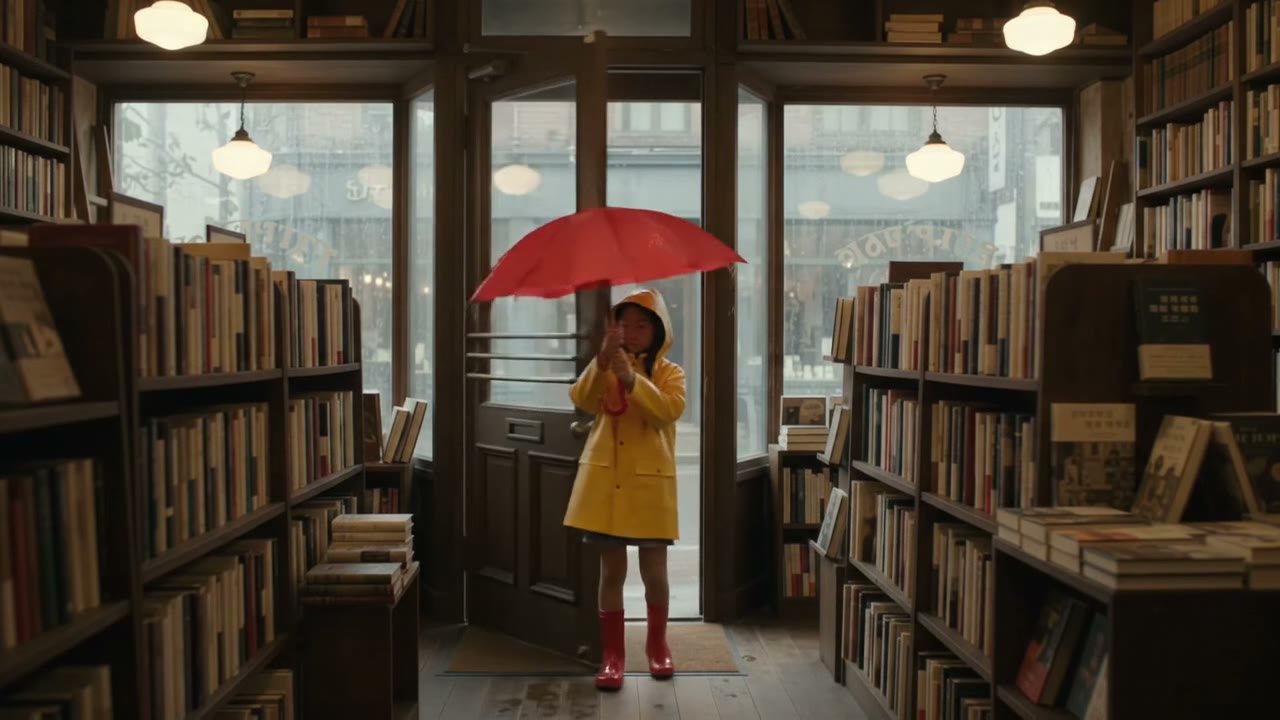
Control every shot and keep every character consistent
Restyle Studio finds the characters, locations, and objects in your video and draws each one as a three-view reference. You review them, fix any that are off, and lock them before a single shot is generated.
Then work through the storyboard: edit a shot’s description, prompt, or dubbing line, regenerate only the shots that need it, and leave out any you do not want. Compare the source and the restyled video side by side before you export.
Before you generate, choose the shot video model, the resolution, and how many versions to make per shot. The estimated cost updates with your choices.
One scene in six styles
The same sunny café shot through each Restyle Studio preset, from an AI cartoon video generator look to photorealistic live action. Pick one for the whole video, or describe your own style in words or with a reference image.
 PhotorealisticReal people and natural light. Re-render the whole video in one clean, consistent live-action look.
 2D animationFlat linework and cel shading. For anime shorts, music videos, and story channels.
 3D animationDimensional characters with an animated-film finish. For kids’ stories, mascots, and explainers.
 Pixel artBlocky pixels and crisp hard edges. For game trailers, retro edits, and loops.
 CinematicFilm lighting and natural texture. For trailers, ads, and moody short films.
 Graphic novelBold ink and dramatic framing. For comic promos, trailers, and story recaps.
How to use the video to video AI generator
One project takes you from the source video to the final export.
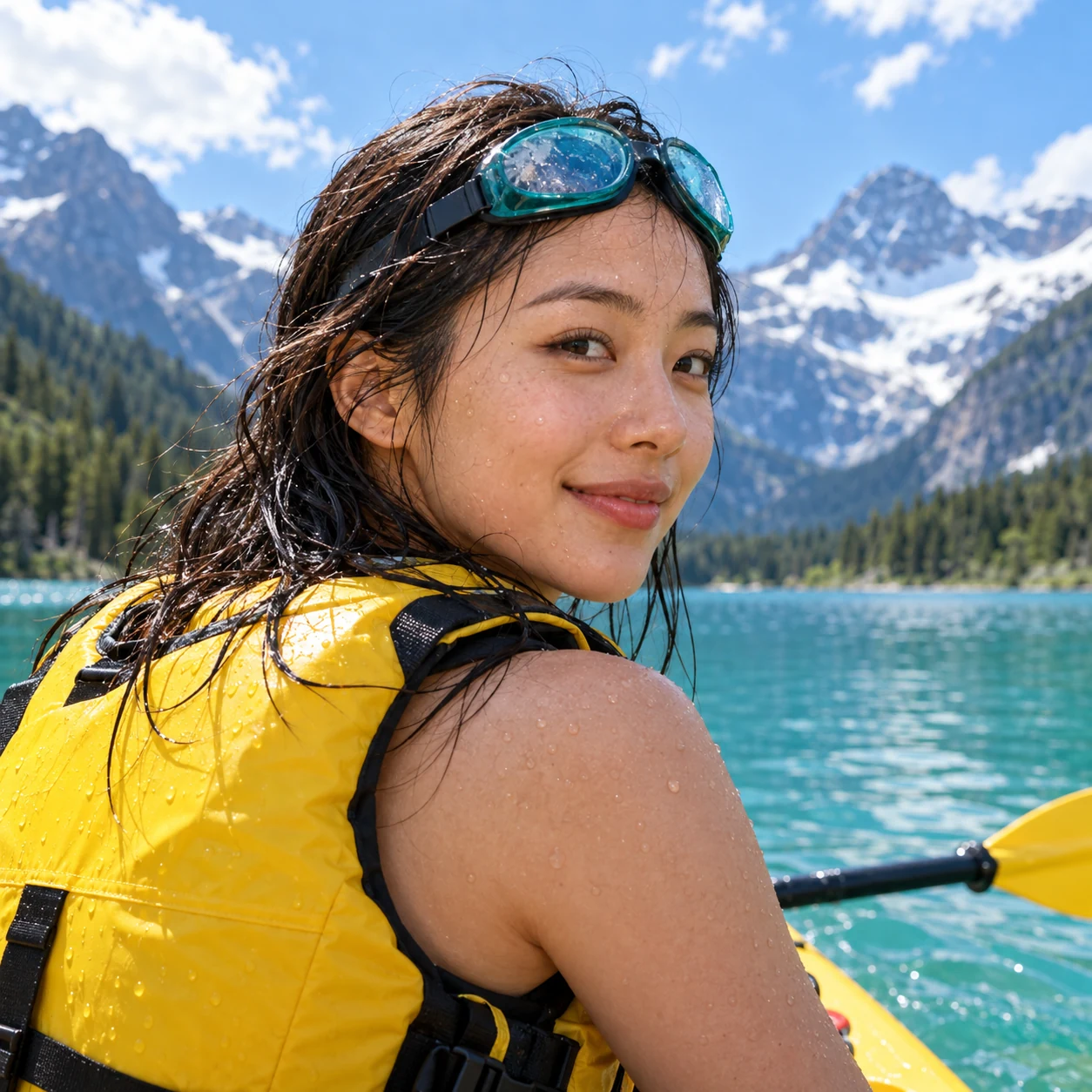
Upload your video
Sign in to Restyle Studio, name the project, and upload an MP4 or MOV between 15 seconds and 3 minutes long, up to 300 MB.
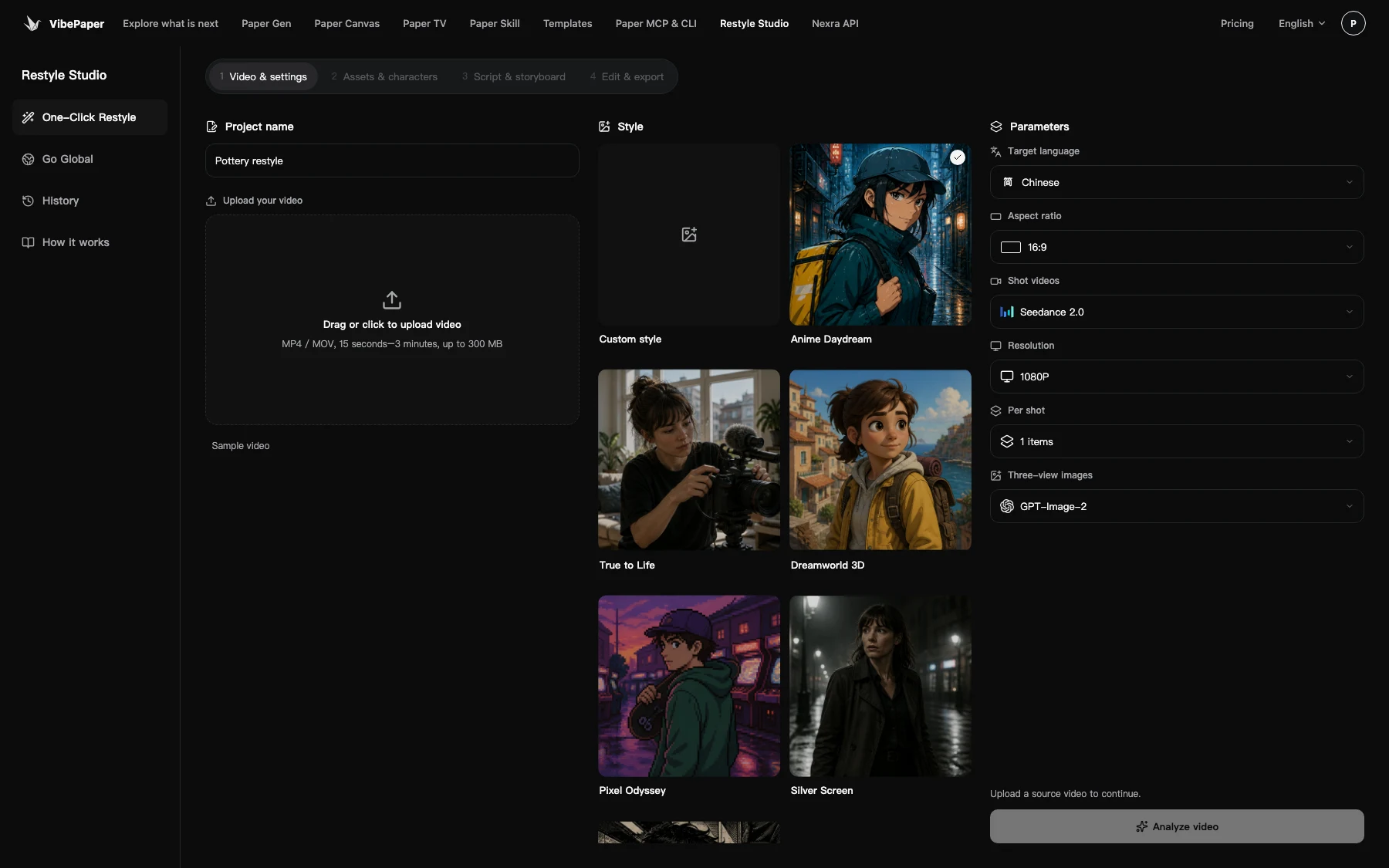
Choose the direction
Pick a style, the language for dialogue and subtitles, and an aspect ratio. The estimated points cost is shown before analysis starts.
Review and export
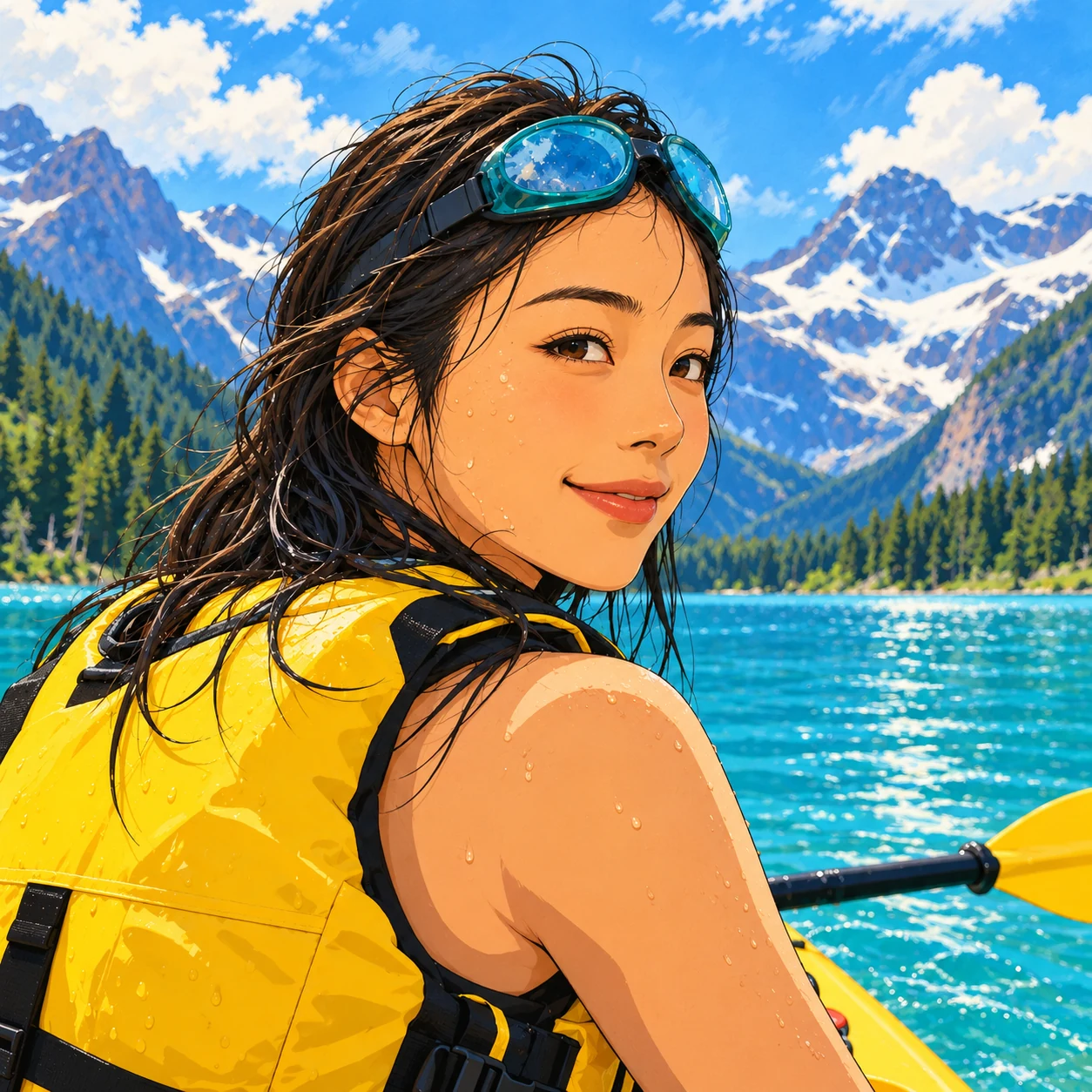
Confirm the characters and locations, check the storyboard, generate the shots, and download the finished video.
Explore more VibePaper tools
Take a restyled character or scene further with the rest of VibePaper.

Guides and Model Briefs from Our Blog
Practical guides and plain-language briefs on the models you can use here: what each one is good at, how to prompt it, and how to get a better result on the canvas.
Frequently asked questions about video to video AI
What is video to video AI?
It redraws an existing video in a new style, such as a cartoon, anime, or 3D animation, and keeps the story, shots, and performances. Unlike text to video, which invents a clip from a prompt, it starts from footage you already have. It is also called video style transfer or vid2vid.
Can it translate a video to English or Arabic?
Yes. AI video translation covers English and Arabic along with Chinese, Korean, Japanese, Thai, and Vietnamese, with dubbed dialogue and subtitles. Upload an MP3 or WAV sample to keep a particular voice. The video is regenerated in your chosen style as it is translated.
What videos can I upload?
MP4 or MOV, 15 seconds to 3 minutes, up to 300 MB. Export in 16:9, 9:16, 1:1, 4:3, 3:4, or 21:9.
Will a character look the same in every shot?
Restyle Studio draws each detected character, location, and object as a three-view reference and locks it before generation, so the same reference is used in every shot that includes it.
How much does it cost?
Sign in with a VibePaper account. Tasks use points, and the estimate is shown before analysis starts.
Can I restyle someone else’s video?
Only with permission, and not to impersonate or mislead anyone.
What happens to the videos I upload?
They are used to run your restyle project and are sent to the AI models that generate it, encrypted in transit. Each project stays in your Restyle Studio history, where you can delete it at any time.
Read the privacy policyRestyle your first video today
Upload a clip, pick a style, and review every shot before you export.