VIBEPAPER JOURNAL / AI CREATION
Wan 3.0: What the Long Take Can Do, How to Set It Up, and What We Saw Testing It
VibePaper · Updated
Wan 3.0 is Alibaba’s video model for longer single-take scenes. Its published limits go up to 30 seconds at 1080p, with an audio track in the same generation, and it accepts images, videos and audio as references. We generated a 5-second, 1080p test clip in VibePaper’s video generator: a night market in the rain that ends on a cellist under an archway. That clip does not prove the 30-second ceiling. It shows what one continuous take looks like at the length we tested, and it shows where the published numbers stop being something we have seen.
- Wan 3.0
- AI video generation
- long take video
- reference-to-video
- native audio
At a glance
| Capability | Published figure or behavior | What it means in practice |
|---|---|---|
| Clip length | 2 to 30 seconds per generation; default 5 seconds; -1 selects smart duration | Set a duration before you generate. Our only test clip is 5 seconds. |
| Resolution and frame rate | 480P, 720P or 1080P (1080P is the API default); 30 fps | Our test clip is 1080p. The web version in this article is 720p. |
| Sound | The audio parameter defaults to true, so output includes audio | The test file has an audio track. The web version we publish is muted. |
| References | Up to 10 images; 5 videos and 5 audio clips, each group at most 15 seconds in total | Reference mode takes these. Every file should answer a question the shot needs answered. |
| Frame modes | First frame and last frame take one image each | These modes do not accept audio references. |
| Output | MP4 with H.264 encoding | Use the MP4 directly in an edit or on a page. |
What Wan 3.0 changes
The headline change is length. Earlier Wan releases were built around shorter clips, and Wan 3.0 raises the ceiling to 30 seconds in one generation. The API reference describes it as a reference-based model: images, videos and audio can be passed in together, and the output can carry sound.
For a creator, that changes what a first attempt can be. A scene that used to need several short generations and a rough join can, in principle, be tried as one take. Whether a given scene holds together for the full length is something each person has to check on their own material. The published figure is a ceiling, not a promise about every prompt.
The Wan 3.0 feature set
One long take, up to 30 seconds
The API accepts durations from 2 to 30 seconds, at 30 fps. The default is 5 seconds. Setting the duration to -1 turns on smart duration, which lets the model choose a length from the prompt. We have not run a 30-second generation, so we cannot describe how a longer take holds together. What our 5-second clip does show is covered in the test footage section below.
Sound in the same generation
The audio parameter defaults to true, which means a generated video includes an audio track. The file we tested has a stereo AAC track. We did not run a listening review, so this article does not judge the quality of the sound. The web version we publish has its audio removed, because the page plays clips muted and the file is smaller without it.
References for images, video and audio
Reference-based generation accepts up to 10 images, 5 videos and 5 audio clips. Reference videos must be 1 to 15 seconds each, and the combined length of all reference videos cannot exceed 15 seconds. Reference audio follows the same pattern. Audio is passed as a reference in reference mode and can be combined with reference images and reference videos. The first-frame and first-last-frame modes take images only.
The product card says these references let Wan 3.0 follow one character through a whole shot. The API documentation explains how inputs are passed. It does not say how well a character holds across 30 seconds, and we have not tested that claim.
What our test clip shows
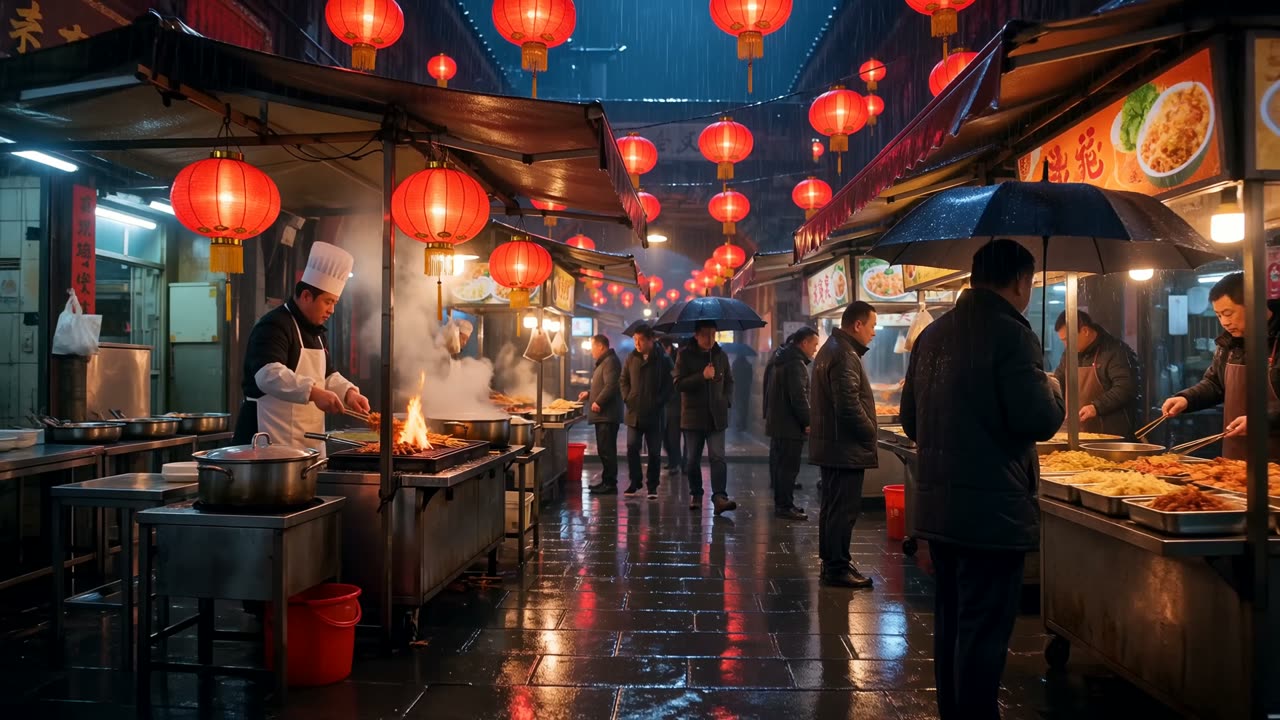
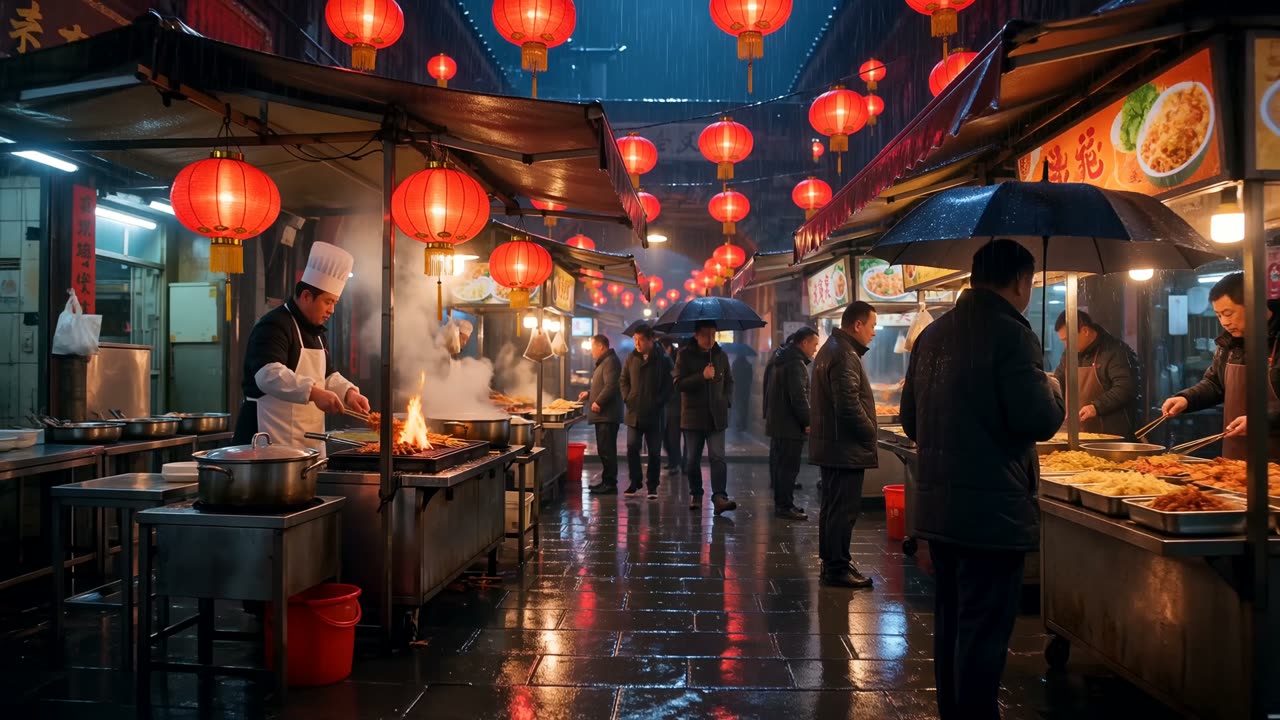
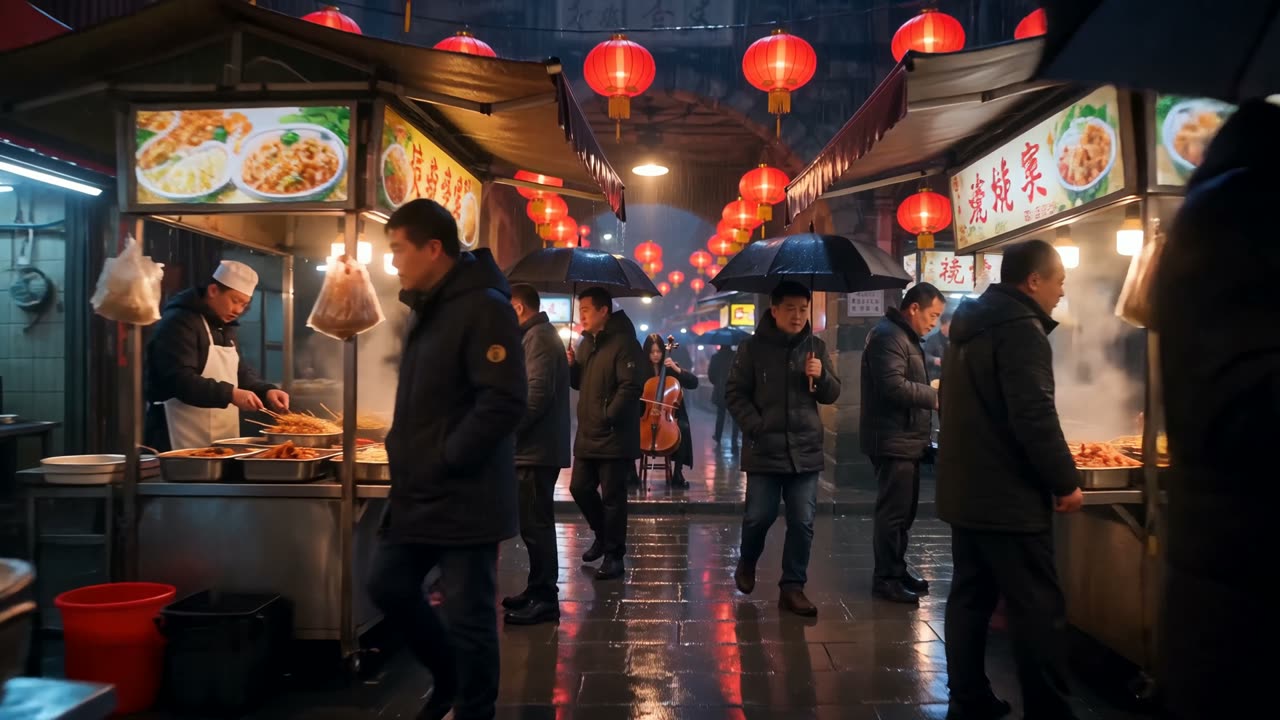
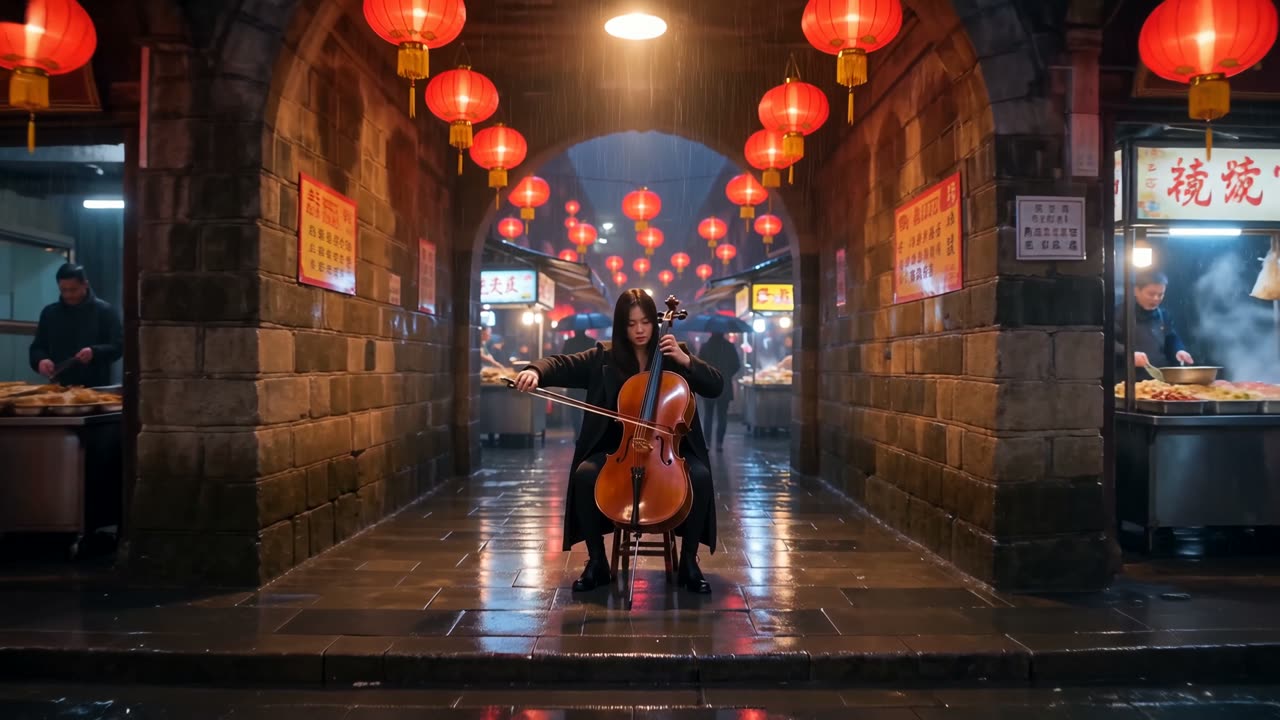
We generated the clip in VibePaper on 14 October 2026 as a 16:9, 1080p, 5-second video, from a text prompt that asked for one unbroken take through a lantern-lit night market in the rain, ending on a street musician. The first frame is a wide view of food stalls under red lanterns, with a chef working over open flames and steam rising from a pot. A mid-clip frame moves in among the crowd, with people under umbrellas and stall signs in the foreground. The last frame sits in a stone archway, with a cellist seated at the centre and lanterns overhead.
Real footage from our test
The clips below are from the same generation. The web version is 720p and muted, re-encoded from the original 1080p file. The stills are frames taken from the same clip, at the same size as the video.
How to make a Wan 3.0 clip in VibePaper
- 01Open Video modeOn the video generator page, switch the tabs at the top from Image to Video. The page offers Image, Video and Text.
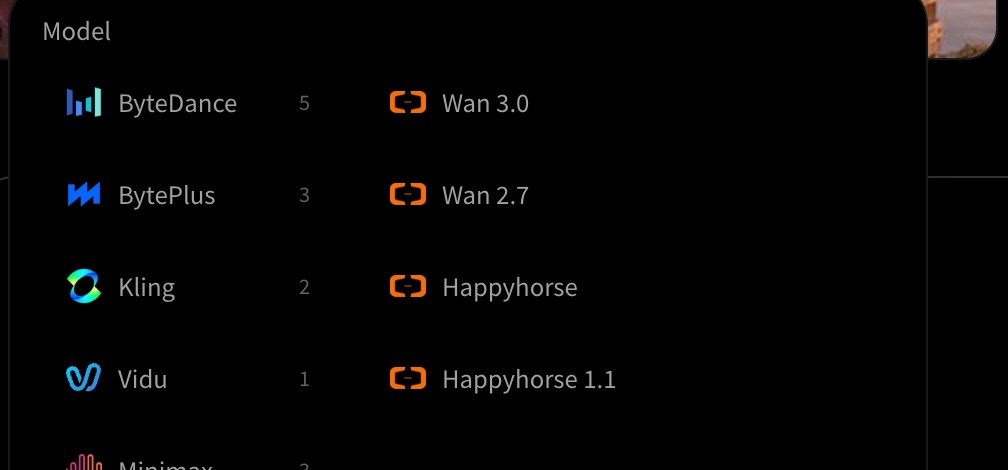
- 02Choose Wan 3.0 in the model pickerPick the model before you touch the other settings, so the ratio, resolution and duration you set apply to the model you will use.
- 03Choose the input modeThe input mode switch offers First / last frame and Reference. Use First / last frame when the opening image is already approved. Use Reference to attach images, a video or an audio clip as guidance.
- 04Write the prompt as one shotDescribe one unbroken shot in order: the place, one action, one camera move, the light and the sound you want. Our test prompt was one take with a single camera path, which is easier to judge than several changes at once.
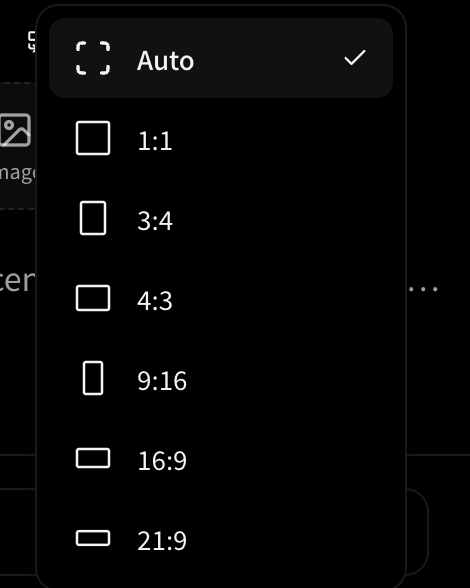
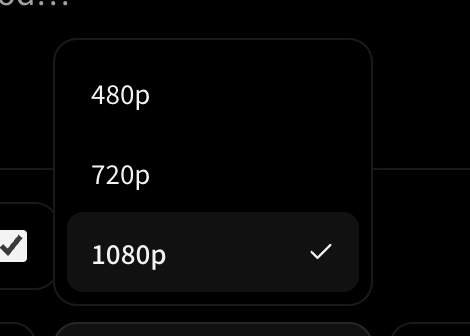
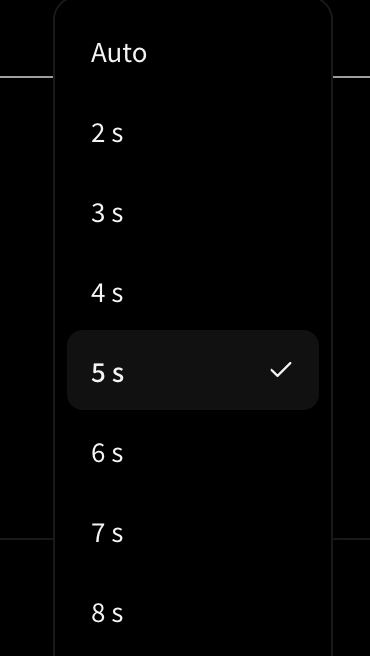
- 05Check the settings, then generateSet the ratio, resolution and duration on the settings row before you submit. Review the result against the prompt, and if one moment is wrong, change one thing and generate again rather than rewriting everything.
Where each control lives
The settings row sits under the prompt box, beside the Generate button. The captures below follow it from left to right: the model, the aspect ratio, the resolution and the duration. They are taken from the English Paper Gen interface.

Limits and open questions
A feature list tells you what a model is meant to do. The limits decide whether it fits your work, so here is what we could and could not confirm.
- We have not generated a 30-second clip. The published ceiling is 30 seconds, but our only test result is 5 seconds, so we cannot say what a longer take looks like.
- Reference length is capped in total. Reference video and reference audio each have a 15-second combined limit per request, so a long reference set has to be trimmed first.
- Some modes take less. First-frame and first-last-frame modes take images only, and they do not accept audio.
- The Generate button did not show a price for Wan 3.0 in our check, and the API reference we read does not list one, so this article does not quote a price. Check the price in the product before you submit.
- The sound quality and the lip or voice behavior of Wan 3.0 are not judged here. We ran one test, and we did not listen to it in a controlled review.
A prompt checklist for your first attempt
One unbroken shot, no cuts. The camera moves at walking height through a narrow night market in the rain, past a grill with open flames and rising steam, and stops in a stone archway where a cellist plays. Warm lantern light against blue rain, wet paving that reflects the lanterns, photorealistic, no text.Questions we get about Wan 3.0
How long can one Wan 3.0 clip be?
Alibaba Cloud Model Studio publishes 2 to 30 seconds per generation, with a default of 5 seconds. Setting the duration to -1 uses smart duration. Our only test clip is 5 seconds.
Does Wan 3.0 generate sound?
The API audio parameter defaults to true, so the output includes an audio track. We did not run a listening review, so this article does not judge the quality. The web version we publish is muted.
What references can I attach?
In reference mode, up to 10 images, 5 videos and 5 audio clips. Reference video and reference audio each have a combined limit of 15 seconds. First-frame and first-last-frame modes take images only.
Is 1080p available?
The API supports 480P, 720P and 1080P, with 1080P as the default. Our test clip is 1080p. Check the resolution setting in VibePaper before you generate, because the options shown there are what you can actually choose.
Why does this article show a 5-second clip?
It is the only Wan 3.0 result we have. We would rather show what we generated than a longer clip we did not make. A 30-second test is the next thing to run before drawing conclusions about long takes.
References and scope
Technical concepts follow the official and primary sources listed below. Workflow suggestions and examples are editorial analysis, not guarantees of results.
- Wan3.0 Video Generation API Reference, Alibaba Cloud Model StudioSource for the 2 to 30 second duration range, 480P/720P/1080P resolutions, 30 fps, MP4 (H.264) output, reference image, video and audio limits, and the audio parameter default.